
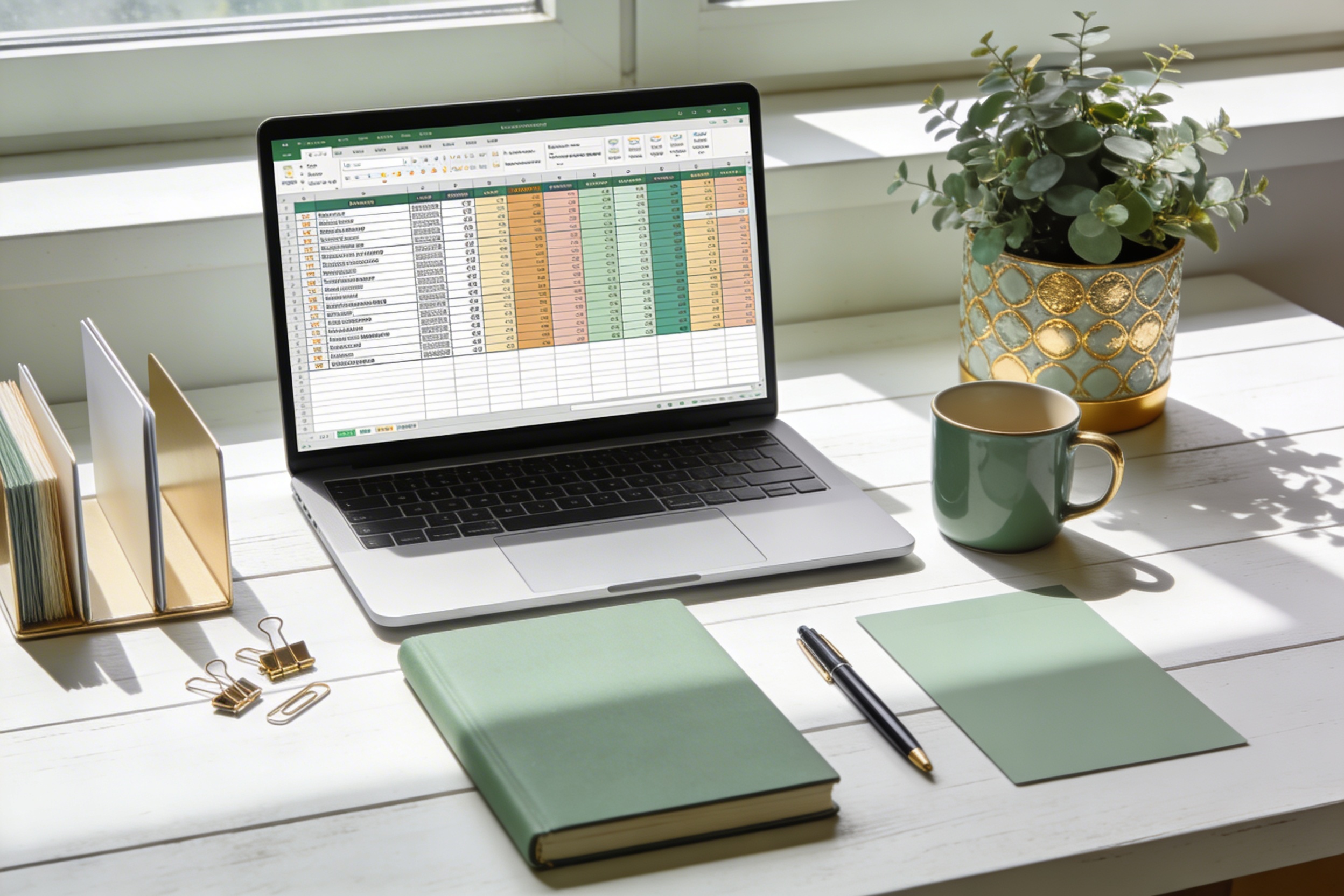
Best Monthly Budget Templates Free Download: Quick Start Guide
I’m not great at pretending to be shocked by my own numbers, but wow do monthly budget templates save your sanity. You get a quick snapshot of where your money actually goes, and suddenly purple-dyed spreadsheets aren’t just for show—they’re lifesavers. If you’re hunting for free, reliable templates you can download and customize, you’re in the right place.
Why a Free Monthly Budget Template is Your Best Friend
Let’s be real: budgets can feel restrictive, even boring. But a good template turns a scary spreadsheet into a friendly coach. It nudges you to track, adjust, and celebrate small wins. FYI, you don’t have to be a math whiz to use one; most do the heavy lifting for you. Plus, free options mean you can try a few and see what actually sticks.
What to Look For in a Free Budget Template
Before you click “download” fifty times, here are the essentials to keep an eye on:
- Easy setup: Quick start, minimal fuss. You don’t want a template that requires a PhD in spreadsheets.
- Categories that fit real life: Groceries, utilities, rent, transport, debt, fun money—yes to all of the above.
- Automatic calculations: Sums and variances should compute themselves. You want accuracy without manual math mood swings.
- Customization: The freedom to rename categories, add goals, and change timeframes.
- Accessibility: Excel, Google Sheets, and sometimes even a simple PDF that’s easy to annotate.
Top Free Monthly Budget Templates to Consider
Here’s the lay of the land. I’ll keep it practical and finger-on-the-pulse, so you can pick quickly and get budgeting today.
1) Simple Google Sheets Budgets
If you crave frictionless collaboration, Google Sheets templates are your jam. They’re cloud-based, auto-save, and you can share with a partner without sending a dozen emails. Look for templates with a clean dashboard, income vs. expenses view, and a couple of built-in charts.
- Income streams at the top
- Fixed vs. variable expenses split
- Progress indicators that tell you if you’re on track
2) Excel-Based Monthly Budget Plans
Excel templates tend to offer deeper customization and robust formulas. If you’re comfortable with a few formulas, you’ll love the control. Expect sections for recurring bills, savings goals, and debt payoff progress. Bonus points if it includes a monthly vs. yearly comparison so you can spot trends.
3) Personal Finance Apps’ Exportable Templates
Many personal finance apps let you export a CSV or Excel file that doubles as a budget template. It’s nice because you already have your transactions in there. You can cleanly map categories, set goals, and print a pretty monthly report for your accountability buddy.
4) PDF Budget Templates You Can Adapt
If you prefer a static, printable approach, PDF templates are gold. They’re great for pen-and-paper budgeting sessions, and you can annotate them by hand. Just note: PDFs aren’t as forgiving for edits, so pick one that matches your categories and timeframes.
5) Budget Templates with Goals and Debt Snowball Features
Some free templates push you to set goals and visualize debt payoff progress. If you’re serious about slashing debt or building a savings cushion, this can be a game changer. It’s not just about tracking; it’s about motivation.
How to Customize a Free Template for Your Reality

Templates are starting points, not strict commandments. Here’s how to make one actually work for you.
Start with your real numbers
– List your monthly income sources and total them.
– Write down every fixed expense (rent, utilities, insurance) and a realistic variable budget (groceries, dining out).
– Don’t forget irregular spends: car maintenance, medical, gifts. They sneak up on you.
Create a monthly savings and debt plan
– Decide on a target emergency fund, then split it into actionable steps (monthly contributions until you hit the goal).
– If you have debt, pick a payoff method (snowball or avalanche) and reflect it in the template.
– Include a “fun money” line. Budgeting isn’t about misery; it’s about control.
Set realistic categories and subcategories
– If you overspend on groceries, create subcategories like “groceries – pantry staples” and “groceries – impulse buys.”
– Use color coding or bold labels to keep essential expenses visible at a glance.
Automate where possible
– Link your bank feed if your template supports it (only if you’re comfortable with it).
– Use formulas to sum columns automatically and flag overspending.
Tips for Sticking with Your Budget Template
A template is only as useful as your willingness to use it. Here are quick tips to stay consistent.
- Review your budget weekly, not monthly. A quick check-in beats a big math blowup later.
- Keep it simple. If a template feels like a gigantic project, you’ll abandon it faster than you can say “budget review.”
- Celebrate tiny wins. Shoo debt by small increments? Friendly reward your progress.
- Be honest with yourself. If you blew a category, adjust the plan, don’t pretend it didn’t happen.
FAQ: Common Questions About Free Budget Templates
How do I choose between a Google Sheets and an Excel template?
Go with Google Sheets if you want easy sharing and real-time updates with a partner. Choose Excel if you crave deeper customization and you’re comfortable with formulas. Either way, both get the job done—don’t overthink it, just start budgeting.
Can I customize a template after downloading it?
Yes. Most templates are built to be edited. Rename categories, add columns for goals, and tweak the time frame. If the template feels rigid, look for a version that’s labeled as more flexible or switch to a different one.
What should I do if my expenses exceed income?
First, lower discretionary spend and reallocate toward essentials. Then revisit your categories to identify places to trim. If the problem persists, you may need a temporary income tweak or a longer-term savings plan. FYI, it happens to the best of us.
Is it okay to use a template for debt payoff?
Absolutely. In fact, many templates include a debt payoff section. Use the snowball or avalanche method, and track your progress each month. It’s incredibly satisfying to watch balances shrink.
How often should I update the template?
Weekly updates work well for most people. If weekly feels like overkill, aim for biweekly or right after you get paid. The key is consistency, not perfection.
What I Love About Free Budget Templates in Practice
Here’s the truth: the best template isn’t the one with the most features. It’s the one you actually open, fill out, and reference. When you pick a free option and customize it to your rhythm, you unlock a quiet superpower: fewer surprises, more control, and a little less guilt about money.
I’ve tried a dozen templates across the years. Some felt clunky, some too serious, and a few just clicked. The ones that click tend to have clean dashboards, intuitive expense categories, and a straightforward path to goals. And yes, I still crack a smile when the numbers line up exactly as planned.
Getting Started Today
If you’re itching to dive in, here’s a quick plan to get a usable budget up in under an hour:
– Pick one free template that matches your preferred format (Sheets, Excel, or PDF).
– Gather last month’s statements (bank, card, and receipts) to seed your numbers.
– Map your income and essential expenses first. Then slot in savings goals and debt repayment.
– Set a simple, realistic target for the month (e.g., save $200, cut dining out by 25%).
– Schedule a 15-minute weekly check-in. Yes, you can do it while coffee brews.
FYI, you don’t need to become a spreadsheet wizard overnight. Start small, iterate, and you’ll feel in control sooner than you think.
Conclusion
A solid, free monthly budget template is one of the simplest ways to reclaim your financial vibe. It doesn’t require fancy apps or a full-blown financial plan—just a template you’ll actually use. Start with a template that fits your vibe, customize it to your real life, and keep it simple. Before you know it, you’ll be spotting trends, hitting goals, and maybe even enjoying the process.
If you want, tell me what your biggest budgeting hurdle is this month, and I’ll suggest a template tweak that might help. IMO, the right template is out there waiting for you to click download and start winning back a little time and peace of mind.