
Best Budget Planner for Families on a Budget: Smart & Simple Solution
The minute you realize your family budget isn’t a mystery novel with a twist, you gain superpowers. Meet the best budget planner for families on a budget—your new sidekick that helps you stretch every dollar without turning life into a spreadsheet nightmare. No fluff, just practical tools you’ll actually use.
What makes a budget planner truly family-friendly?
A great planner isn’t just a pretty spreadsheet. It’s a living toolkit that fits real life: groceries, kid activities, and the occasional spontaneous pizza night. It should be simple, flexible, and actually inviting to use. If you dread opening it, you’ll abandon it faster than a gym membership in January. So, what should you look for?
– Clear categories you’ll actually track
– Quick setup and easy ongoing updates
– Visuals that don’t overwhelm your brain
– Built-in tricks for saving without draining joy
– Syncs with your devices so you don’t lose your sanity
If any of those vibes feel like you, you’re in the right zone. FYI, you don’t need a fancy app to win at budgeting; you just need something you’ll consistently use.
Physical planners vs. digital helpers: pick your vibe

Decide how you want to tackle money. Some families love a tangible binder, others thrive with apps that ping them at mealtime. Here’s the quick read.
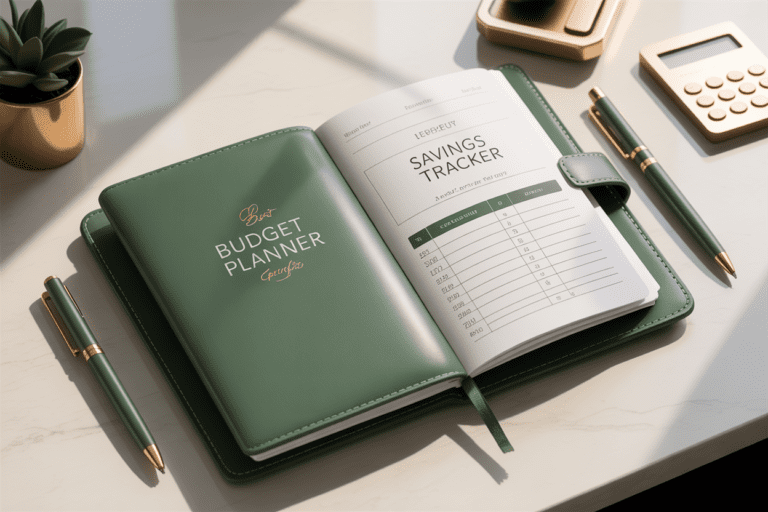
Physical planners that spark joy
– Pros: tactile, refuses to crash, you can color-code with neon highlighters like you mean business.
– Cons: takes up space, you must remember to carry it, updates can be messy if you’re not diligent.
– Best for: folks who benefit from offline routines and a visible reminder on the kitchen counter.
Digital planners that race with your day
– Pros: auto-calc, reminders, multiple devices, easy sharing with partners or grandparents.
– Cons: learning curve, may feel like another app to manage.
– Best for: busy households juggling events, chores, and a simmering spreadsheet habit.
If you’re unsure, try a hybrid: a simple digital tracker for receipts and a basic printable for your kitchen table. It’s like having your cake and eating it too, but with fewer calories and more fiscal sense.
Core features that actually save money
Not all budget planners are created equal. Here are the features that move the needle for families.
– Income and expense tracking: You need to see where money comes from and where it goes. Simple categories beat presidential-level accounting any day.
– Zero-based or envelope-inspired budgeting: Zero-based means assign every dollar. Envelope methods give you tactile control, even if you’re using a digital tool.
– Goal setting: Short-term goals (no-spend weeks, debt payoff) plus long-term targets (emergency fund, vacation fund) keep you motivated.
– Recurring bills management: Automate where possible, but keep a human eye on it. It’s shocking how many subscriptions sneak in unnoticed.
– Meal planning and grocery tracking: Tie your food costs to your budget; it’s the easiest way to see a real change.
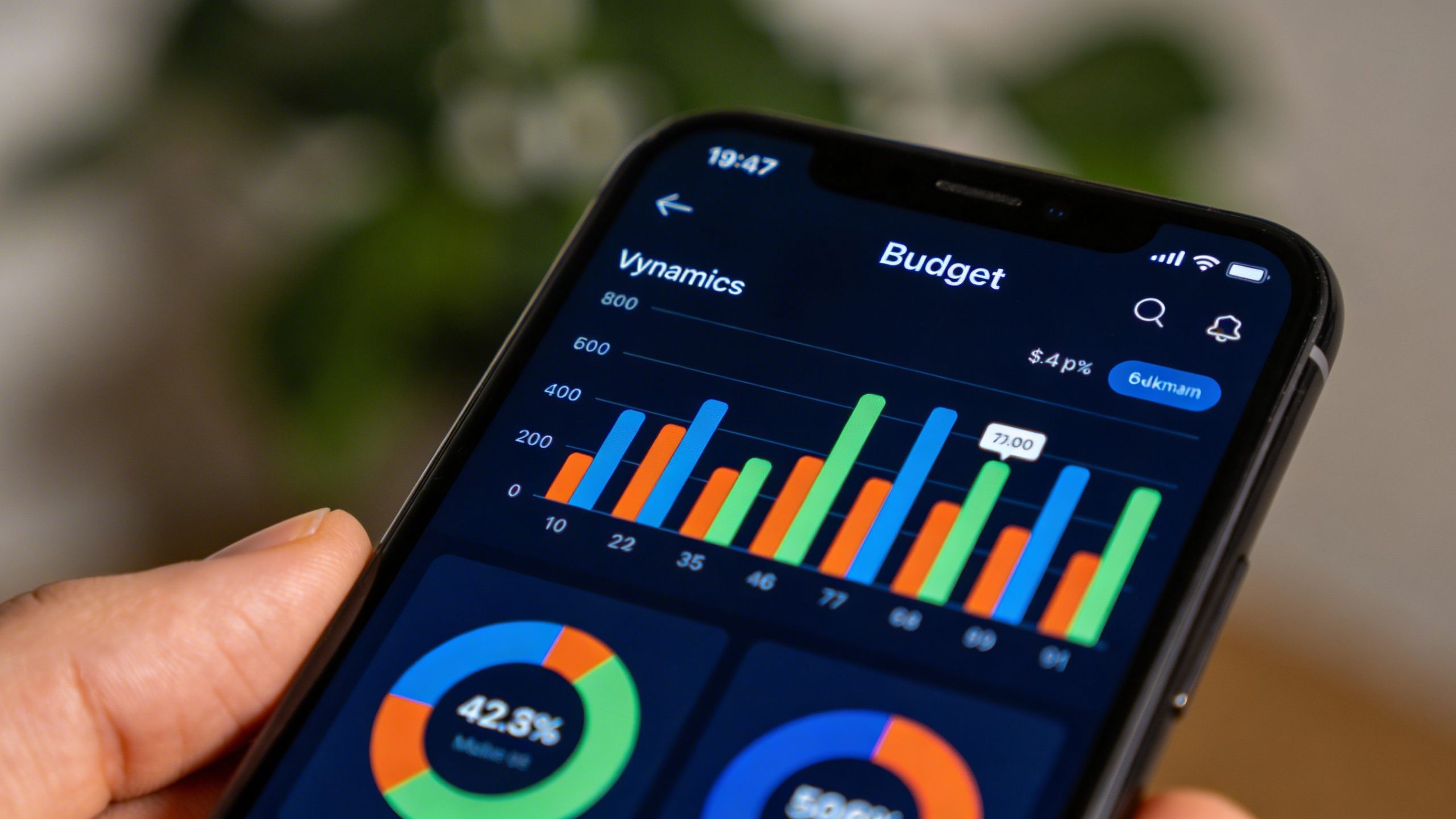
– Family-friendly dashboards: Color-coding by category, progress bars, and quick-glance summaries stop you from drowning in numbers.
Making it work with kids in the mix
Kids aren’t tiny financial liabilities; they’re future money maestros in training. Here’s how to involve them without turning budgeting into a lecture.
– Let them pick a small savings goal: a toy, a book, or a mini trip. They’ll feel ownership.
– Create a “needs vs. wants” checkbox for family purchases. It’s a gentle way to explain prioritizing.
– Use visual progress bars in the planner. When a goal is near, celebrate as a family—no guilt trips needed.
– Keep expenses transparent but age-appropriate. If your teen is grilling you about data, pivot to a simple, honest chat.
Five practical hacks to actually save, without misery
Saving doesn’t have to feel like pennies pinching and therapy. Try these straightforward tactics.
– Shop with a loose meal plan plus a 1-2 backup meals. If the plan goes sideways, you still have a safety net—no expensive takeout panic.
– Use a weekly “fun money” limit for small splurges. It curbs spontaneous buys and preserves family joy.
– Batch errands to avoid fuel waste and impulse purchases. Your budget will thank you with fewer surprise snacks.
– Track bills in one place and set reminders a week before due dates. Late fees are basically seasonal allergies for wallets.
– Review subscriptions quarterly and ditch what you don’t actually use. If you can survive without it, you probably should.
How to set up your planner in 30 minutes (really)
No need for hero-level spreadsheet skills. Here’s a light, no-stress setup plan.
– Step 1: List income sources and a rough monthly total. Include side gigs, babysitting, and odd jobs if they exist.
– Step 2: Create 4–6 main spending buckets: housing, food, transport, kids, debt, savings, and fun/quirks.
– Step 3: Add recurring bills for the month and note due dates. Color-code by risk of late fees so you spot trouble fast.
– Step 4: Set one short-term financial goal and one fun goal. Make both visible on the dashboard.
– Step 5: Track a week’s worth of transactions. You’ll spot habits in 7 days that you missed in a month.
If you want a quick win, start with groceries. It’s usually the biggest leaky bucket in family budgets. Make a shopping list, check it twice, and resist the impulse aisle like your wallet depends on it.
What to do if you fall off the wagon
Life happens. A car repair, a sick kid, or a surprise party-turned-budget-buster can derail you. Don’t panic. Here’s how to bounce back fast.
– Revisit the plan for 5 minutes. Don’t rewrite the entire system—adjust the numbers.
– Reset your meal plan for the next week. A simple change works wonders and reduces waste.
– Re-commit to your small goals. Small wins fuel consistency; you don’t need a dramatic restart.
– Involve your partner or a friend in a quick check-in. Accountability is the secret sauce.
– If emotions run high, take a break. Your planner should feel supportive, not punitive.
FAQs
Is a budget planner really necessary for families on a tight budget?
Yes. A planner turns vague intentions into concrete actions. It helps you see trends, identify waste, and celebrate progress. Without one, money tends to drift like a paper plane in a windstorm.
Should I use a free planner or invest in a paid option?
Free tools can be perfectly adequate, especially to start. If you hit a ceiling and crave better automation or sleek dashboards, a paid option can pay for itself in time saved and fewer late fees. IMO, start free and upgrade only when you actually use it consistently.
How much time does budgeting take each week?
Aim for 15–30 minutes weekly, plus a quick daily glance if you like. The goal is consistency, not marathon sessions. If you’re spending hours, you’re probably overcomplicating things.
What should I do with grocery savings in the planner?
Treat grocery savings as a separate line item: “Grocery Savings Fund.” Move any amount you saved from the previous week into that bucket. It builds a momentum-magnet for smarter shopping.
Can I involve kids without killing my budget vibe?
Absolutely. Give them small roles—like recording receipts, choosing a weekly “fun” item within the budget, or helping compare prices. It builds real-world math skills and keeps the process light.
Do I need a fancy app to be successful?
Not at all. A simple system that you actually use beats a flashy app you abandon. Apps can help, but they’re not magic. Consistency > complexity.
Conclusion
Budgeting for a family on a budget isn’t about denying yourself. It’s about pruning the chaos and steering toward goals you care about. A good budget planner acts like a friendly co-pilot—calm, practical, and a little bit cheeky when you need it. Start with a simple setup, pick the vibe that fits your life (paper, digital, or a hybrid), and keep the focus on doable wins. Before you know it, you’ll be paying yourself first, savoring a few extra moments of freedom, and still having a budget you can actually keep. FYI, consistency beats perfection every single time.