Budget Planner That Helps You Save Automatically: Your Wallet’S Hidden Boost
The moment you set a plan and automate it, your wallet gets its own personal assistant. No more frantic math every payday, no more “where did my money go?” sighs. A budget planner that saves automatically turns every spare cent into a tiny victory lap.
What you’re about to read helps you see budgeting not as a chore, but as a smart, almost invisible teammate. FYI: you’ll still have to choose values and temptations, but the boring part—transfers and rules—gets handled for you.
What a budget planner that saves automatically actually does
– It sets aside money without you lifting a finger.
– It nudges you gently when spending veers off course.
– It keeps a transparent trail so you know exactly where every dollar went.
– It scales with your life—salary changes, side gigs, and spontaneous bodega snack splurges.
Seriously, imagine a tool that treats your goals like a fitness trainer treats your diet: consistent, patient, and unfazed by one off-day.
How automatic savings works, in plain English
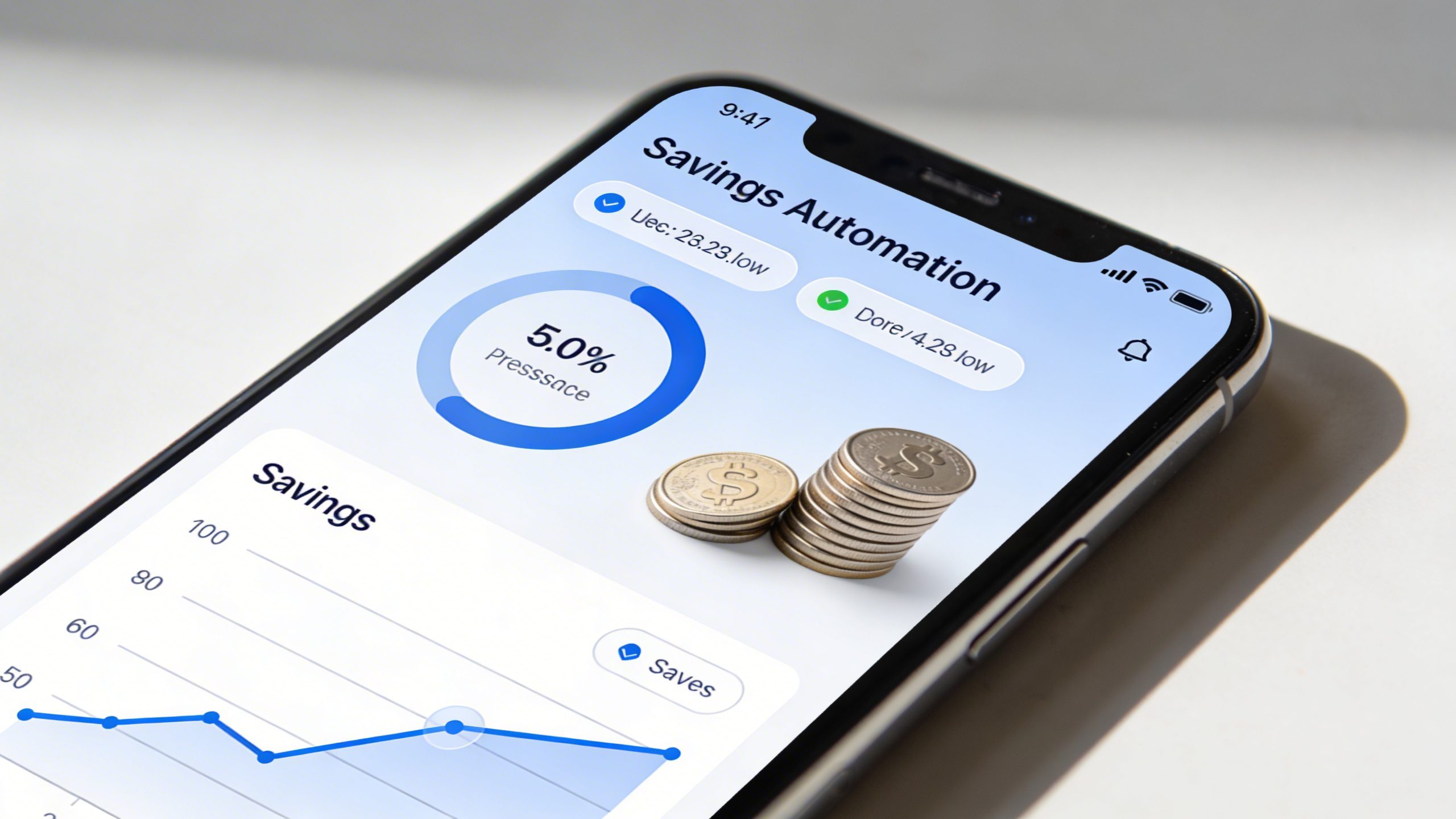
Automatic savings usually comes down to three things: rules, timing, and buffers.
Rules that feel like magic, not math
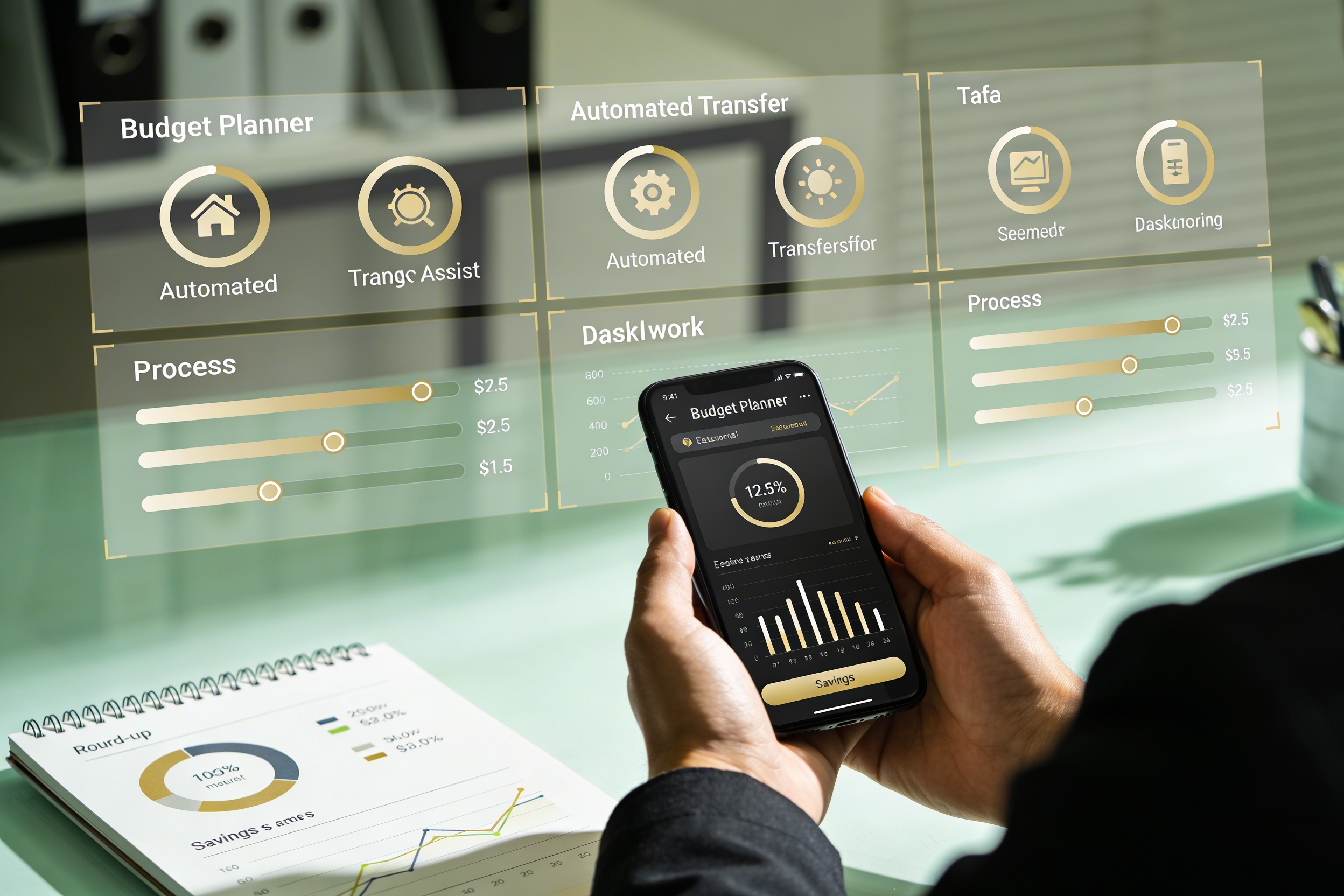
– Round-up: every purchase rounds up to the nearest dollar and the difference goes into savings.
– Percentage-based saves: a fixed slice of each paycheck or each transaction lands in your savings pot.
– Target-based: you set a goal (like “$2,000 for spring vacation”) and the app fills it in increments.
Those rules are simple, but they compound faster than your lunch cravings on a Friday. And yes, you can mix and match them for max stealthy savings.
Timing matters, but not your willpower
– Instant transfers: as soon as money lands, the system moves a chunk to savings.
– Daily drip: small amounts shift every day, so you barely notice the change.
– Scheduling: you pick a day (or days) and the transfer happens like clockwork.
The best part? You rarely miss what you don’t notice. That’s the whole point.
Buffers that stop drama before it starts
– Account buffers: a little extra in your checking to cover accidental splurges.
– Expense targets: set caps on categories (food, entertainment) to keep you honest.
– Emergency micro-fund: a separate pot for “what if the car sounds like a marching band in the morning.”
Buffers prevent the panic sprint when life throws a curveball and you’re already saving like a champ.
Choosing the right tool for automatic savings
There are a few flavors of budget planners, and you don’t need all of them to win.
- Bank-integrated planners that nudge from inside your actual checking account
- Dedicated apps with clever round-ups and rule engines
- Spreadsheet-based automators for the die-hard control freaks (hi, I see you)
- Hybrid setups: apps that pair with banks and spreadsheets for ultimate visibility
entscheiden
What features actually matter
– Clear, transparent rules: you should know exactly what’s being saved and why.
– Easy overrides: life happens—keep a quick option to pause or adjust saves.
– Progress visibility: dashboards that show you milestones and trends.
– Security: strong encryption, two-factor authentication, and reputable providers.
If a tool hides its rules behind a magic wand, move on. You want exposure, not illusion.
Designing a budget plan that sticks

A plan isn’t a prison; it’s a map. Make yours friendly, flexible, and a little bit clever.
- Start with a sanity check: how much can you spare after essentials?
- Set a baseline savings target: something achievable within 1–3 months.
- Automate first, customize second: let the system handle the boring stuff, then tweak.
- Introduce small wins: quick goals that give you dopamine without wrecking plans.
Small wins that matter
– Reaching your first $500 in savings feels like leveling up a video game.
– A saved emergency fund reduces stress in a real-world crisis.
– Watching your vacation fund grow makes you more excited about trips, not debt.
Want to feel like you’re winning every week? Schedule weekly check-ins where you glance at progress, but let the automation do the heavy lifting in between.
Common pitfalls and how to dodge them
Automation sounds great until it isn’t. Here are quick fixes for the usual suspects.
- Over-saving: if you’re starving your budget for a savings goal, dial it back a notch. You still want to live, right?
- Insufficient currency flows: if you don’t have enough transactions, round-ups won’t do much. Consider a small fixed weekly transfer.
- Hidden fees: some apps skim a fee for transfers or storage. Read the fine print or switch providers.
- Security nerves: if you’re uneasy, enable extra authentication and limit permissions.
If you’ve ever wondered why autopilot feels better than manual, you’re not alone. It’s not magic; it’s predictable behavior shaping.
Making it feel personal: customization that sticks

Automation should serve your life, not boss you around.
- Seasonal tweaks: adjust targets for holidays, vacations, or major purchases.
- Category switching: shift more money to debt payoff when rates spike, then roll it back.
- Mix of tools: combine a round-up app with a separate high-yield savings account for growth.
– Personal question: what’s your big win this year? If you answer that, you’re halfway to designing a plan that motivates you every time you open your app.
Real-life examples: what this looks like in practice
– Runner A saves $150 per month by rounding up every purchase and moving 5% of each check into a high-yield pot. Within six months, they’ve built a $900 emergency fund and trimmed weekend splurges confidently.
– Student B uses a budget planner to stash $20 from every paycheck into a travel fund. They adjust the target monthly savings during exam season, staying flexible without losing momentum.
– Parent C uses weekly transfers to cover birthday gifts and back-to-school gear, plus a tiny buffer for unexpected school fundraisers. The result: fewer debt vibes and more smiles.
Which vibe fits you? Try a test month with one small target and watch how it feels. If you stay consistent, the rest falls into place.
FAQ
Is automatic savings safe and private?
Automatic savings uses encryption and standard security practices. Choose reputable providers, enable two-factor authentication, and review permissions regularly. If a feature feels off, turn it off.
What if I don’t earn a lot right now—can automatic saving still help?
Yes. Start with tiny amounts and high-impact tactics like round-ups. Even a few dollars per week add up over time. The trick is consistency, not size.
Can I customize the rules for different goals?
Absolutely. Most planners let you create separate rules for each goal (savings, debt payoff, vacation). You can mix round-ups, percentage transfers, and fixed amounts.
How do I stop or pause automatic transfers?
You should be able to pause from the app or settings in a few taps. If you’re ever stuck, customer support is usually reachable with minimal drama.
Will automatic savings help me pay off debt faster?
Definitely. You can prioritize debt with a dedicated rule, like directing a higher percentage toward the debt with the highest interest, then auto-divert later. It’s a practical way to shrink interest creep.
Conclusion
If you want a savvy sidekick who doesn’t nag, a budget planner that saves automatically is your best bet. It makes discipline easier, risks smaller, and goals closer than you think. FYI, the best plan isn’t the one that sounds perfect—it’s the one you actually stick with. Start small, keep it simple, and let automation do the heavy lifting while you enjoy the little wins along the way.