Best Budget Planners for Tracking Expenses That Actually Help
If you’re over chasing receipts and fear the quarterly audit from your own messy finances, you’re in the right place. I’ve tested a bunch of budget planners and found the ones that actually help you see where money goes—without turning your life into a spreadsheet-invasion. FYI: you don’t need a fancy crystal ball to stay on track; you just need the right tool.
What makes a budget planner truly worth it?
Choosing a budget planner isn’t about the biggest feature list. It’s about simplicity, clarity, and whether you actually use it. Here are the vibes to look for:
- Ease of use: If you dread opening the app, you won’t stick with it.
- Expense tracking that sticks: Quick entries beat perfect categories if you don’t update anything.
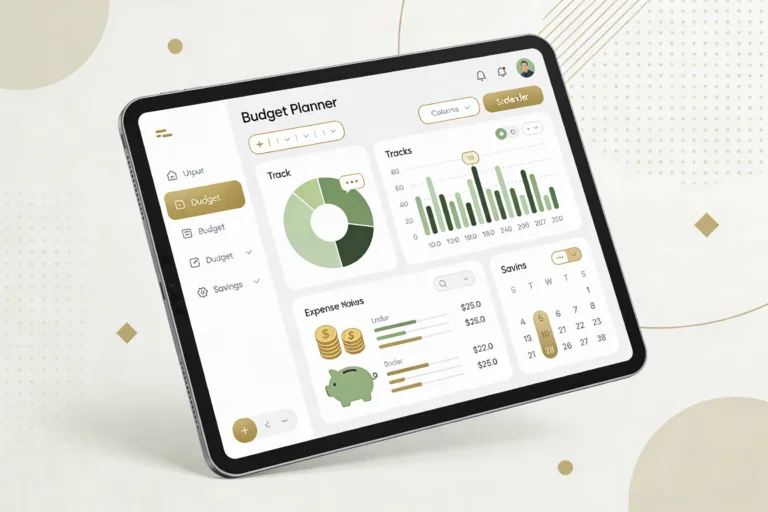
- Clear visuals: A good chart or dashboard should show trends in a glance.
- Cost effectiveness: Free plans that cover basics beat paid plans with too many bells and whistles.
Best budget planners for quick setup and fast wins
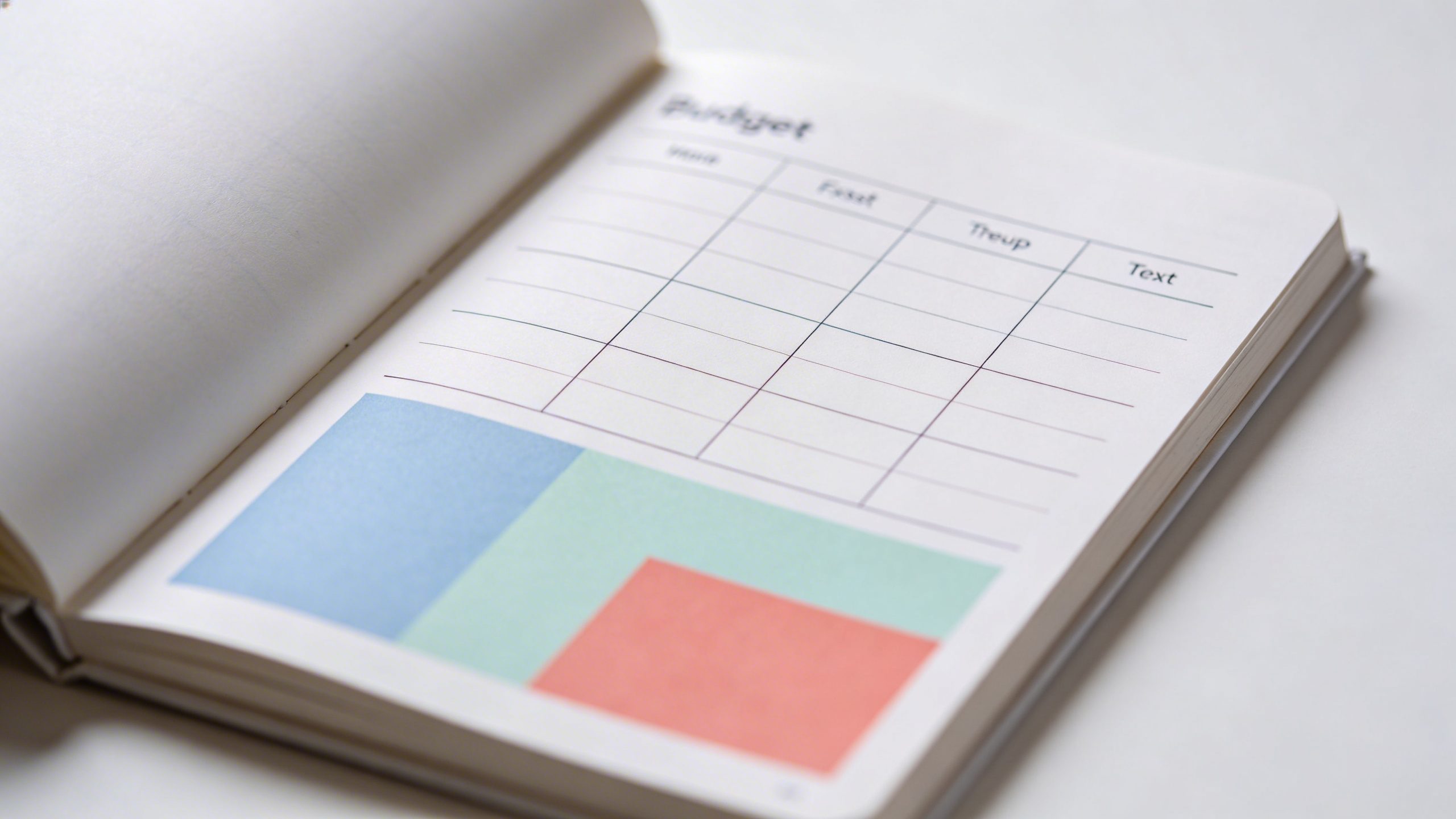
If you want results fast, these options are worth a look. They’re not overkill, but they’re surprisingly capable.
YNAB (You Need A Budget) — the “give every dollar a job” philosophy
YNAB isn’t shy about demanding a little discipline, and that’s exactly why it works for a lot of people. You’ll set up categories for every dollar you earn, and the system nudges you to plan for upcoming expenses.
- <strongPros: Strong budgeting framework, great growth potential, excellent educational content.
- <strongCons: Premium price, learning curve, might feel heavy if you want a simple tracker.
Mint — the all-in-one money assistant
Mint makes linking bank accounts feel like magic (until you realize it’s just good integration). It’s great for a broad view and automatic categorization.
- <strongPros: Free, automatic categorization, bill reminders, credit score tracking in one place.
- Cons: Ads and occasional categorization quirks; some people miss deeper customization.
EveryDollar — simple, streamlined budgeting
EveryDollar keeps things breezy with a clean interface and straightforward monthly budgeting.
- <strongPros: Quick setup, intuitive, good for zero-based budgeting if you follow the method.
- Cons: Limited automation on the free plan; some users want more category depth.
Best value options for different lifestyles
Different lives require different tools. Here are picks tailored to common scenarios.
Student-friendly picks
Budgeting on a ramen-noodle stipend doesn’t have to be dramatic.
- <strongPocketGuard helps you see how much you can actually spend after bills and goals.
- Spendee offers nice visual dashboards and simple splitting for roommates or shared costs.
Families on a budget
You need something that handles multiple people, meals, and activities without exploding.
- GoodBudget uses the envelope concept in a digital way and is good for collaborative family budgeting.
- FreshBooks isn’t just for invoices—you can track expenses on the go and keep receipts tidy.
Freelancers and side hustlers
Self-employed folks need flexibility and tax-savvy features.
- QuickBooks Self-Employed helps you segregate business vs personal expenses, handy for tax time.
- PlannerPanda (yes, that one exists) offers customizable categories and robust reporting—great for freelancers who want detail without drowning in numbers.
How to pick the right one for you (without overthinking)
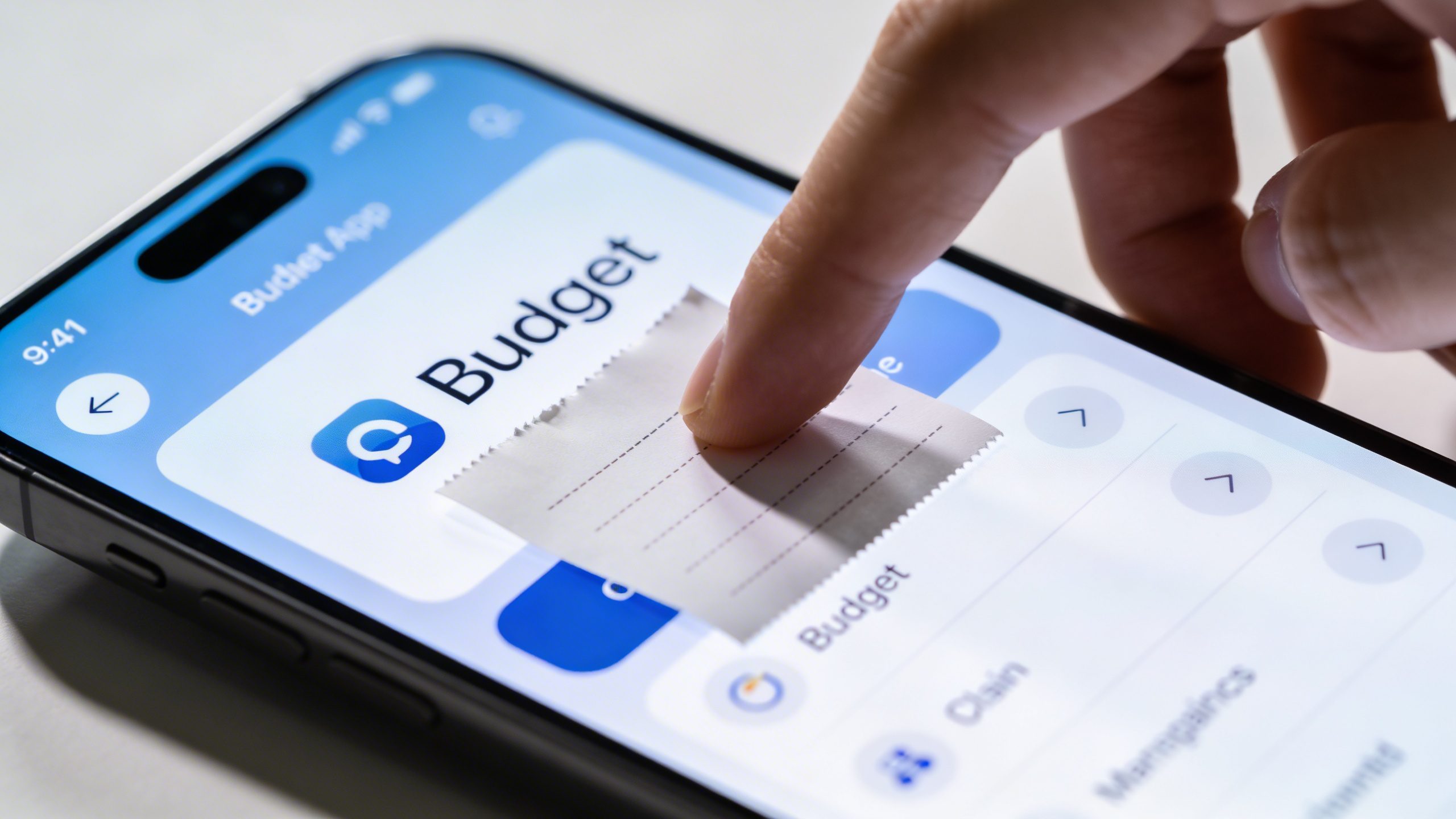
Choosing a budget planner should be quick, not a three-week scavenger hunt. Here’s a simple decision guide.
What’s your must-have feature?
Ask yourself: Do I want auto-categorization, debt tracking, bill reminders, or export-ready reports? Pick tools that cover your top 2-3 features.
How much can you realistically use it?
If you won’t update it, any planner won’t help. Favor ones with quick entry, hotkeys, or mobile capture if you’re often on the move.
Do you need collaboration?
If you share finances with a partner or family, lean toward tools that support multiple users or easy shared access.
Tips to actually stick with it (because good intentions aren’t enough)
A budget is only as good as your consistency. Try these tricks.
- Daily quick add: 1-minute entries beat weekly scrambles.
- Set a weekly review: It’s your budget date with yourself—keep it light and non-judgy.
- Automate where possible: Link accounts, set recurring expenses, and automate transfers to savings.
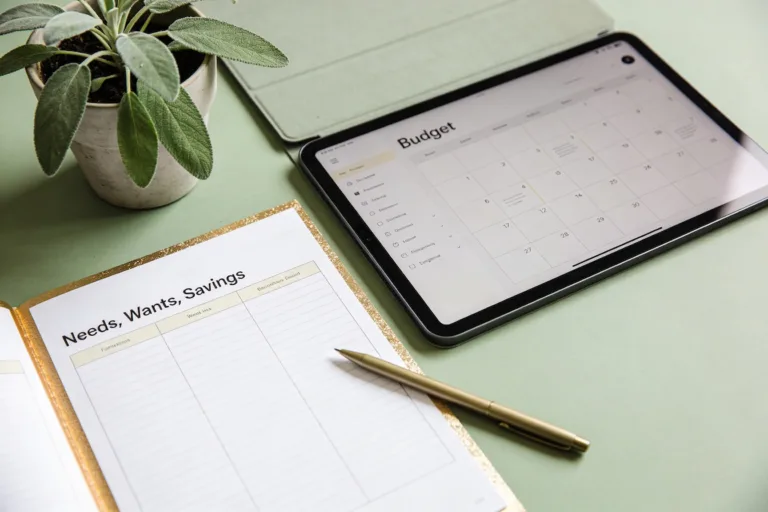
- Color code: Use distinct colors for needs, wants, and savings to make trends obvious.
What about the data you actually need?
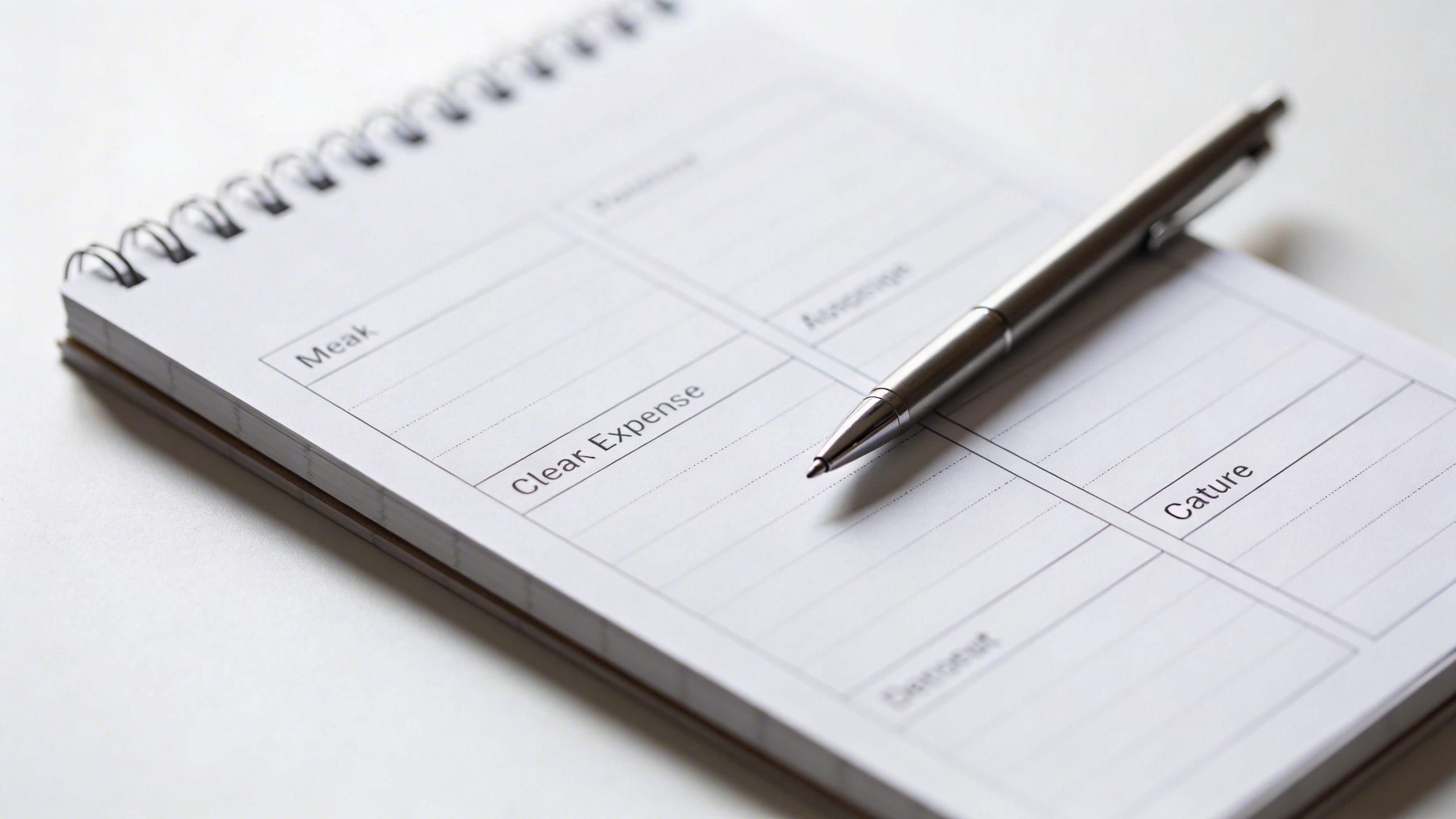
Your budget is a storytelling tool. You don’t need every dime traced to the tenth decimal, but you do want:
- Where most of your money goes each month
- Recurring expenses and when you’re due for renegotiation
- Progress toward savings goals and debt payoff
Data you might want to export
– Monthly spending reports for your accountant or yourself
– Tax-ready categories for freelance work
– Year-over-year comparisons to spot patterns
Common pitfalls to avoid
Even the best planners stumble if you fall into these traps.
- Over-complication: Too many categories slow you down. Start with 5–10 and expand later.
- Ignoring debt payoff: It’s easy to track spending but forget to allocate toward debt reduction.
- Infrequent updates: Weekly entries beat monthly marathons. Short, regular wins keep motivation high.
FAQ
Is a free budget planner enough for most people?
For many, yes. Free plans cover the essentials like tracking, basic reports, and simple budgeting. If you crave deeper analytics or unique features, you might upgrade. IMO, start free, upgrade only if you’re actually using it consistently.
What’s the best way to start if I hate numbers?
Pick a simple tool with quick entry options, then commit to 5 minutes a day. Don’t chase perfection—just capture a few expenses and a rough total. You’ll start to see patterns without drowning in digits.
How often should I review my budget?
Aim for a quick weekly check-in and a deeper monthly review. If you’re in a tight spot, do a mid-month mid-course correction. The key is consistency, not perfection.
Can I use more than one planner at the same time?
Sure, but it’s usually not worth the extra mental load. Pick one as your main tracker and use another for a specific purpose (like debt payoff or savings goals) only if it genuinely helps you.
What features actually move the needle in saving money?
Automatic transfers to savings, clear visualization of your progress, and a straightforward debt payoff tracker are big wins. If a feature helps you see progress and stay motivated, it’s probably worth it.
Conclusion
Bottom line: the best budget planner for you is the one you actually use without drama. Start with a no-frills option to get your feet wet, then layer in features as you build confidence. The goal isn’t to become a spreadsheet wizard overnight; it’s to reclaim calm, one well-placed dollar at a time. Ready to test a couple and see what sticks? Let’s go, and may your receipts finally stop haunting your dreams.