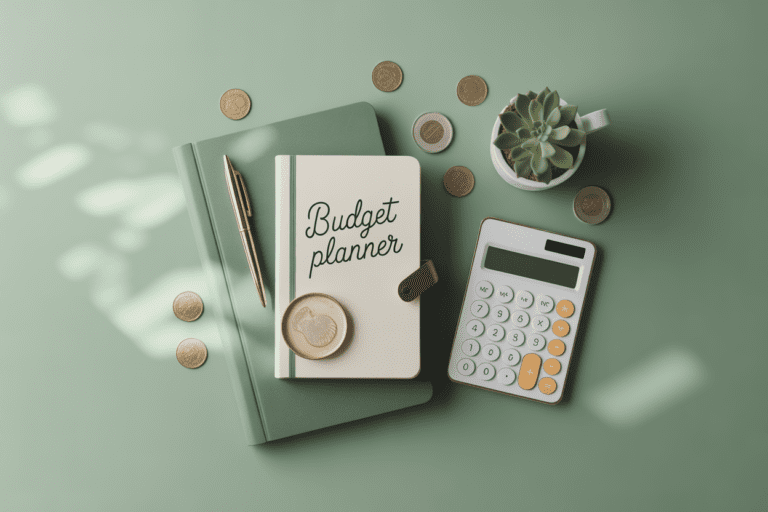
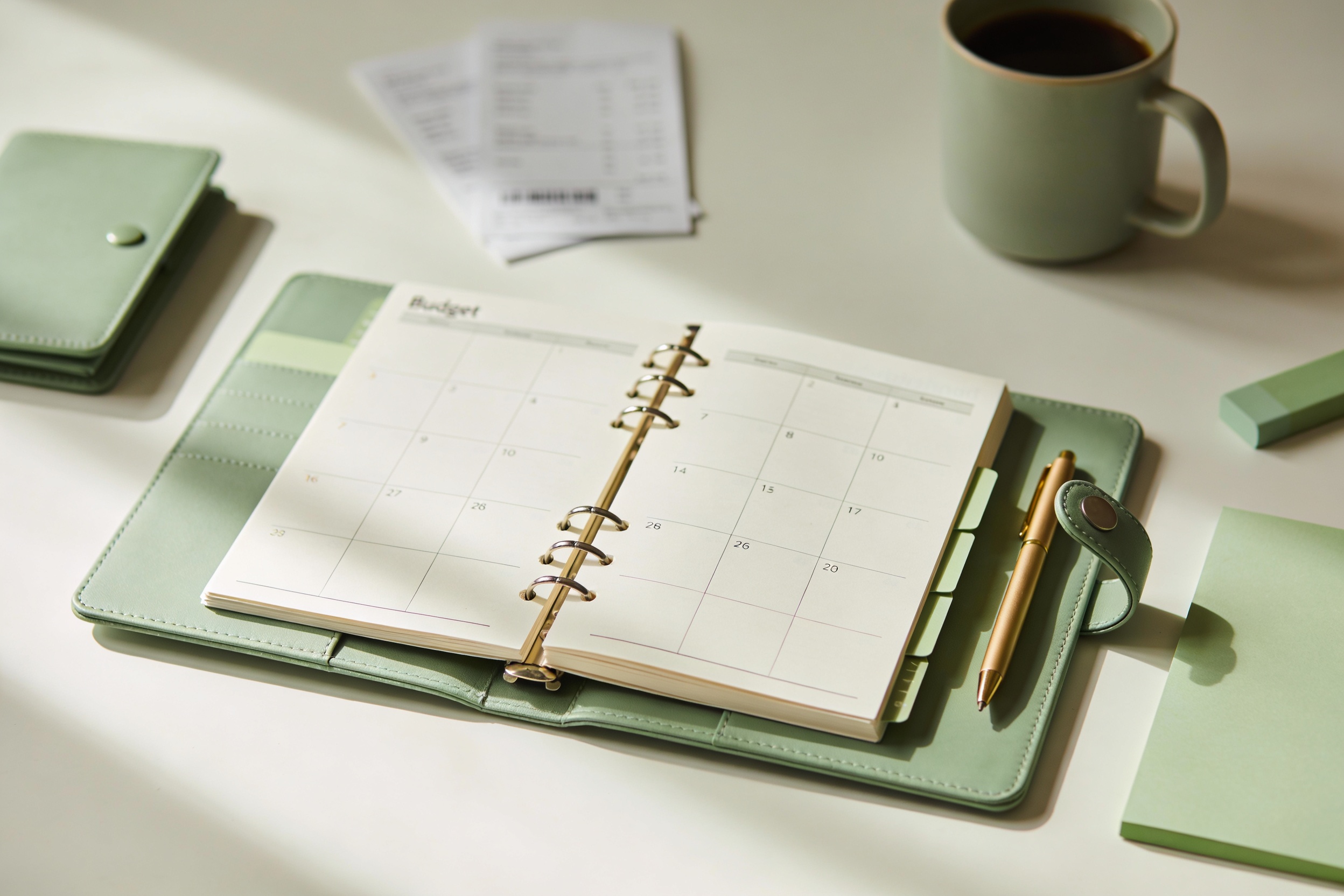
Best Budget Planner for Monthly Planning: Wallet-Wise Wins
I love a good plan that doesn’t wreck my wallet. If you’re scrolling for the best budget planner for monthly planning, you’ve found a kindred spirit. Let’s cut the fluff and get you organized without breaking the bank.
Why a budget planner matters more than a fancy spreadsheet you’ll never open
Ever tried to map out a month with sticky notes that vanish under a sea of receipts? Been there. A budget planner isn’t just about lining up numbers; it’s about turning chaos into clarity. When you can see exactly where every dollar goes, decisions get easier, sleep gets better, and that latte habit starts paying its own rent.
– It keeps you accountable without guilt trips.
– It shows you where to trim without feeling deprived.
– It makes you celebrate tiny wins, not just big months.
If your current method feels like shouting into the void, a well-chosen budget planner could be your new best friend. FYI, you don’t need a shiny app with a six-month onboarding. A simple, well-made planner does the trick.
What counts in a budget planner—the essentials you actually use
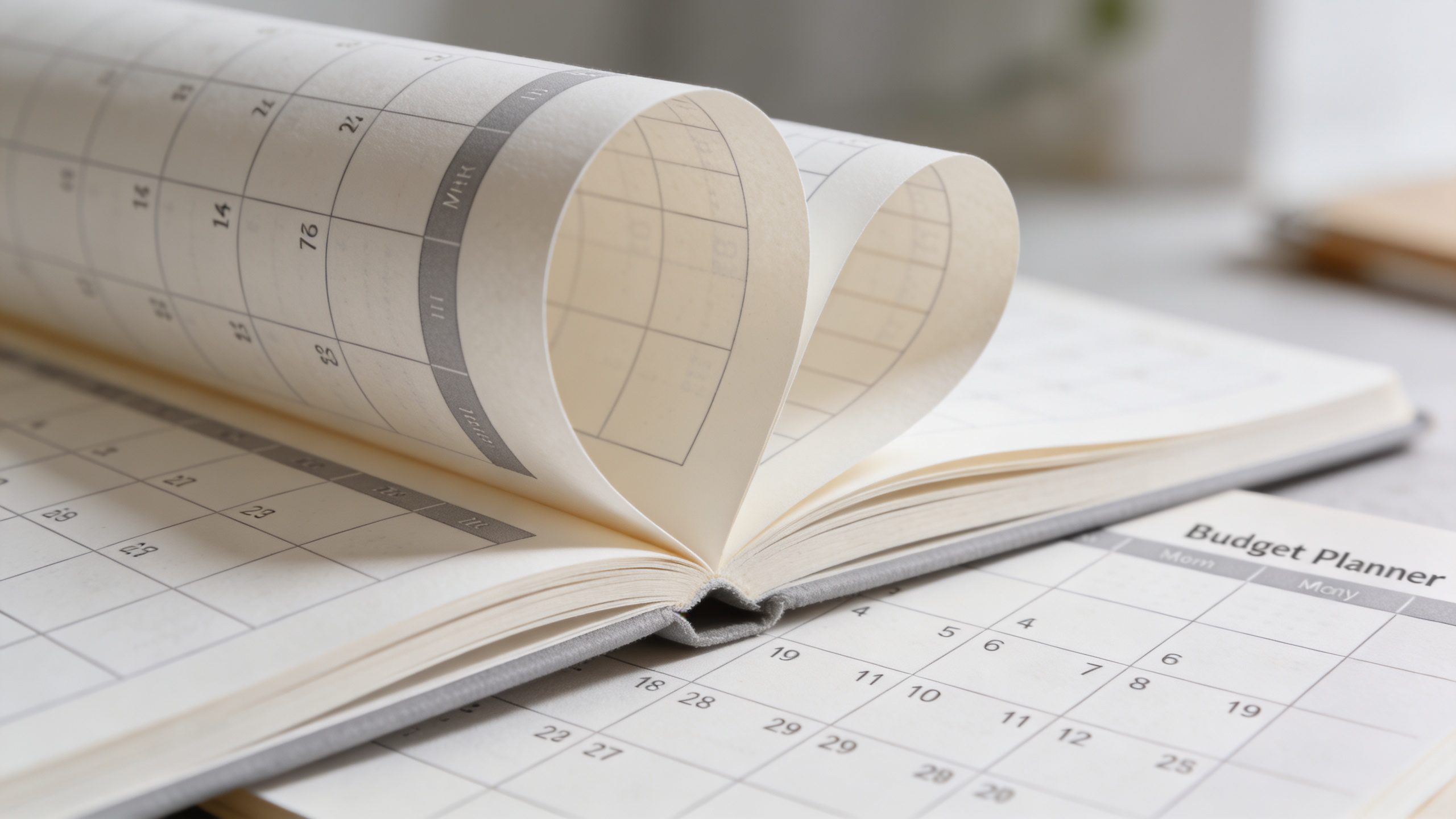
Before you drop cash on a “greatest hits” planner, here’s what to look for. The right features keep you motivated, not overwhelmed.
- Monthly cash flow at a glance: income, fixed expenses, and variable spending all in one place.
- Categories that fit your life: groceries, transit, streaming, spontaneous coffee runs—whatever you actually buy.
- Spending cap sections to curb overspending before it spirals.
- Debt and savings trackers so you see progress, not just numbers.
- Simple, clean layout that invites you to fill it out—not dread it.
If you’re choosing between a printable planner and a digital one, consider your vibe. Do you love crossing things off with a red pen, or do you crave automatic math magic? Either way, the essentials stay the same.
Best budget planners under budget-friendly umbrellas
Let’s talk options that won’t make your wallet cry. I’ll group them by vibe so you can pick quickly.
Printable planners that respect your ink budget
Printable planners give you a tangible product you can customize with stickers, doodles, or extra margins for notes.
– Look for templates with a clear monthly spread, a weekly tracking page, and a debt/savings section.
– Bonus points for a per-category spending tracker and a running balance.
Pros:
– Ultra affordable per month (zero ongoing fees).
– You can print in batches, saving trips to the store.
Cons:
– You’ll need a printer or a print shop.
– No automatic updates—you’re doing the math by hand.
Digital planners that still feel human
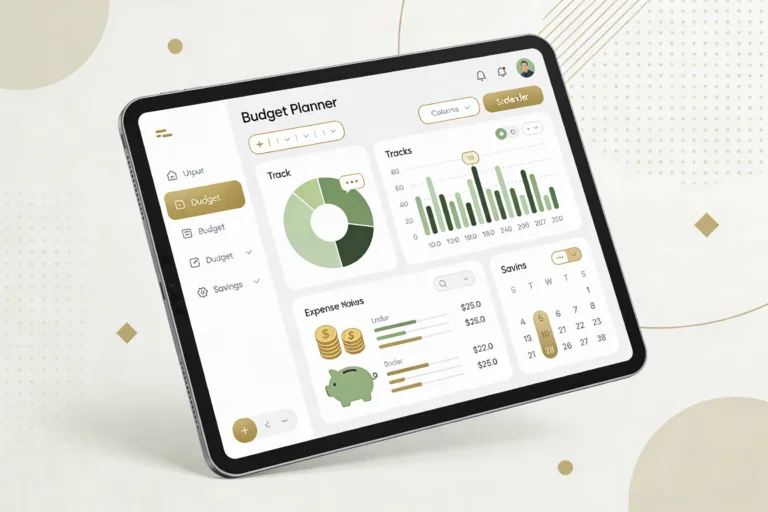
If you want convenience without the entire software ecosystem, go for a simple digital planner.
– Features to love: editable fields, export options, and reminders for bill due dates.
– Sync capacity matters if you share a budget with a partner.
Pros:
– Always accessible on your phone or computer.
– Easy to duplicate for future months.
Cons:
– Some platforms lock you into subscriptions.
Hybrid options: print-and-digital
Some planners offer a digital component plus printable pages. You get the best of both worlds: quick updates on screen and a tactile weekly review.
Pros:
– Flexible and adaptable.
– You can start with digital and print later if you want a hard copy.
Cons:
– Can be a tiny more expensive than single-format options.
Pack it light: how to customize a budget planner for you
A budget planner is a tool, not a life sentence. Customize it so it actually helps you, not just collects dust.
Make your categories actually reflect reality
– Start with broad buckets: Housing, Food, Transportation, Personal, Savings, Debt.
– Add subcategories you actually track: Groceries, Dining Out, Gas, Car Maintenance.
– Keep a small number of categories (8-12) to avoid overwhelm.
Set realistic monthly targets
– Use last month’s numbers as a baseline.
– Shoot for small, sustainable goals: cut coffee by $5 a week, reduce takeout by $10, whatever fits your life.
Place a weekly check-in on your calendar
– Block 15 minutes every Sunday or Monday.
– Review last week’s spending, adjust the coming week, and celebrate wins.
How to use a budget planner without turning it into a second job
If the thought of another ritual makes you roll your eyes, you’re not alone. Here’s how to keep it light, effective, and actually used.
- Do a monthly setup in under 20 minutes. You’ll only need 1-2 pages: a monthly outlook and a quick cash-flow snapshot.
- Keep one “no-spend” week per month. It’s a fun challenge that trains discipline without drama.
- Use automation where possible—bill reminders, saved categories, or auto-carryovers in your digital planner.
- When in doubt, prioritize essentials. If you’re short on money, cover housing, utilities, and food before little luxuries.
The five-minute setup routine that actually sticks
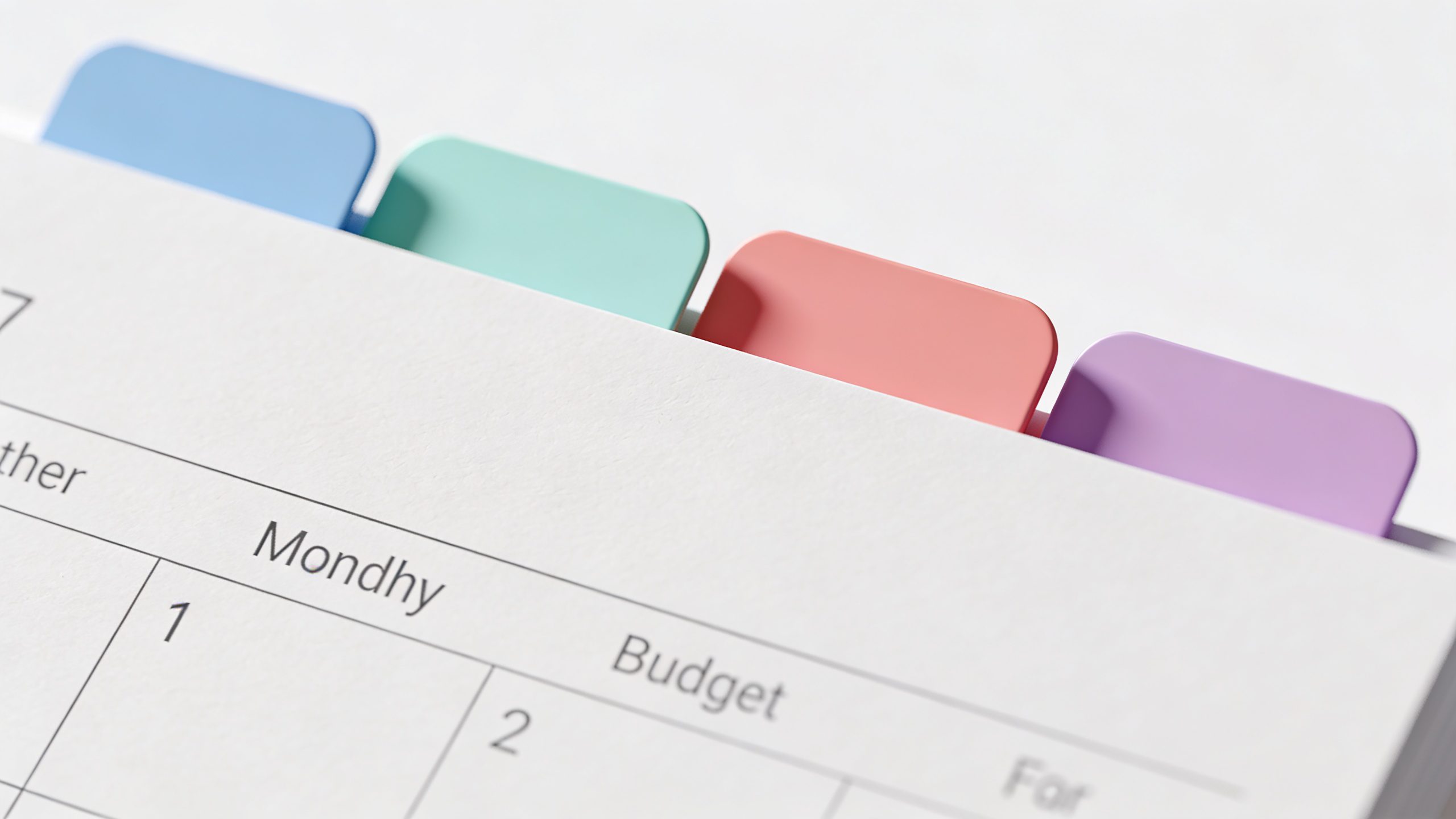
Want to start today? Here’s a tiny routine that takes little time and pays big.
- Open your planner and write the month’s income sources and total expected income.
- List fixed expenses for the month (rent/mortgage, utilities, tuition, subscriptions).
- Estimate variable costs (groceries, gas, dining out, entertainment) based on last month.
- Set one or two savings goals (emergency fund, vacation, debt payoff).
- Mark any upcoming big expenses (car maintenance, insurance premiums) on the calendar.
If you finish and feel like you “forgot something,” don’t panic. The goal is regular use, not perfection.
Common mistakes and how to fix them fast
We’ve all been there: you set a budget, then your spending takes a joyride to Urgent Unicorn City. Here are quick fixes.
Mistake: Over-optimistic income projections
Reality check: money tends to show up late or in surprises. Build in a cushion.
– Do a 5-10% contingency in your plan.
– If you’re freelance or variable-income, average the last 3-6 months and use that as your baseline.
Mistake: Too many categories
If you have 30 categories, you’ll never finish the monthly update.
– Consolidate into 8-12 practical buckets.
– Merge tiny categories into a “Misc” that you review weekly, not daily.
Mistake: Forgetting to review
A planner sits on a shelf and collects dust if you ignore it.
– Schedule a weekly review block.
– Use a quick 3-question checklist: What went well? What didn’t? What will I adjust?
Mistake: Ignoring debt and savings goals
If debt and savings stay neglected, you’ll stay stuck.
– Treat debt payoff and savings as fixed monthly payments.
– Automate transfers right after payday, so you never “see” the money.
Real-world stories: budget wins from everyday people
Tales from the budget trenches always hit home. Here are a couple of quick success bites.
– A student cut dining-out expenses by 40% in two months by tracking every meal and cooking once per day. The result: extra $200 saved, which went into an emergency fund.
– A busy parent used a simple digital planner to automate bill reminders and set a weekly “grocery cap.” They shaved $60 off weekly grocery bills and finally paid off a small credit card.
Improvise, adapt, and keep things human. IMO, a planner should feel like a helpful buddy, not a drill sergeant.
Tools and resources that won’t drain your budget
You don’t need a fancy ecosystem to get your money under control.
- Simple printable templates from budget blogs or printable shops (check if they offer free samples).
- Free digital planners or templates for Google Sheets or Excel. You can customize without paying a dime.
- Mobile budget apps with free tiers for basic tracking and reminders.
- Basic calculator app for quick checks when you’re out and about.
Remember: the best tool is the one you’ll actually use. If you won’t open a $50 planner, it’s not a good purchase, even if it’s “the best.”
FAQ
Is a budget notebook better than a digital planner?
Both have pros. A notebook gives you tactile satisfaction and no screens to distract you. A digital planner offers instant math, easy edits, and reminders. If you’re hybrid, try both for a month and see which sticks. IMO, start with whatever feels least painful and easiest to maintain.
How often should I update my budget planner?
Aim for a weekly touch-in and a monthly reset. The weekly check-in keeps you honest, and the monthly reset helps you course-correct before habits harden.
What should I do if I overspend one month?
Don’t panic. Track the overspend, identify the category, and adjust the next month. If you overspend regularly in a category, set a concrete cap and move on. The goal is progress, not perfection.
Can I share a budget planner with my partner?
Yes. Choose a shared format (digital is easiest for real-time updates) and agree on a few ground rules: who handles what categories, when to review, and how to handle surprises. Communication beats chaos here.
What if I don’t have a steady income?
Go with a flexible base: list essential expenses first, then allocate the rest to savings or debt as income arrives. Build an emergency buffer as soon as possible; it buys time and calm.
Conclusion
You don’t need the fanciest planner to get control of your money. You need something practical, quick to fill out, and actually used. A budget planner tuned to your life breathes order into your months without heel-dragging drama. Start with a simple layout, customize it to your real life, and keep your eyes on the tiny wins. FYI, consistency beats complexity any day. If you’re feeling inspired, pick a format you like—printable, digital, or hybrid—and commit to a 30-day test drive.
Now tell me: what’s your current sticking point with budgeting? Let’s tailor a plan that fits your month, not the other way around.