Editable Budget Planner Templates for Beginners: Simple Wins
The best budget is the one you actually stick to. If you’ve ever started a budget and forgotten about it by Thursday, you’re not alone. Let’s cut the guesswork with editable budget planner templates that flex with you, not the other way around.
Why editable templates beat a blank spreadsheet every time
– They save you time: you don’t reinvent the wheel from scratch; you customize what already works.
– They reduce decision fatigue: clear categories, automatic totals, and visual cues keep you focused.
– They grow with you: you can start small and expand when life gets wild (new job, vacation, a side hustle).
What makes an editable template truly beginner-friendly? Glad you asked. It should be simple to modify, visually intuitive, and flexible enough to fit different pay schedules. It should also let you tinker without breaking the entire sheet. FYI, the goal isn’t perfection—it’s consistency.
Choosing the right template for your situation
– Personal salary vs. irregular income: If you’re on a fixed salary, you can map out fixed vs. variable expenses easily. If you’re freelance, you’ll love templates that handle multiple income streams and rolling expenses.
– Debt payoff goals: Some templates include dedicated debt trackers and payoff progress visuals.
– Savings targets: Look for templates with sections for emergency funds, sinking funds, and goal progress bars.
What to look for in the file
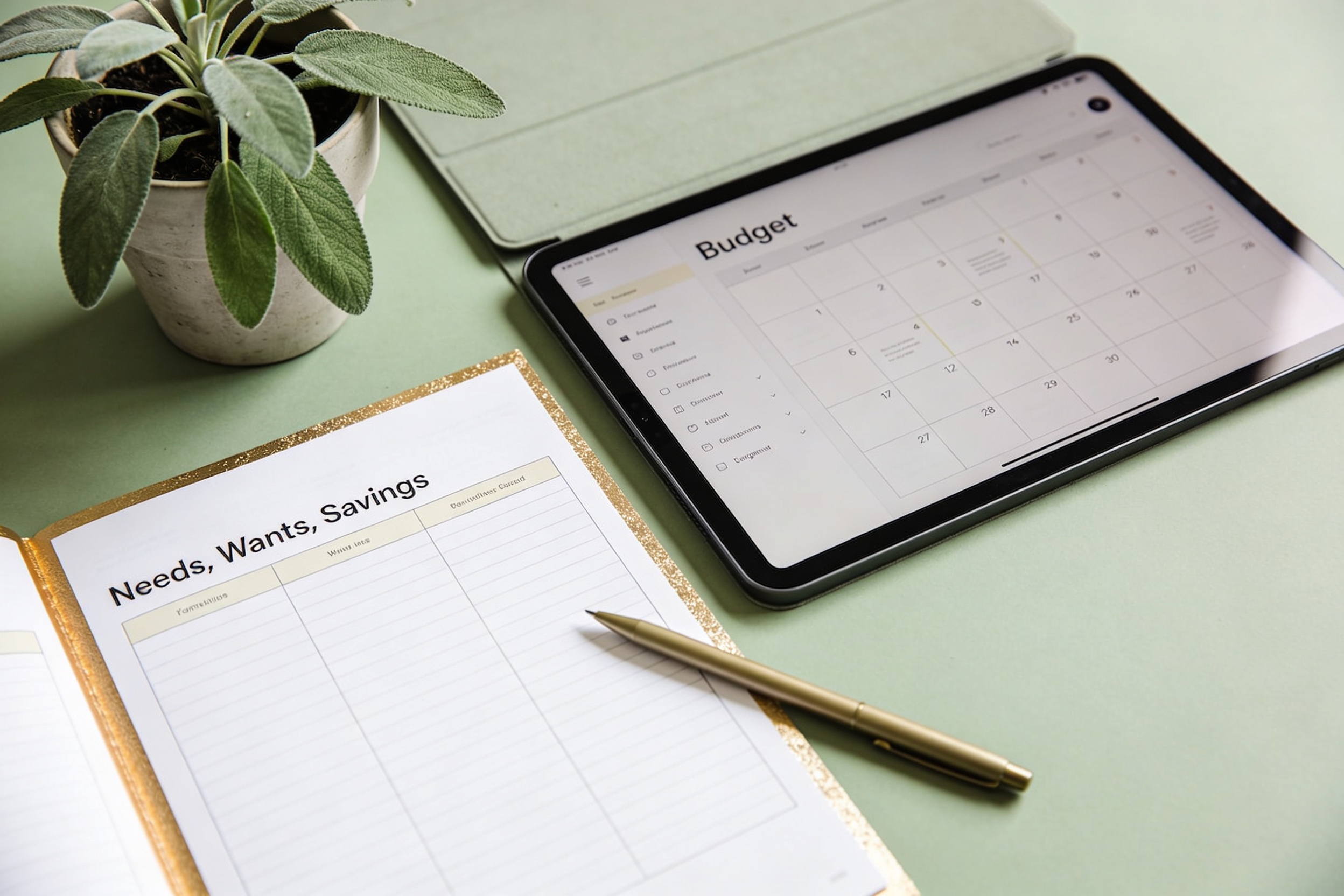
– Clear categories: Needs, Wants, and Savings should be obvious, not an enigma.
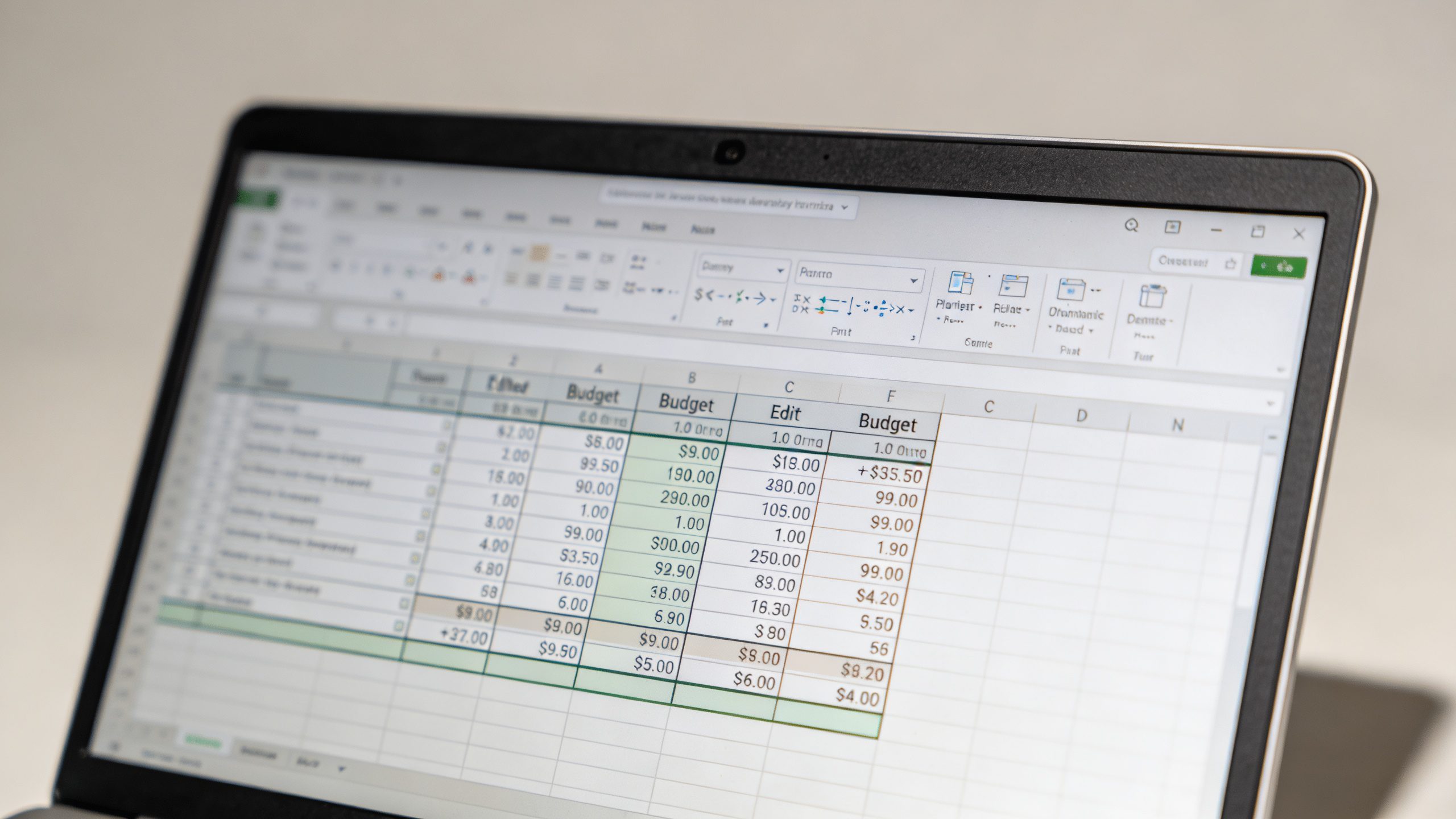
– Automatic totals: Subtotals that update as you type are priceless.
– Visual feedback: Progress bars, colorcoding, or mini charts help you see how you’re doing at a glance.
– Easy customization: Avoid templates that lock you into pre-set months or tax year formats you’ll outgrow fast.
Getting started: your first editable budget template
– Step 1: Define your timeline. Monthly is the default, but you can do biweekly or weekly if that suits your pay cycle.
– Step 2: List your income sources. Don’t forget irregular income—it’s real money, not a unicorn.
– Step 3: Dump your expenses into simple buckets. Keep it honest: rent, groceries, transport, subscriptions, and a “fun money” line.
– Step 4: Set realistic targets. If you overspend at the end of the month, adjust the plan, not the numbers.
– Step 5: Track, review, and tweak. The template is your living document, not a museum piece.
How to customize templates without breaking them

– Keep a master copy: Always save a version before making big changes.
– Use consistent categories: If you rename “Groceries” to “Food & Groceries,” keep the name across all sheets.
– Don’t hard-code numbers: Use formulas to pull totals so a single wrong input doesn’t wreck the whole sheet.
– Create a “notes” column: Jot down why you adjusted a budget line—this helps you stay on track next month.
Common tweaks beginners love
– Start with 3–4 fixed expense lines and 6–8 variable lines. You’ll be surprised how much you can tighten up.
– Add a debt payoff tracker: A simple line for “Minimum payment” and another for “Extra payment” with a running balance.
– Insert a savings goal section: Quick targets like “Emergency fund: $1,000” or “Vacation: $500.”
Keeping it visually friendly: charts and insights
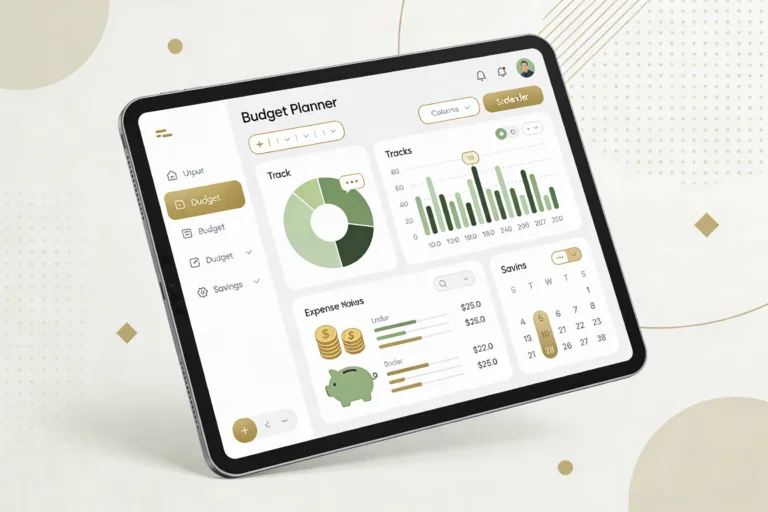
– Pie charts for expense distribution: See where your money actually goes.
– Bar charts for month-over-month progress: Watch your savings or debt slowly shrink (in a good way).
– Color coding: Green for under target, red for over; it’s a quick read, no calendar gymnastics required.
Simple charts you can add today
– Expense by category: A one-chart view of where every dollar lands.
– Savings progress: A bar that fills as you hit monthly savings goals.
– Debt payoff trajectory: A line graph showing remaining balance shrinking over time.
Practical templates you can start using now
– Monthly budget with sinking funds: Good for people who like anticipating future big costs (car registration, holidays, medical deducibles).
– Irregular income planner: Designed for freelancers and gig workers who don’t know when the next check lands.
– Family budget tracker: Shared family expenses plus a small reserve for spontaneous fun.
What makes a template beginner-friendly?
– Pre-filled example data you can erase: You’re not staring at an empty canvas.
– Simple formulas for totals: No need to be a spreadsheet wizard.
– Clear section headers and instructions: If you’re unsure, the template tells you what to do next.
Tips for staying consistent with your editable budget
– Schedule a monthly “budget check-in” in your calendar. No excuses.
– Keep your receipts or quick notes in one place. The fewer places you log, the less you forget.
– Automate where you can: Link your bank feed if your template supports it, or set up reminders for bill due dates.
– Celebrate small wins: Treated yourself for hitting a savings target. Small rewards keep momentum.
Common beginner mistakes (and how to dodge them)
– Thinking a budget must be perfect from day one: It won’t. Start imperfect and improve weekly.
– Ignoring irregular expenses: They sneak up and blow budgets. Include a cushion.
– Not updating after life changes: Job, moving, or a new kid changes numbers. Update the sheet before you update your mood.
Advanced tweaks for growing into the template
– Add a cash-flow forecast: A quick 30-day forward view helps anticipate shortages before they happen.
– Create scenario views: What if I lose a side gig? What if rent goes up by 5%? Play out quick what-ifs.
– Link to goals: Tie your monthly surplus to concrete goals with progress bars that glow when you hit milestones.
Scenario planning without the drama
– Best case vs. worst case: Keep it simple with two columns for income and for expenses.
– Buffer room: Always reserve a small “buffer” line to absorb small overshoots without panic.
– Debt payoff speed: If you’re aggressive, you can accelerate payoff by allocating more of the surplus to debt.
FAQ
What kind of template should a complete beginner start with?
Start with a simple monthly budget with clearly labeled categories and automatic totals. Look for one that includes a basic savings line and a debt payoff section. You want something that feels doable, not intimidating.
Do I need advanced spreadsheet skills to use editable templates?
Nope. The beauty of these templates is that they’re designed for practicality. You’ll use basic arithmetic for totals, and most templates auto-calculate. If you can type numbers and read a sum, you’re good.
How do I customize a template without breaking it?
Make a copy for your personal use, adjust only one area at a time, and save changes with a version name. Keep a master version untouched so you can revert if something looks off. FYI, small tweaks add up fast.
What if my income is irregular?
Choose an irregular income template or add a separate “Income buffer” line. Track your best month and worst month to build a flexible plan that can ride the lean times without freaking out.
How often should I update the budget?
Do a quick update at least once per week during the first couple of months. Once you’re in a steady rhythm, monthly check-ins are enough. The key is consistency, not frequency for its own sake.
Can I share my budget with someone else?
Absolutely. Cloud-based templates or shared sheets let partners view and adjust. Just set permission levels so someone can’t accidentally delete your formulas. Sharing is caring—especially for joint goals.
Conclusion
Budgets don’t have to be scary spreadsheets that glare at you from the screen. With editable budget planner templates, you get a friendly, adjustable framework that grows with you. They’re not just tools; they’re little systems you actually want to use. So pick a beginner-friendly template, customize a couple of lines, and start tracking without the angst. IMO, you’ll feel the difference in a month or less: more control, fewer headaches, and a little more wiggle room for life’s surprises. Ready to dive in? FYI, your future self will thank you.