Best Digital Budget Planner for Beginners (Simple & Stress-Free)
Money. We all want more of it, but somehow, it keeps slipping through our fingers like that last slice of pizza at a party. If you’re tired of playing hide-and-seek with your paycheck, a digital budget planner might be your new best friend. No, it won’t magically make you rich (sorry), but it *will* help you stop wondering where all your cash went. Let’s break it down.
Why a Digital Budget Planner Beats Scraps of Paper
Remember when you scribbled “coffee: $5” on a napkin and called it budgeting? Yeah, that system didn’t last. Digital budget planners take the chaos out of tracking your money—no more lost receipts or vague guesses about last month’s Uber Eats addiction.
Here’s why digital wins:
- Automation is your lazy BFF: Apps link to your bank accounts and categorize spending for you. No manual entry required (unless you’re into that).
- Real-time updates: Check your budget while waiting in line for coffee. Instant guilt over that latte? Priceless.
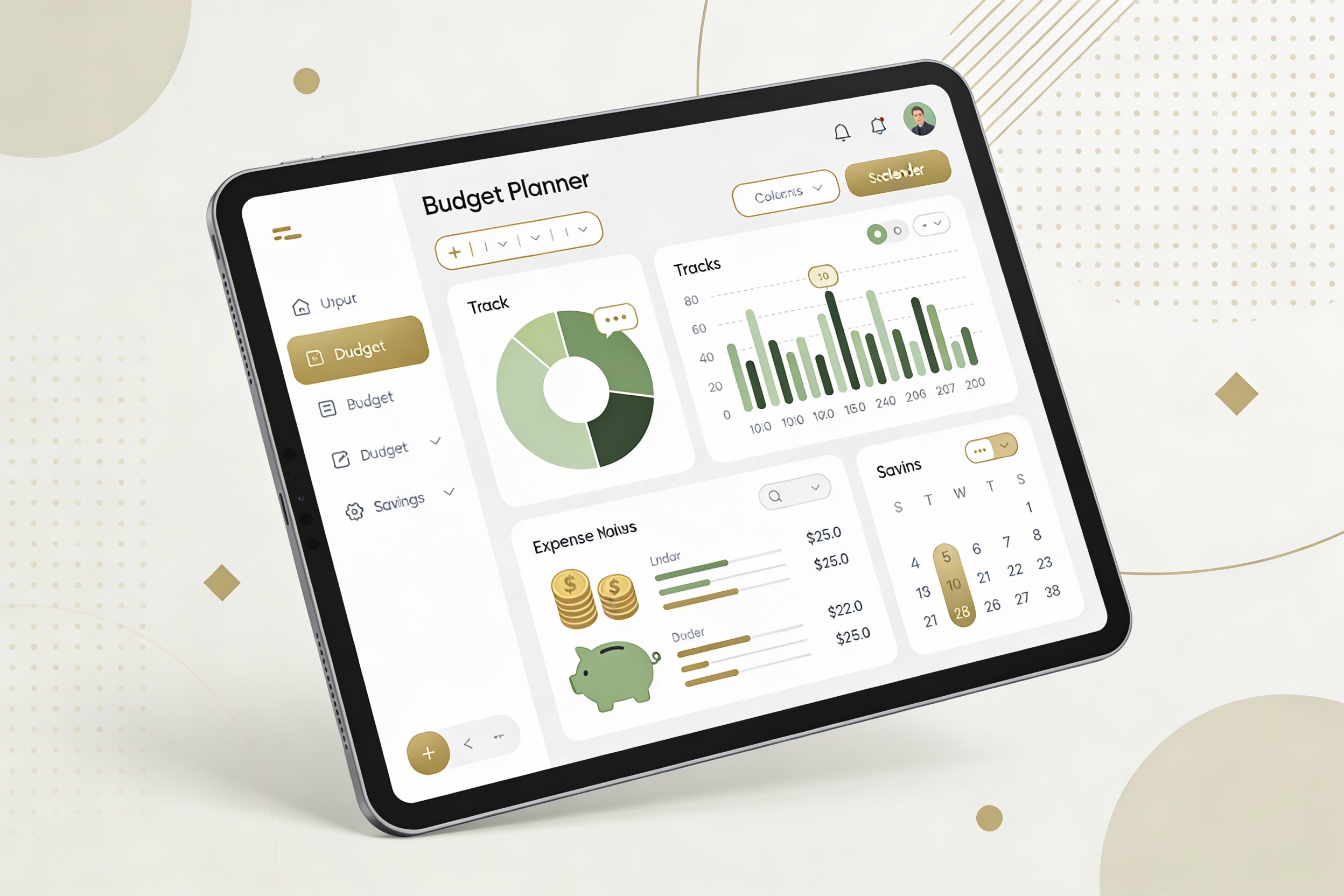
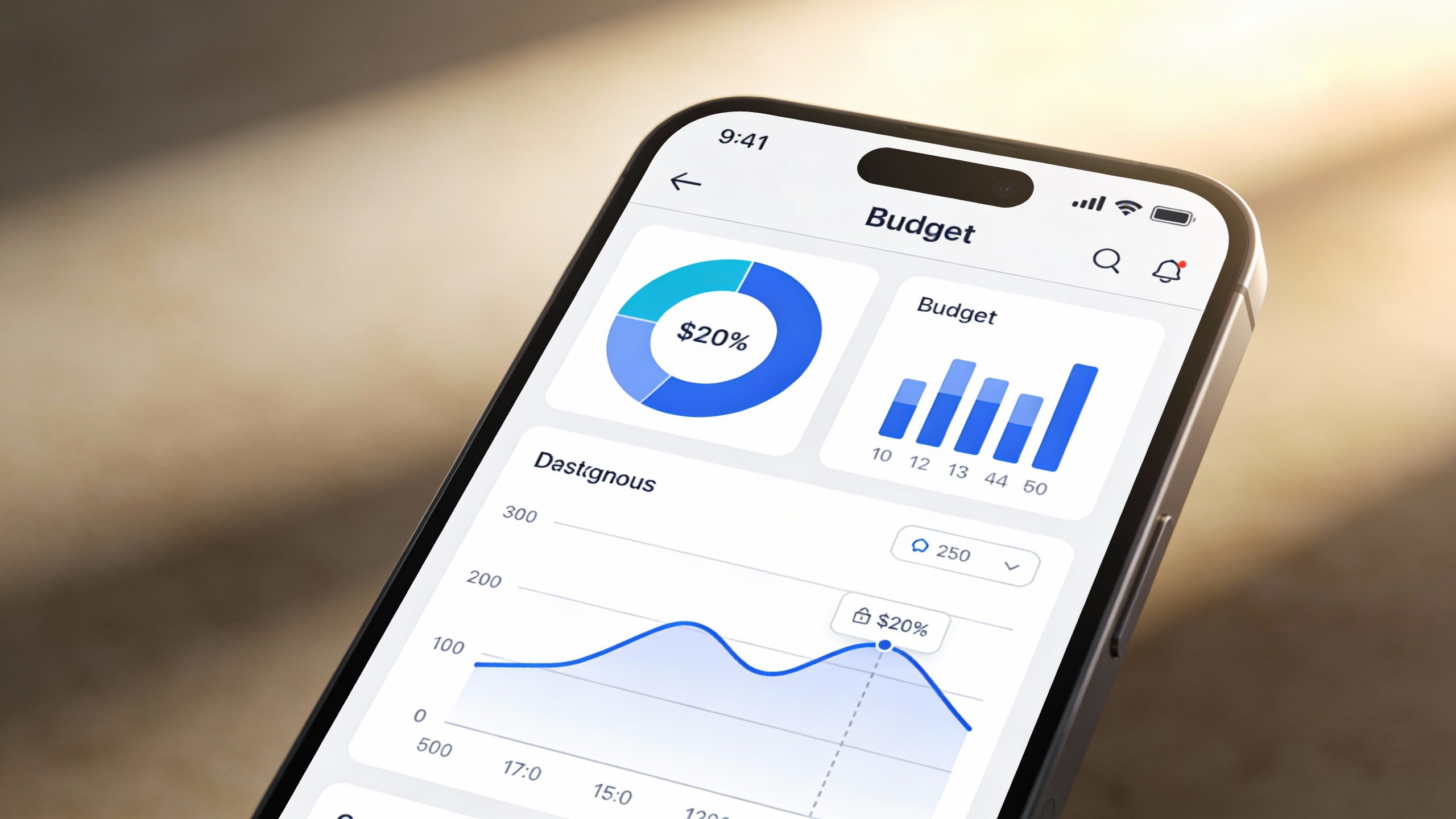
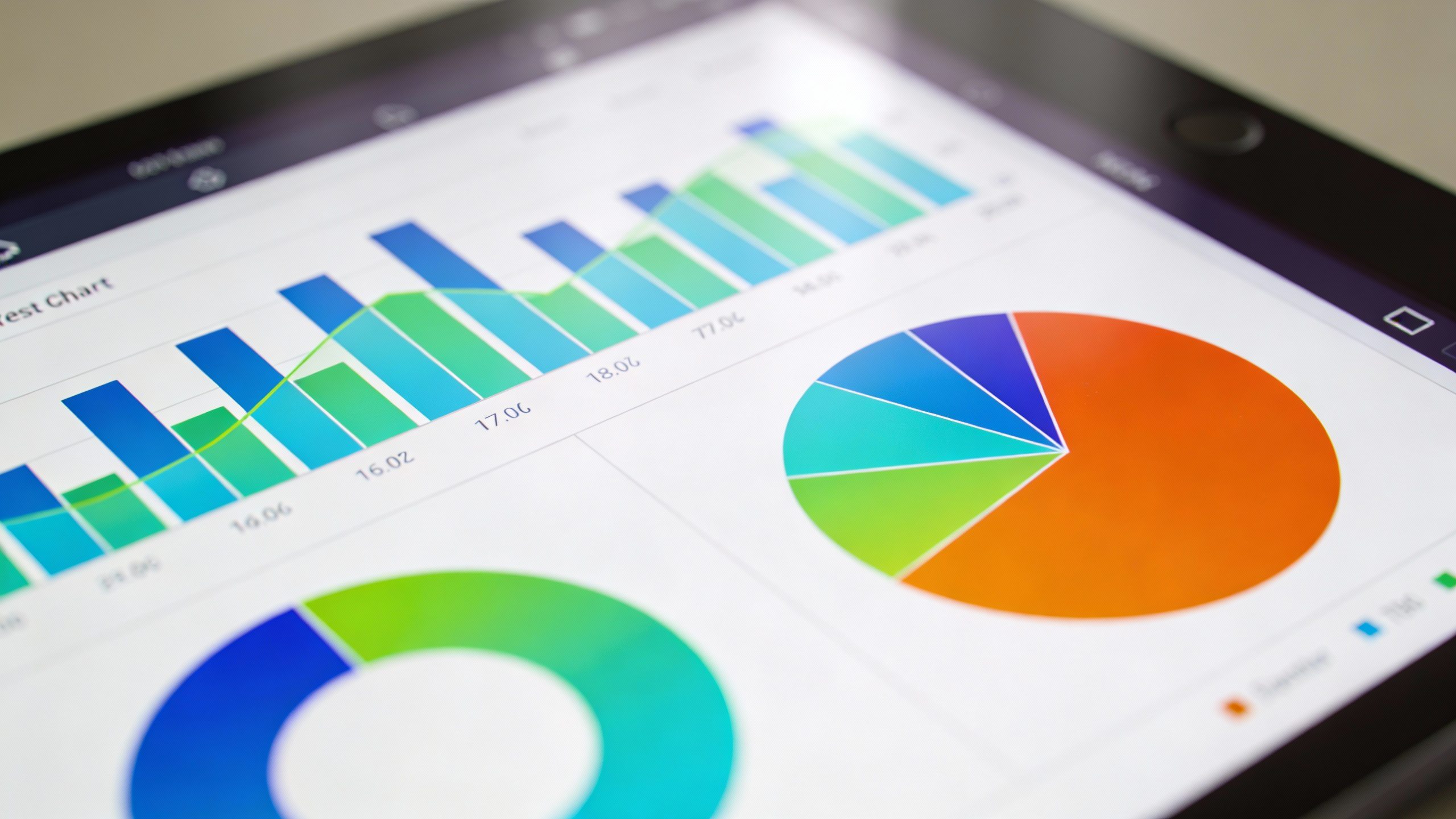
- Visuals > spreadsheets: Graphs and charts show your spending habits at a glance. Spoiler: You *might* have a streaming subscription problem.
But What If I’m Technologically Challenged?
Relax. Most budget apps are designed for humans, not Silicon Valley coders. If you can order takeout online, you can handle this. Start with something simple like Mint or PocketGuard—they’re basically training wheels for budgeting.
How to Pick the Right Budget Planner (Without Losing Your Mind)

Not all budget apps are created equal. Some feel like a stern math teacher, while others gently guide you like a yoga instructor. Here’s what to consider:
- Your goals: Just tracking spending? Try Wally. Saving for a trip? YNAB (You Need A Budget) is your hype man.
- Your tech comfort level: If Excel gives you hives, avoid apps that look like NASA dashboards.
- Cost: Some apps are free (with ads), others charge. FYI, paying $100/year to save $50 isn’t winning.
The Freemium Trap
Free apps love to upsell you. Want fancy features? That’ll be $9.99/month! IMO, stick with free versions until you’re sure you’ll actually use the extras. Otherwise, you’re just donating to an app CEO’s yacht fund.
Setting Up Your First Budget: Less Painful Than a Dentist Visit
Here’s the secret: Your first budget will suck. And that’s okay. Start simple:
- Track income: How much actually lands in your account? (Hint: It’s less than you think.)
- List fixed expenses: Rent, utilities, that gym membership you haven’t used since January.
- Guess variable spending: Food, entertainment, “miscellaneous” (aka impulse buys).
The 50/30/20 Rule for Clueless Beginners
Not sure how to split your money? Try this classic:
- 50% needs: Rent, groceries, insurance—the boring stuff.
- 30% wants: Netflix, avocado toast, that third pair of black jeans you “needed.”
- 20% savings/debt: Future you will high-five present you.
Common Mistakes (And How to Avoid Them)
You’ll mess up. Everyone does. Here’s how to dodge classic budget fails:
- Being too strict: If your budget says “no fun ever,” you’ll quit by Tuesday.
- Ignoring small purchases: Those $3 coffees add up faster than a TikTok trend.
- Not adjusting: Got a raise? Budget it before lifestyle creep eats it.
When Your Budget Feels Like a Straightjacket
If tracking every penny makes you want to scream, try these sanity savers:
- The “Whatever” category: Allocate $50/month for random spending. No guilt, no questions.
- Cash envelopes (digitally): Apps like Goodbudget let you allocate virtual “envelopes” for categories.
- Weekly check-ins: Spend 5 minutes reviewing instead of an hour crying over spreadsheets.
FAQ: Budgeting for People Who Hate FAQs
How often should I update my budget?
Weekly is ideal, but even a monthly check-in beats nothing. Think of it like watering a plant—ignore it too long, and things get ugly.
What if I overspend?
Adjust another category (bye-bye, “dining out”) and move on. Budgets aren’t prison sentences.
Are premium features worth it?
Only if you’ll use them. If “investment tracking” sounds like a foreign language, skip it.
Can I budget with irregular income?
Yep! Base your budget on your *lowest* expected income month. Windfalls go straight to savings (or that “whatever” category—no judgment).
Do I really need an app? Can’t I use Excel?
You *could* churn your own butter too, but why? Apps automate the annoying parts.
What’s the biggest beginner mistake?
Making it too complicated. Start small—tracking spending is better than a “perfect” budget you abandon.
Go Forth and Budget (Like a Normal Human)
A digital budget planner won’t solve all your money problems, but it’ll stop you from accidentally spending rent money on sneakers. Pick an app, set up basic categories, and remember: progress > perfection. Now go forth and adult (lightly). Your bank account will thank you.