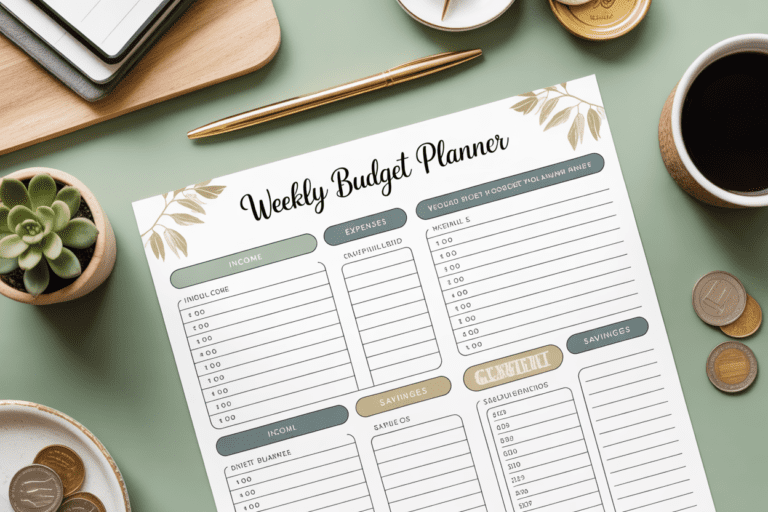
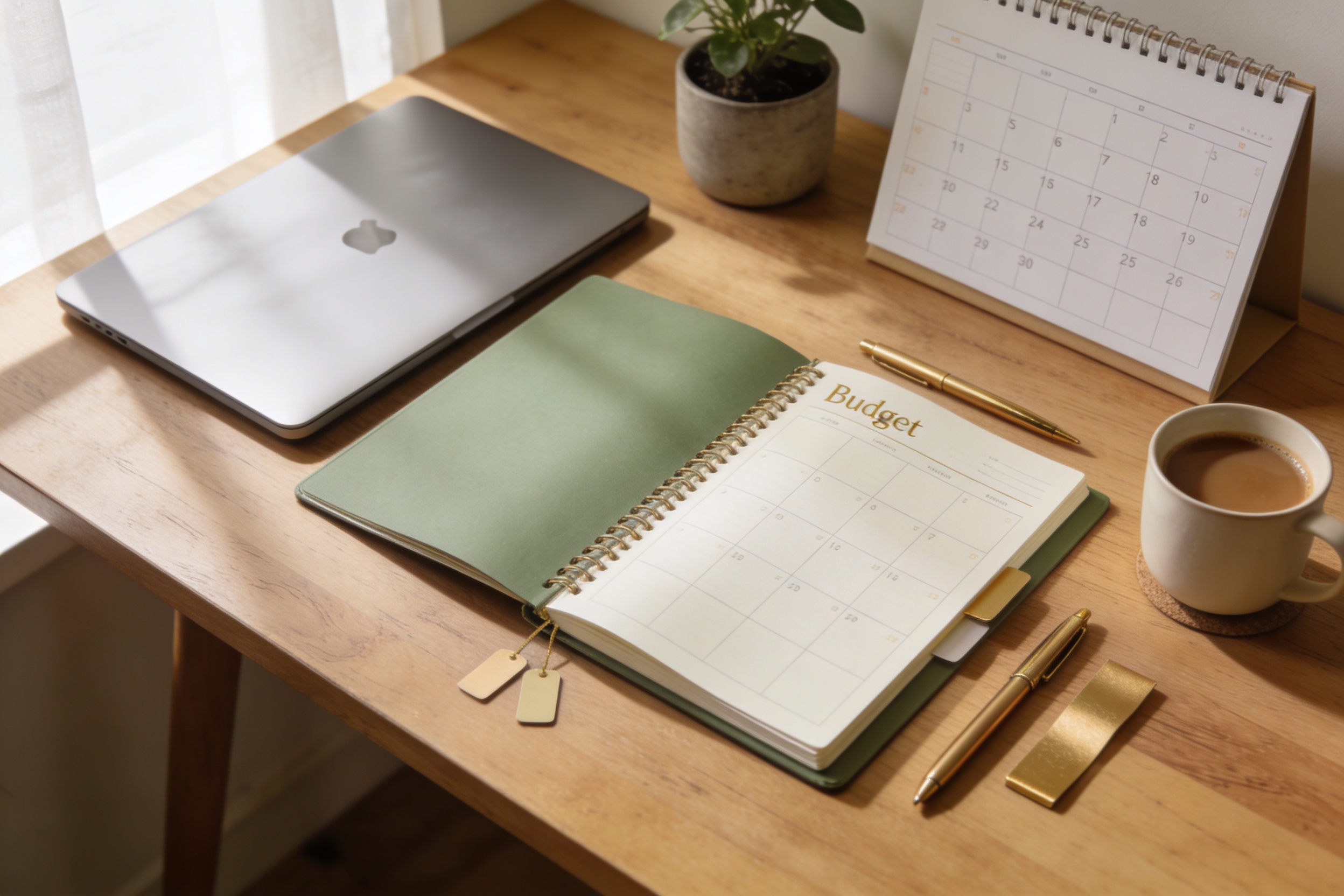
How to Choose the Right Budget Planner That Actually Works
Have you ever tried budgeting and ended up feeling more overwhelmed than enlightened? Yeah, budgeting can feel like assembling IKEA furniture with missing instructions. But with the right budget planner, you can actually see where your money goes, make faster progress, and still sleep at night. Let’s cut the fluff and pick something you’ll actually use.
What do you even mean by a “budget planner”?
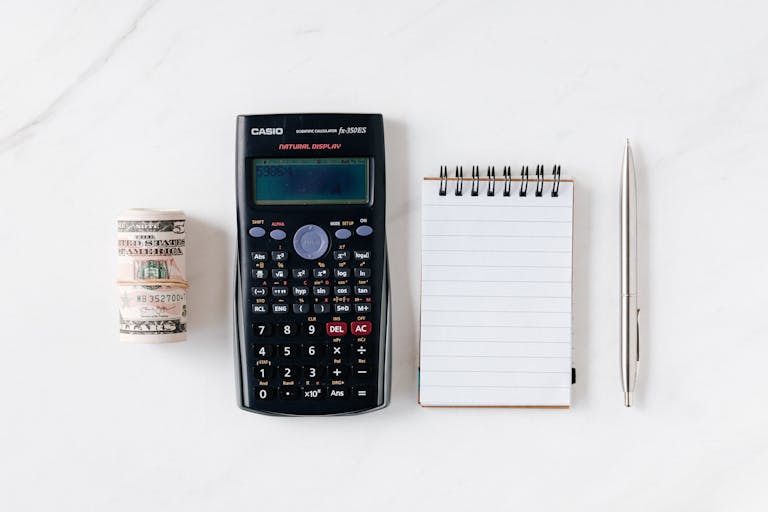
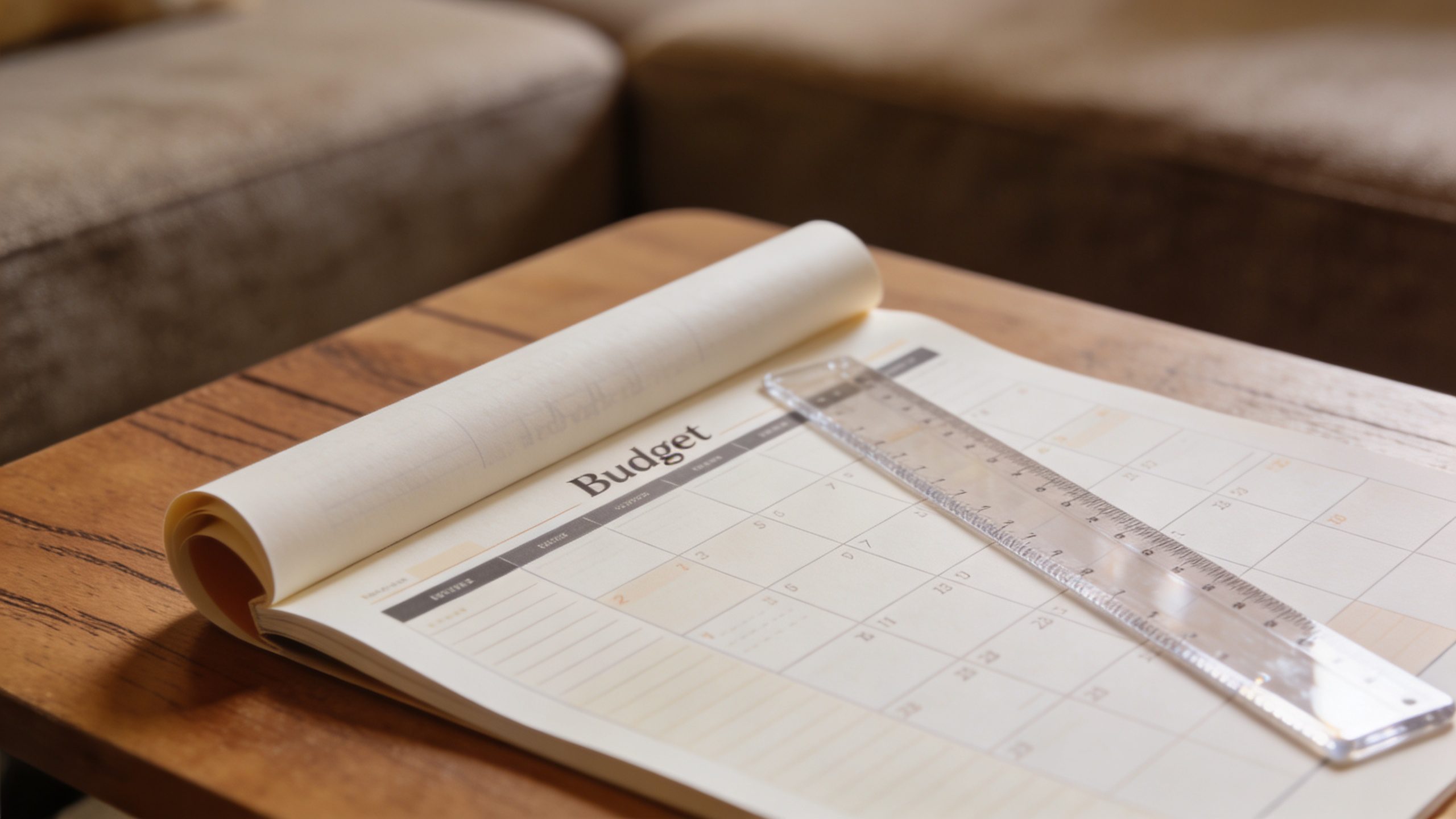
If you picture a budget planner as a dusty notebook, you’re not entirely wrong. But think bigger: it’s a tool—whether digital, paper, or something hybrid—that helps you plan, track, and optimize how you spend, save, and reach goals. It’s not a punishment device; it’s a map. You want something that makes you smile when you open it, not groan.
– It can be a simple notebook for cardio-efficient tracking.
– It can be a sleek app that syncs with your bank.
– It can be a hybrid: printouts plus a digital dashboard.
– It should empower you to answer: where did my money go this month? What’s my real savings rate? What does “enough” actually feel like?
Ask yourself: What problems do I want it to solve? Do I want auto-categorization, or do I like to categorize by hand? Do I want to forecast, or just keep receipts in check? Your answers guide the whole choice.
Identify your budgeting vibe: practical, proactive, or playful
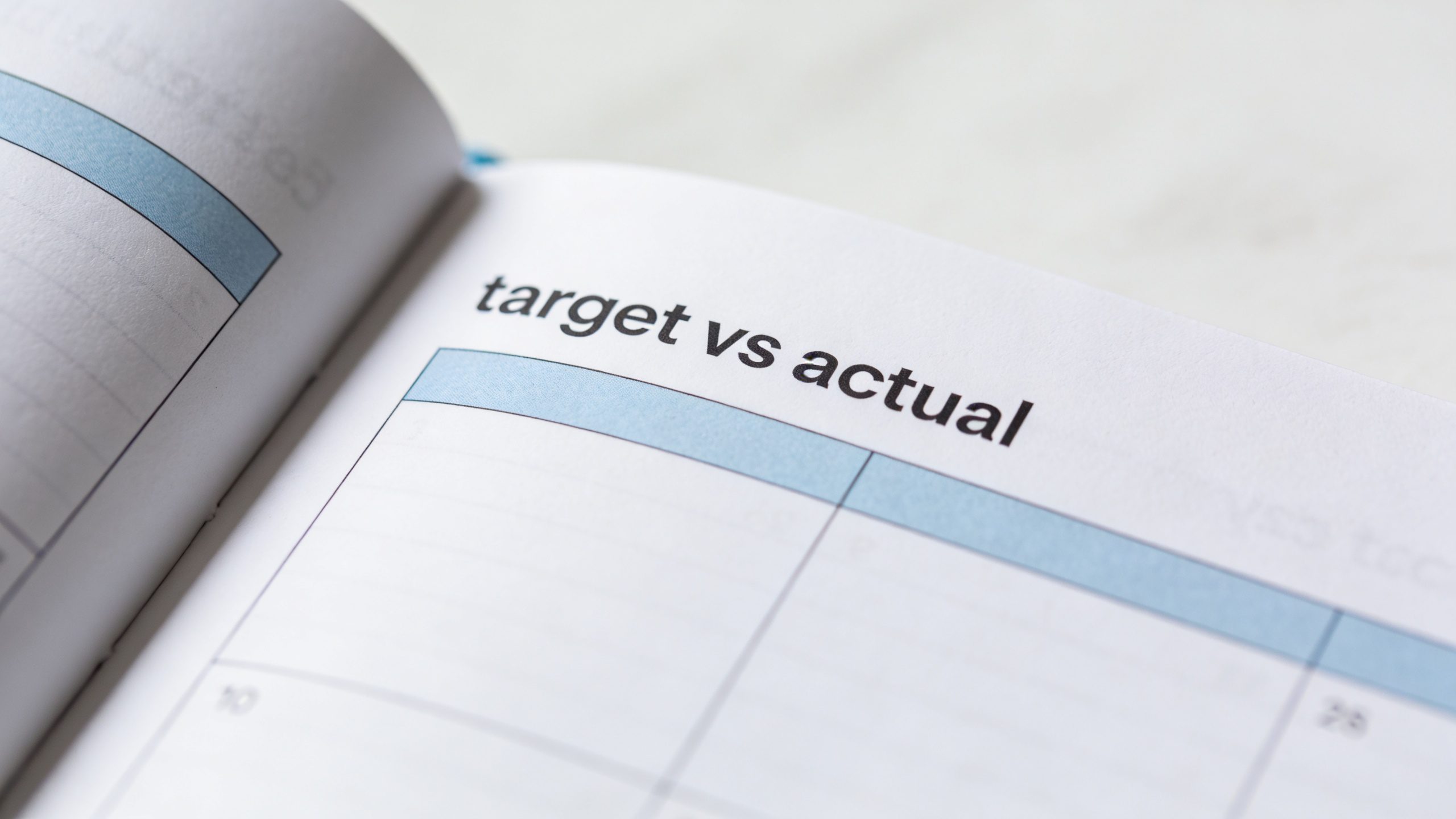
Before you dive into features, nail down your vibe. This decides what kind of planner you’ll actually stick with.
– Practical: You want clear categories, simple monthly view, and predictable reports.
– Proactive: You crave forecasting, goal progression, and nudges to stay on track.
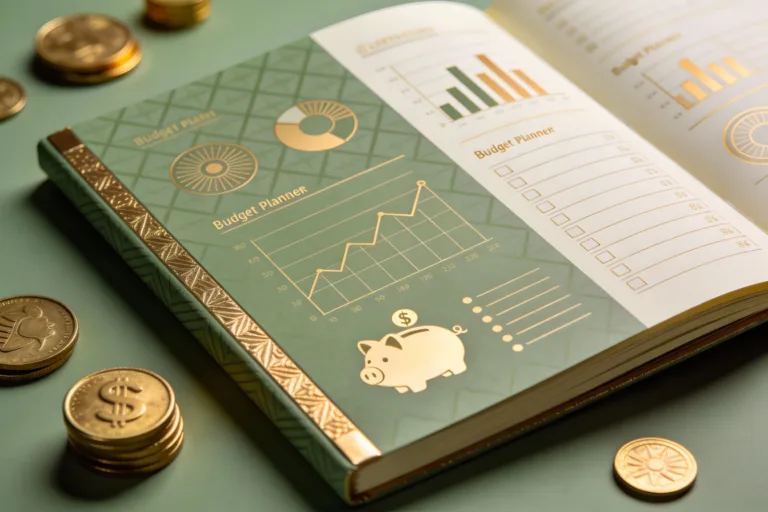
– Playful: You enjoy charts, gamified progress, and a design that inspires you to show up.
If you can’t decide, you might be somewhere in the middle. FYI, you’ll probably gravitate toward something that’s easy to start and hard to stop once momentum builds.
Consider where you’ll use it most
Your environment matters. A planner that lives on your phone works great on the go, but you’ll actually use it if it fits your daily routine.
– On-the-go app: Perfect for you if you spend time commuting or at the gym. Look for offline access, quick add, and syncing across devices.
– Desktop or web: Great if you’ve got a desktop setup, a bigger screen, and you like graphs you can stare at for a while.
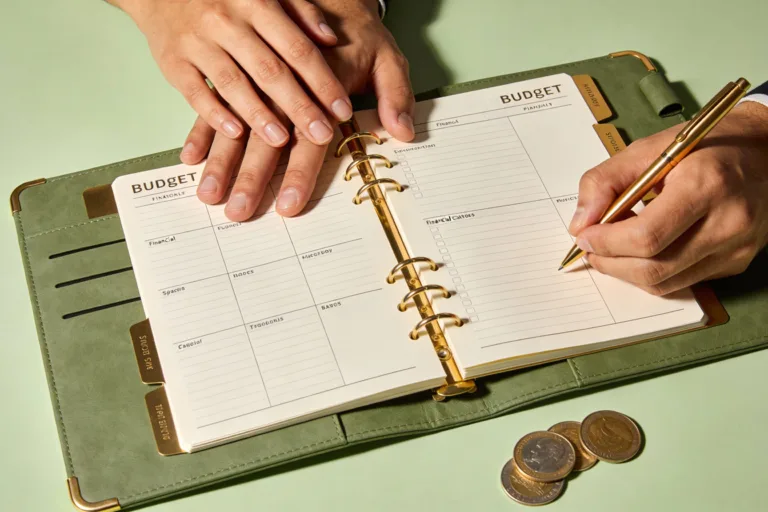
– Paper-first: Some people still love a tangible ritual—writing things down can feel satisfying. Look for clear layouts, durable pockets, and legible fonts.
Ask yourself: When do I review budgets? Morning coffee, lunch break, or before bed? The answer helps you pick a tool that doesn’t get abandoned.
Key features to actually use (the practical checklist)
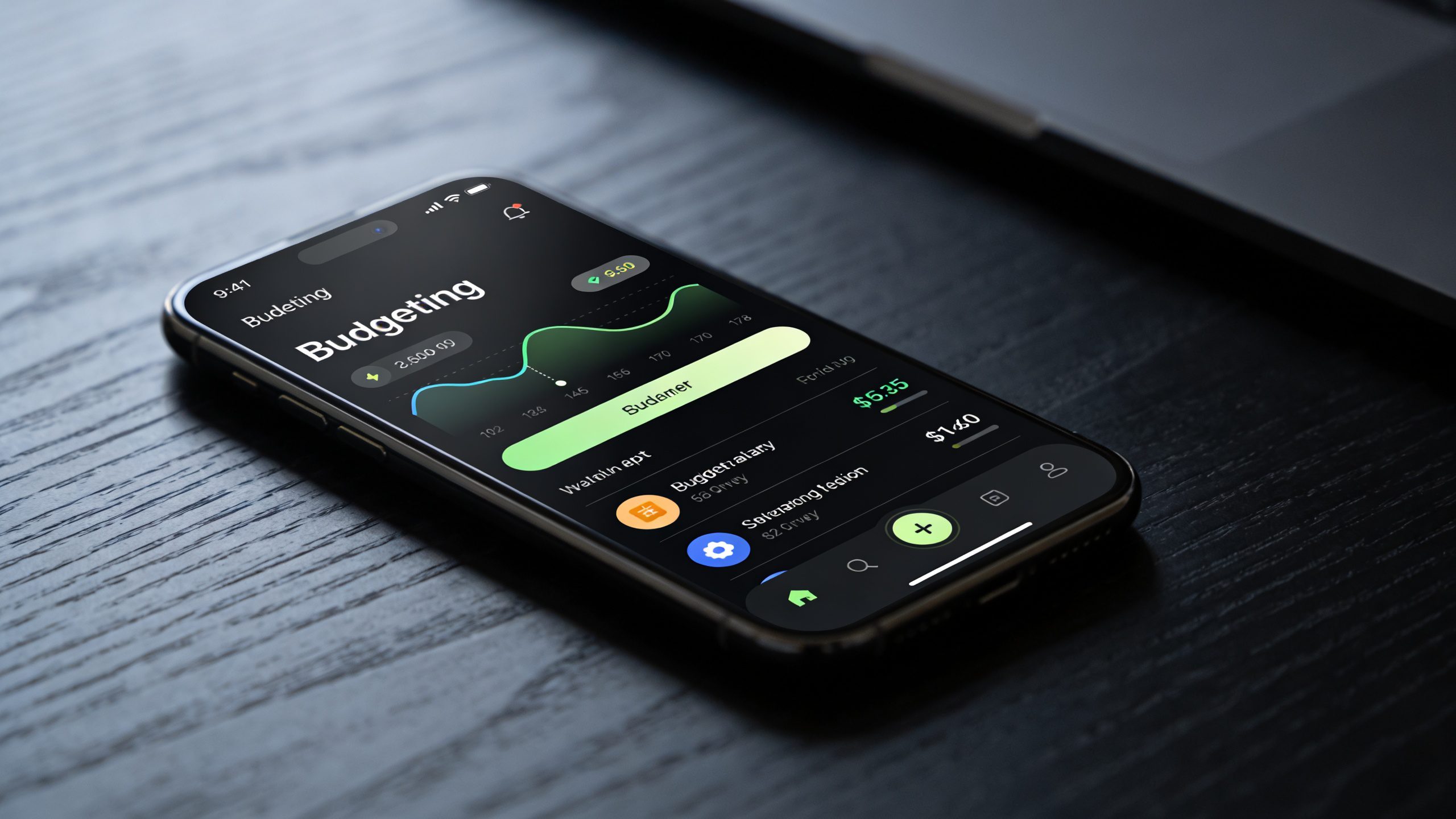
Here’s the cheat sheet you’ll thank me for later. Not every feature is mandatory, but certain ones dramatically increase your odds of sticking with it.
– Easy setup: A quick start guide, pre-loaded templates, or minimal data entry to begin.
– Clear categories: Rent, groceries, eating out, transportation, utilities, debt, savings, discretionary — you get the idea.
– Automatic or semi-automatic tracking: Bank syncing, receipt capture, or simple manual entry.
– Realistic forecasting: A look into future months based on current spending and savings goals.
– Goal tracking: Specific targets like “save $300 for emergency fund” or “pay off credit card by June.”
– Progress visuals: Simple graphs or charts that show you where you stand.
– Alerts and nudges: Gentle reminders when you’re veering off course.
– Cash flow view: A quick snapshot of money coming in vs. money going out.
– Accessibility: Cross-platform support, print-friendly exports, and a clean, readable interface.
– Privacy and security: Strong encryption, passcodes, and transparent data usage.
If you’re overwhelmed, pick 2-3 must-haves and test with those. You can expand later.
How the UI should feel: not annoying, actually friendly
A great planner saves you time, not steals it. Here’s what to test in the first week:
– Quick add: Can you log a transaction in under 10 seconds?
– Drag-and-drop editing: Easy rearranging of categories or monthly budgets.
– Readable numbers: Large fonts, color-coding, and intuitive legends.
– Fast insights: A glance should tell you if you’re on track or not.
– Personalization: Colors, themes, or dashboard layout that feel like “you.”
If the answer to most of these is “no,” keep looking. You deserve something that motivates, not something you need a manual to operate.
Security, privacy, and trust: don’t overlook the boring stuff
Budget tools touch your money, so you owe it to yourself to pick something trustworthy. Here’s what to look for:
– Data security: End-to-end encryption for data transfers, strong authentication, regular security audits.
– Local vs. cloud storage: Do you want your data on your device only, or synced to the cloud? Weigh convenience against risk.
– Clear data policy: Know how long data is stored, who can access it, and how it’s used.
– Backup options: Auto-backups or export options in CSV/PDF so you’re never locked in.
– Open transparency: A transparent company culture and honest terms.
If you’re unsure, start with a reputable provider and enable two-factor authentication. FYI, you’re the one who ultimately holds the keys to your money.
How to test-drive a budget planner before committing
Pick three planners that look promising. Try them for a week each, focusing on these actions:
– Enter a month’s worth of transactions (or a realistic subset) and see how long it takes.
– Set 2-3 goals and track progress daily.
– Run a forecast for the next three months and compare with reality later.
– Check a dashboard: does the insight feel actionable or just pretty?
Make notes on usability, whether you actually opened it daily, and whether the visuals helped you decide next steps. If you dread using it, that’s a red flag.
Realistic pricing: what you’re really paying for
Budget planners come in many flavors. Some are free, some are paid, and some are paid with a free tier that’s almost useless for long-term use. Here’s how to think about it:
– Free tier: Great for testing. Look for essential features and reasonable limits.
– One-time purchase: You own the tool forever. Good if you hate recurring charges.
– Subscriptions: Regular updates, cloud sync, and extra features. Weigh the monthly cost against your usage and value.
– Family or team licenses: If you share budgets with a partner or household, this can be worth it.
Pro tip: cancel before the trial ends if you’re not seeing value. No one’s offended by a well-timed retreat.
What if you have multiple goals or households to manage?
Budgeting gets more fun (and more complex) when you add goals. Here are ways to handle it without going crazy.
– Separate budgets per goal: Emergency fund, vacation, debt payoff, and daily living—keep them distinct but visible.
– Shared budgets: If you live with a partner, use joint accounts or shared trackers but keep personal trackers for individual goals.
– Prioritization: Rank goals by importance and urgency. If you can’t do everything, choose the ones that move the needle the most.
– Milestones and celebration: Small wins matter. Recognize progress to stay motivated.
If you’re feeling overwhelmed, start with a single goal and a single shared budget. You’ll gain clarity fast.
FAQ
1. Do I really need automatic syncing with my bank?
Automatic syncing saves time and reduces data entry, but it’s not mandatory. If you’re just starting out, manual entry helps you learn your patterns before you rely on auto-categorization. Later, you can flip the switch and let the tool do the heavy lifting. It’s your call, not the tool’s.
2. Should I use a digital planner or a paper one?
Both have their fans. Digital planners are great for real-time updates, forecasts, and small screens. Paper planners feel more personal and can make budgeting feel tangible. If you’re unsure, try a hybrid: digital tracking with a printed monthly summary. FYI, you might discover you prefer one format for certain tasks and another for others.
3. How much time should I expect to spend weekly?
expect to spend 10-20 minutes a few days per week once you’re in the groove. If you’re actively paying off debt or saving for a goal, you might peek at it daily for a couple of minutes. Don’t stress about perfection—consistency beats intensity.
4. What if I hate the UI after a week?
Give it a fair trial, then switch. Your money story deserves a tool you actually enjoy using. If the interface is the barrier, move on to something that feels intuitive. There’s no badge for stubborn budgeting.
5. Can a budget planner help me save more?
Yes, brilliantly if you use it. The best tools expose you to your patterns, show you where over-spending sneaks in, and push you toward your goals with clear visuals and nudges. It’s not magic, but it’s close when you actually engage with it.
6. Is privacy a real concern with budgeting apps?
Yes, privacy matters. Read the privacy policy, understand data-sharing practices, and enable privacy features. If a company won’t disclose basics, walk away. Your financial data is precious.
Conclusion
Choosing the right budget planner isn’t about finding the most feature-packed option. It’s about finding the one you actually use, daily or near-daily, without feeling like a chore. Start with what you need most: quick setup, clear categories, and a vibe that doesn’t rename budgeting as “doomscrolling with numbers.”
Remember: the best planner is the one you’ll open in the morning and say, “Yep, I got this.” Whether you lean practical, proactive, or playful, there’s a tool out there that fits your life, not the other way around. FYI, give yourself permission to switch plans if something feels off. Your money deserves a happy, healthy home—and you deserve a budget that doesn’t fight you every step of the way.