Best Budgeting Apps for Beginners: Your Wallet Wins
You don’t need a finance degree to get your money under control. In fact, the best budgeting apps for beginners are basically your digital accountability buddy—friendly, no judgment, and a little bit sassy when you need it. Let’s cut to the chase: you can start tonight, and your wallet will thank you later.
Why budgeting apps can actually stick (and not just collect dust)
If you’ve tried budget spreadsheets that scream “you failed,” you know the drill: boring, intimidating, and easy to abandon. A good budgeting app makes money management feel like a game with real-life prizes. It automates the boring stuff, surfaces trends, and nudges you toward better choices. No guilt trips, just actionable insights.
What to look for in a beginner-friendly budget app
So you don’t waste time on features you’ll never use, here’s a quick filter:
- Ease of setup: Do you need a degree in accounting to get started, or can you plug in a few numbers and go?
- Automation: Automatic expense categorization, bank syncing, and goal tracking save you effort.
- Costs: Free tiers exist for a reason. Look for transparent pricing and a plan that fits a beginner’s budget.
- Learning curve: A friendly onboarding, guided tips, and helpful FAQs matter as you learn.
- Security: Strong encryption, two-factor authentication, and clear data policies aren’t optional excuses.
Best overall for beginners: Mint
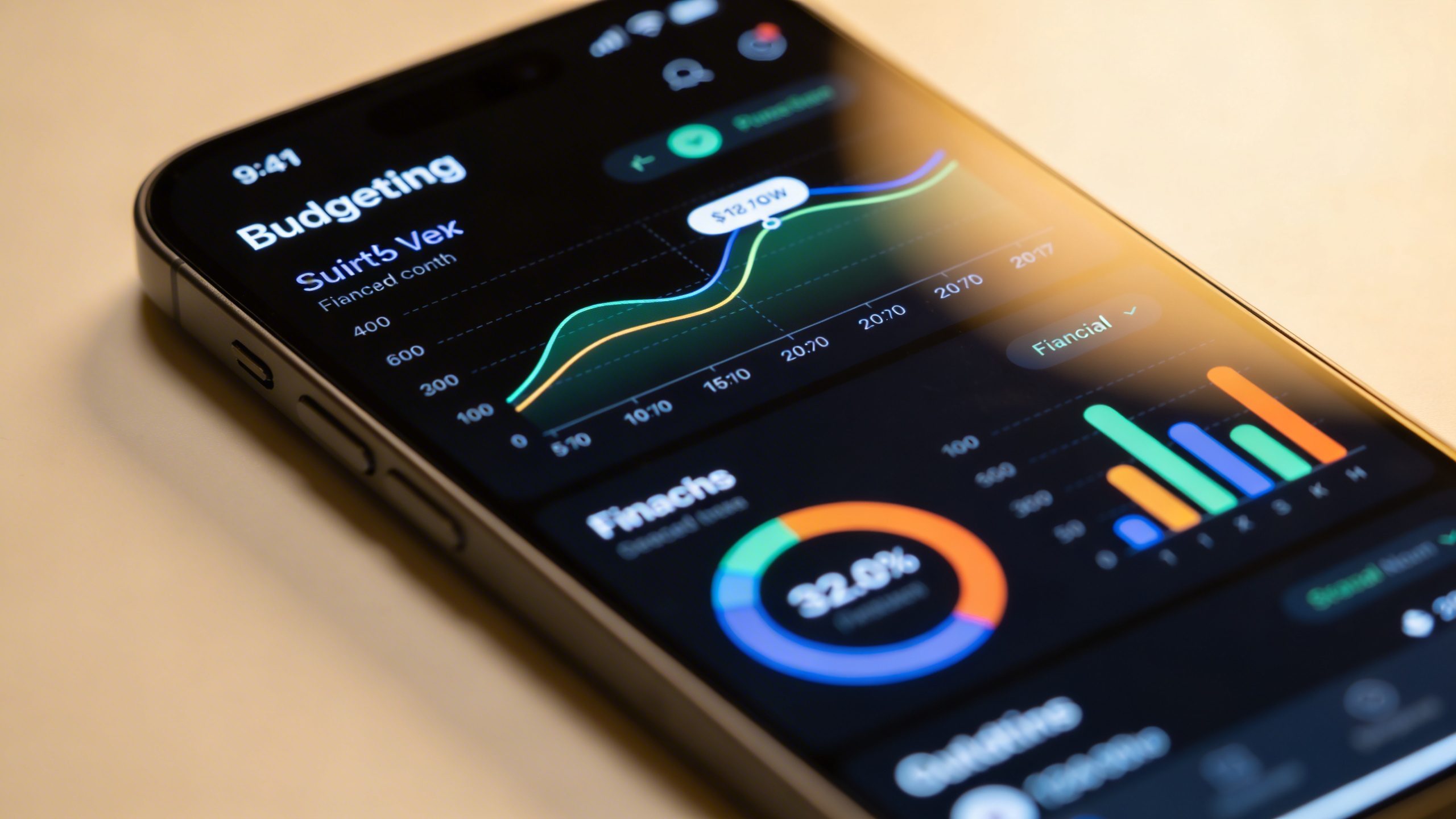
Mint has been around forever, which means it’s battle-tested and beginner-friendly. It’s the classic low-stress entry into budgeting with automatic syncing and a straightforward layout.
- <strongWhat you get: All-in-one dashboard, expense categorization, bill reminders, and a credit score glance.
- <strongWhy beginners love it: It’s free, it’s simple, and it shows a big-picture view without forcing you to tweak every transaction.
- <strongGetting started tip: Link a couple of accounts, set a monthly budget by category, and check the Trends tab after a week to see where you’re actually spending.
Mint tips you’ll thank me for
- Enable alert nudges when you’re approaching a budget limit. Not nagging—just helpful reminders.
- Use the “Goals” feature to quietly save for fun stuff like a weekend trip or a new gadget.
Best for automation lovers: YNAB (You Need A Budget)
If you want a budgeting system that feels almost like a personal trainer for your money, YNAB might be your jam. It’s not free, but it’s built to teach you a smarter habit with hands-on budgeting.
- <strongWhat you get: A rule-based approach (Give every dollar a job, Save for a rainy day, etc.), goal tracking, and real-time syncing.
- <strongWhy beginners love it: It forces you to plan ahead, which is exactly what most of us need to stop swiping away money on impulse.
- <strongGetting started tip: Start with the 34-day free trial, follow the beginner’s guides, and set a simple monthly target like “spend less on dining out.”
YNAB onboarding hacks
- Block 15 minutes to set up your first month with “Give every dollar a job.” It’s oddly satisfying.
- Use the mobile app for real-time adjustments when you’re out shopping. FYI, the instant sync is clutch.
Best value option: EveryDollar (Zero-based budgeting)
If you want a clean, approachable interface without breaking the bank, EveryDollar offers a solid balance of simplicity and usefulness. It’s especially friendly if you’re starting from scratch.
- <strongWhat you get: A simple, zero-based budget approach, basic expense tracking, and optional paid features for more automation.
- <strongWhy beginners love it: It’s quick to set up and you won’t drown in features you’ll never use.
- <strongGetting started tip: Build your budget by listing every category, then set a small savings goal to build momentum.
EveryDollar lifestyle hack
- Pair it with your bank’s app for quick one-tap expense logging after a meal out or a shopping trip.
- Use the built-in “funds” idea to earmark money for occasional expenses (like car maintenance) so you don’t get blindsided.
Best budget app for optical clarity: PocketGuard
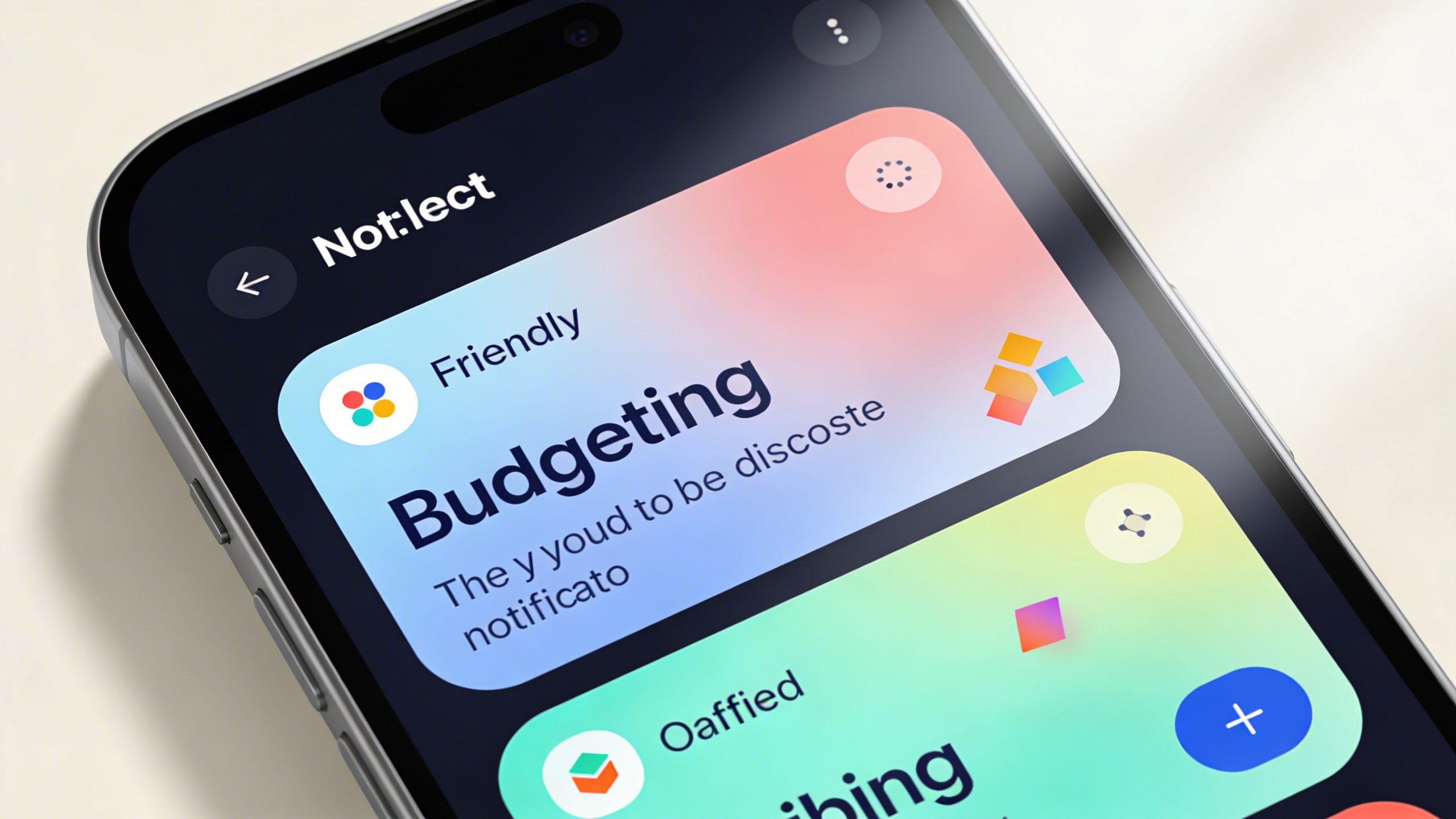
If your head spins at dashboards, PocketGuard brings a calm, minimal vibe and focuses on what you have left to spend.
- <strongWhat you get: Easy overview of income, bills, and discretionary spending with a simple “In My Pocket” number.
- <strongWhy beginners love it: It highlights true spending power after bills and essential costs, so you don’t overestimate. Calm, not coffee-fueled chaos.
- <strongGetting started tip: Connect your accounts and set your essential expenses first, then watch what’s left for fun.
Keeping it simple with PocketGuard
- Use the “Spending Shield” to see if a purchase fits your current budget.
- Turn on notifications for unusual spending. It’s not nagging; it’s a friendly nudge.
Budgeting on a shoe-string: GoodBudget
GoodBudget uses the envelope method in a digital form, which many beginners swear by. If you like tangible budgeting tactics, this one feels old-school but fresh online.
- <strongWhat you get: Envelope-based budgeting, debt payoff planning, and syncing across devices.
- <strongWhy beginners love it: It’s visual and tactile—even when it’s digital, you still feel on top of each envelope.
- <strongGetting started tip: Create envelopes for essentials first (rent, groceries, transport) and then add “Fun” envelopes for impulse purchases.
Envelope strategy, modernized
- Set weekly spending limits per envelope and move money between envelopes as needed—no guilt, just smart movement.
- Link it with your actual bank ledger to keep a clear, real-time picture of where your dollars go.
Section deep dive: how to pick the right app for your life
Choosing isn’t just about features—it’s about fit. Here are some quick questions to guide your pick:
- What’s your budget goal? A simple save-and-spend plan or a strict zero-based method?
- How much automation do you want? Do you want the app to categorize every coffee purchase automatically, or are you okay with occasional manual tweaks?
- How important is debt payoff? If you’re staring down high-interest debt, a tool like YNAB that emphasizes “give every dollar a job” might click better.
Tech-friendly vs. ultra-simple
- If you love dashboards and stats, Mint and YNAB will feel like home base.
- If you want quick wins with minimal setup, EveryDollar or PocketGuard might be your first pick.
Security and privacy quick check
I know, you’re thinking, “Do I really need another login?” Absolutely. Here’s what to verify:
- Two-factor authentication by default? Yes, please.
- Bank-level encryption and clear data-sharing policies? Look for AES-256 or equivalent and transparent terms.
- Can you export your data? You’ll want a copy if you ever switch apps or want a personal snapshot.
What to avoid
- Vague privacy policies or frequent app-wide requests for unnecessary permissions.
- Hidden fees or sudden price jumps in premium tiers.
Real-life scenarios: which app handles you best?
Let’s run through a few common situations and see which app fits best.
- Newbie who hates tech-y jargon: Mint or EveryDollar. Clean interfaces and gentle onboarding.
- Budgeter who wants strict discipline: YNAB. It’s all about the envelopes and paying yourself first.
- People who want quick clarity on “what can I actually spend this week?”: PocketGuard.
- Groceries and bills are chaotic: GoodBudget helps you allocate funds for essentials and track envelopes.
FAQ
Is budgeting app use really necessary if I already track expenses in a spreadsheet?
Yes, because apps automate a lot of the boring, repetitive work and give you real-time insights. They can alert you to overspending, show trends, and sync with your bank, which saves time and reduces errors. If you’re serious about changing habits, an app adds momentum you’ll feel within days.
What’s the best free budgeting app for beginners?
Mint and EveryDollar have strong free tiers that work well for beginners. Mint offers more automatic features, while EveryDollar sticks to a simple, zero-based approach. If you want automation with a dash of guidance, start with Mint; if you want a clean slate and a straightforward path, try EveryDollar.
Can these apps link to multiple bank accounts?
Most do, yes. They use bank-connectors to pull in transactions. Some banks can be a bit picky, so if a connection fails, it’s usually quick to re-link or categorize manually. FYI, always review the initial categorization a bit to correct anything the AI missed.
Will budgeting stop impulse purchases?
Not completely—but it greatly reduces them. When you see a clear “spendable” amount for the week and you’ve assigned every dollar a job, you’ll think twice before swiping. It’s less shaming and more coaching.
Is it safe to connect my bank to these apps?
Yes, when you use reputable apps with strong encryption and two-factor authentication. They don’t store your full login details; they use secure tokens. Still, practice good password hygiene and enable 2FA.
Practical starter plan to get going tonight
If you want a concrete, quick-start plan, here you go:
- Pick one app that matches your vibe (ease of use first, then automation).
- Link your primary accounts and run a quick import of the last 30 days of expenses.
- Set up a simple monthly budget by category (needs, wants, savings). Keep it to 5-6 categories to start.
- Establish a small savings target (even $5–$20 per week). Automate it if possible.
- Review weekly: what surprised you? Where did you overshoot? Adjust the next week’s plan.
Common beginner mistakes (and how to avoid them)
- Trying to perfect everything at once: Start with essentials and a single savings goal. You don’t need every feature immediately.
- Over-categorizing: It’s tempting to create a dozen categories, but you’ll drown in data. Keep it simple.
- Not reviewing regularly: A budget that isn’t checked won’t help. Schedule a weekly 15-minute review.
- Neglecting the “pay yourself first” mindset: Treat savings like a bill you must pay. It compounds faster than you expect.
Conclusion
Budgeting doesn’t have to be a doom scroll of numbers. The right app becomes your ally, turning money talk from stressful to straightforward. Start with a beginner-friendly option, give it a few weeks, and let the data do the talking. FYI, you’ll be surprised how quickly small habits compound into real financial control. Ready to try one and see how it feels? Pick an app, link your accounts, and let the budgeting kick-off begin.