Budget Planner Vs Spreadsheet Which Is Better: Quick Guide to Decide
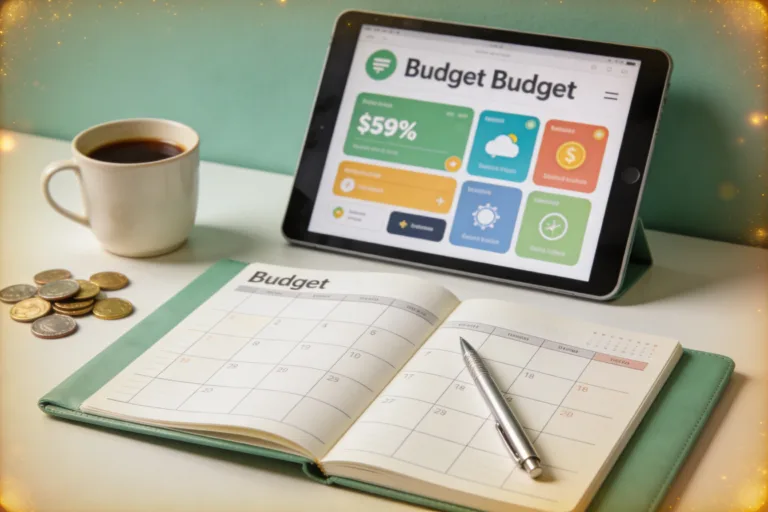
Who needs a big spreadsheet slog when you can have a Budget Planner that actually feels like a teammate? If you’ve ever stared at a pile of numbers and wished for a gadget that peels the suspense off budgeting, you’re in the right orbit. Budget planners and spreadsheets both aim to tame your money, but which one actually fits your vibe? Let’s dissect them like you’d dissect a messy coffee order—without the drama.
What a Budget Planner actually does for you
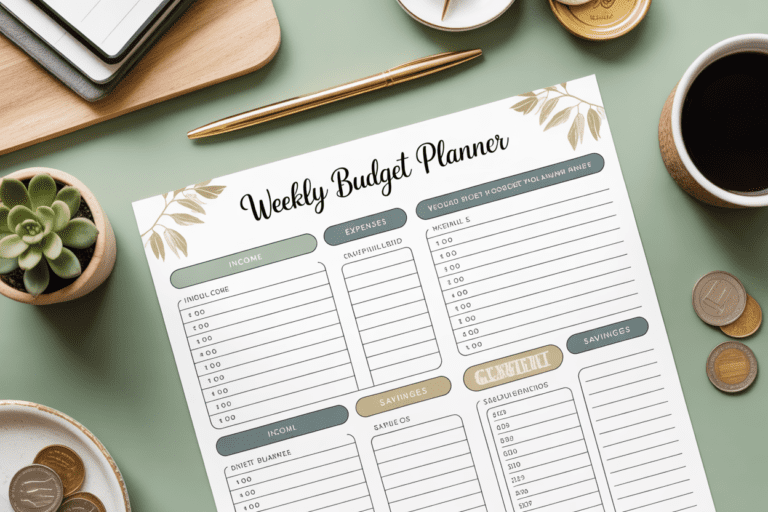
A budget planner is a tool designed to help you set goals, track income and expenses, and see where your money is headed—without requiring you to build every little formula from scratch. Think of it as a guided money buddy that asks the right questions and fills in the blanks.
– It helps you categorize expenses quickly.
– It often includes goal tracking (pay off debt, save for a trip, emergency fund).
– It can automate some of the grunt work, like syncing transactions or pulling in pay stubs.
If you want a clear road map for your money, a good budget planner makes it feel doable. It’s not just about counting pennies; it’s about creating a plan you actually want to follow.
What a spreadsheet brings to the table
Spreadsheets are the Swiss Army knife of finance tools. They’re flexible, powerful, and a little intimidating if you’ve never built a formula before. Here’s what they’re great at.
– Absolute control: you decide every category, every formula, every chart.
– Customization galore: from amortization schedules to debt snowballs, you can tailor it to your exact situation.
– Scalable complexity: start simple, add layers as you grow more confident (or as your finances get gnarly).
But the flip side? They require time, patience, and a willingness to tinker. If you’d rather not ride a spreadsheet rollercoaster, this can feel daunting.
Speed vs. precision: which matters more?

There’s a trade-off between speed and precision. A budget planner typically gives you a quick, readable snapshot. It’s the lay-of-the-land, not a microscope. Spreadsheets, meanwhile, offer precision and depth—if you’re into digging into the numbers.
– Quick wins: Budget planners often auto-summarize, highlight overspending, and provide nudges to save.
– Deep dives: Spreadsheets let you recreate every scenario. What if I increase savings by 5%? What if rent goes up 2% next year? You can model it all.
Ask yourself: do you want fast clarity or endless “what if” experiments? If you’re in a hurry to regain control, a planner wins. If you love experiments and number-crunching, a spreadsheet wins.
Which one fits your habit style?
Your budgeting habit—whether you’re a “set it and forget it” person or a “fun with numbers” nerd—drives the decision.
– If you hate repeating data entry and crave reminders, a budget planner with syncing and alerts probably sticks better.
– If you enjoy tweaking things, color-coding categories, and building custom dashboards, a spreadsheet is your playground.
FYI, your budget should feel like a friend, not a foe. If a tool makes you procrastinate, swap it out.
Cost, access, and setup frictions
Cost matters, but it’s not everything. Let’s break it down simply.
– Budget planners: often subscription-based or included in financial apps. Some offer free tiers with core features.
– Spreadsheets: Google Sheets and Excel are ubiquitous. You mostly pay with time to learn, not money.
– Setup: Planners tend to be quick to light up and start tracking. Spreadsheets can be quick or long, depending on how customized you want it.
If you’re strapped for cash, you can start free with a planner’s basic tier or a simple template in Google Sheets. If you’re ready to invest in long-term clarity, a planner with autofill and reminders might pay off faster.
Reliability, accuracy, and data integrity
Trusting your numbers is non-negotiable. Here’s how the two compare.
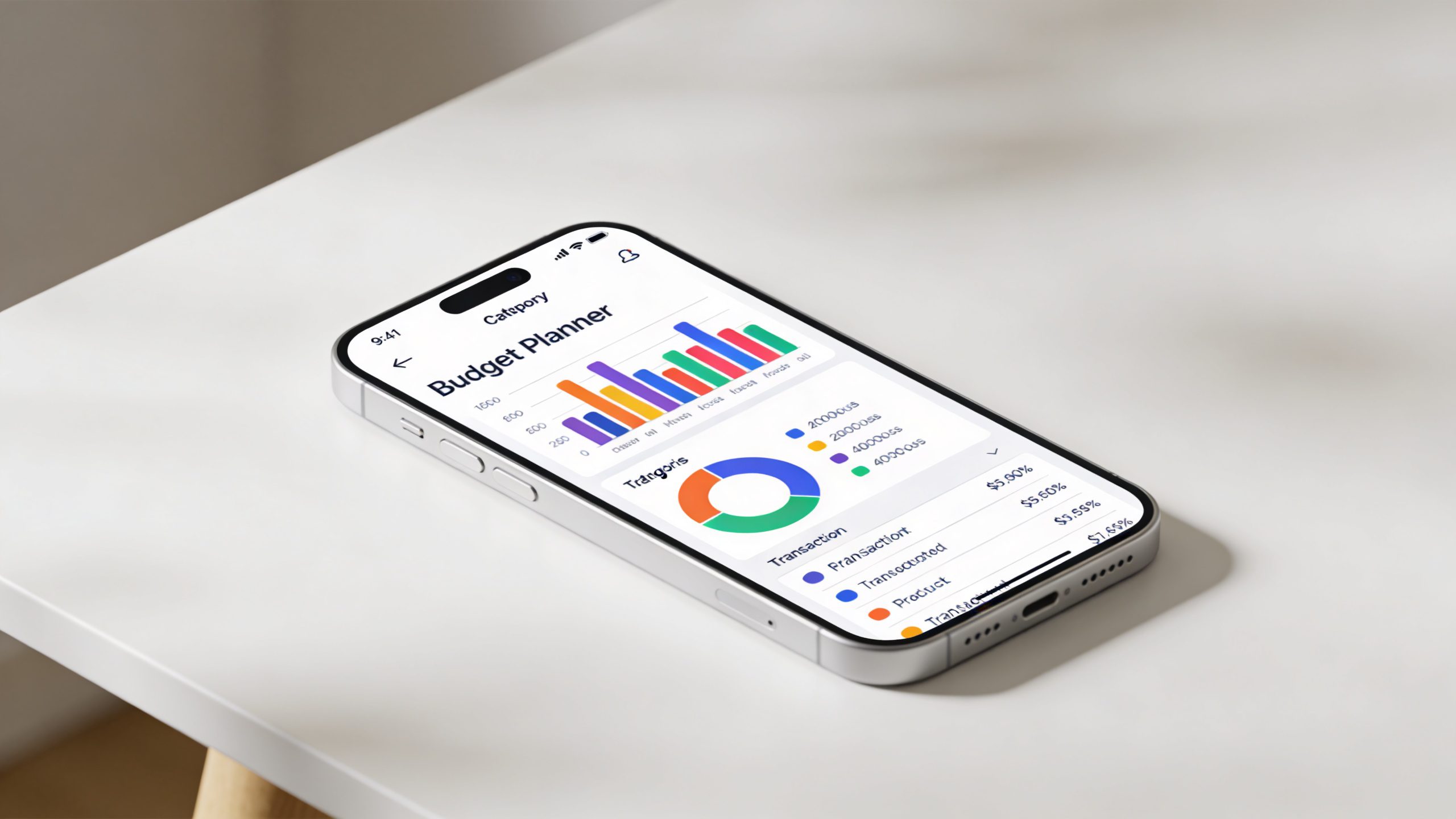
– Budget planners often pull data from connected bank feeds or manual entries. They’re pretty reliable for high-level trends and goals, but you’re still trusting the data source.
– Spreadsheets give you transparency. You see every formula, every cell reference, and you can audit anything. If something looks off, you can trace it.
Bottom line: both can be accurate if you feed them clean data. The difference is in how much you trust the chain of custody and how much you want to poke around.
Practical ways these tools handle common money moments
Let’s talk about real-life scenarios you’ll actually face.
Tracking irregular income
– Budget planner: Many plans let you log varying pay amounts, bonuses, or side gigs and automatically adjust budgets.
– Spreadsheet: You can model irregular income with formulas, but you’ll need to remember to update it every month.
Planning large purchases
– Budget planner: You’ll often set a goal, estimate timeline, and get visual progress bars. Fear not the “goal achieved” victory dance.
– Spreadsheet: You can run multiple timing scenarios and sensitivity analyses (what if prices go up 10%?).
Debt payoff strategies
– Budget planner: Some have built-in debt calculators and suggested payment plans.
– Spreadsheet: You can create a debt snowball or avalanche model with precise payoff dates.
Savings and emergency fund goals
– Budget planner: Auto-categorization and reminders help you stay on track.
– Spreadsheet: You can track by month and project long-term growth with compounding assumptions.
Security and privacy concerns
We’re not doom-scrolling here, but a quick reality check helps.
– Budget planners: If you’re syncing bank data, you’re sharing credentials with the app. Use reputable providers, enable two-factor authentication, and review permissions.
– Spreadsheets: Local files feel safer, but cloud versions have your data in the wild too. It’s about how you store and who has access.
If you’re juggling sensitive information, consider a planner with strong privacy promises or keep your most sensitive data out of any online tool and solve with local templates.
What I actually use (and why you might too)

Two friends, two budgets, same goal: be stupid-good with money without losing sleep.
– I started with a simple budget planner to get the lay of the land. It gave me quick wins and a sense of momentum.
– Later, I brought in a spreadsheet to model a couple of big changes (salary bump, mortgage refi, future investments). It gave me the horsepower I craved.
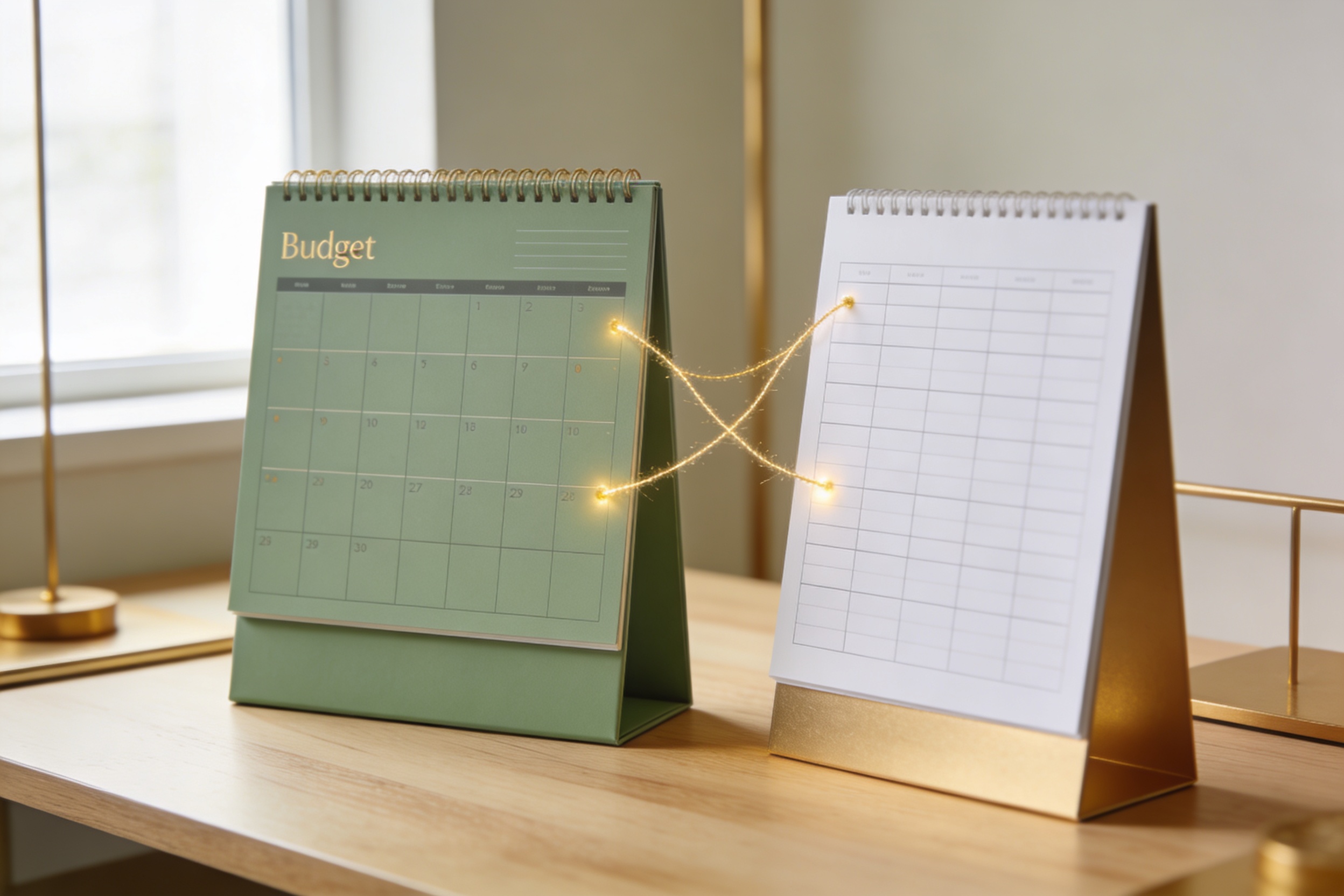
The trick isn’t choosing one and never looking back—it’s pairing them. Use the planner for day-to-day sanity and the spreadsheet for big decisions. IMO, this hybrid approach works for most people.
How to pick the right tool for you in 5 steps
– Step 1: List your must-haves. Do you need bank syncing, debt payoff planning, or goal tracking?
– Step 2: Check your comfort level with setup. Do you want something plug-and-play or something you can customize deeply?
– Step 3: Consider your budget. Do you prefer a free tool, or are you willing to pay for automation and support?
– Step 4: Think about collaboration. Will you budget with a partner or coach? Pick something with sharing features.
– Step 5: Try a test run. Use a 14-day free trial or a basic template for a month. If it sticks, great; if not, swap it out.
FAQ
Do I need a budget planner if I already use a spreadsheet?
Yes, you can get a lot from a planner, especially if you want automation and guided goals. A planner can handle the daily drudge while your spreadsheet handles the heavy lifting and scenario planning. FYI, you don’t have to abandon one for the other—mix and match as needed.
Are budget planners secure with my bank data?
Security varies by provider. Look for strong encryption, transparent data policies, and the option to disable bank syncing. Use two-factor authentication and review connected accounts regularly. If you don’t feel confident, stick to manual entries or offline templates.
Can a spreadsheet do everything a planner can do?
Spreadsheets can do almost anything, but they require more setup and ongoing maintenance. If you love tweaking and modeling, a spreadsheet is unbeatable. If you want rapid results with fewer clicks, a planner wins.
What about collaboration with a partner or family?
Budget planners often excel here with shared wallets, real-time updates, and role-based access. Spreadsheets also support sharing, but you’ll manage permissions yourself, which can be a tiny headache. If you want frictionless teamwork, start with a planner that supports multi-user access.
Is there a learning curve I should expect?
Yes, for spreadsheets, there’s a steeper curve because you’re building things yourself. For budget planners, the curve is usually shorter—think onboarding flow, guided setup, and simple dashboards. If you’re tech-averse, a planner is friendlier.
Conclusion
Choosing between a budget planner and a spreadsheet isn’t a strict binary decision. It’s about your rhythm, your goals, and how much you enjoy fiddling with formulas versus enjoying a clean, guided view of your money. A planner fires up momentum fast, with day-to-day wins and reminders that actually nudge you toward consistency. A spreadsheet gives you ultimate control, a sandbox for experiments, and the ability to tailor every last nuance to your unique financial situation.
If you’re undecided, try this hybrid approach: start with a budget planner to get your bearings and build a few simple dashboards. Then, bring in a spreadsheet for specific scenarios you want to stress-test—like a big career move, a kid going to college, or a mortgage decision. You’ll get the best of both worlds: clarity plus power.
Remember, the goal isn’t perfection; it’s sustainable progress. Your future self will thank you for choosing something you actually stick with. So pick a tool, commit for 30 days, and see how your numbers feel. Could be the start of a money relationship that actually sticks—no more budgeting burnout. You’ve got this.