Budget Planner to Help You Stick to Your Budget
You want to stick to a budget, but numbers make your eyes glaze over and apps feel like yet another thing to babysit. Try a planner. A simple, physical (or digital) planner can turn money management into something you actually enjoy—like checking off a to-do list that pays you back. Let’s turn your planner into a budget boss and make your money behave, finally.
Why a Planner Works When Apps Don’t
You move money with your hands and brain when you write things down. That combo builds awareness, and awareness makes you pause before spending. A planner also puts your budget in your face, not buried in an app you open only after a spending spree.
Plus, you customize it. Want color-coding, stickers, and bold reminders to “stop buying iced lattes”? Go for it. Want clean, minimal lines? Same. The best budgeting system is the one you’ll actually use—and a planner gives you permission to tailor the process.
Set Up Your Planner Like a Money Dashboard
You’ll create a few recurring pages that you revisit weekly and monthly. Think of your planner as a financial cockpit. You don’t need fancy inserts. A blank notebook works perfectly.
Your Core Pages
- Monthly Money Map: One page for income at the top, fixed bills on the left, variable categories on the right, and savings goals at the bottom.
- Weekly Check-ins: Spend five minutes logging purchases and adjusting categories.
- Transaction Log: A running list of expenses—just the basics: date, category, amount, notes.
- Sinking Funds Tracker: Long-term categories like holidays, car maintenance, travel. Track contributions and balances.
- Debt and Savings Progress: A visual tracker (bars, boxes, or little coffee cups you color in—your call).
Pro Setup Tips
- Color-code categories: Green for savings, orange for food, blue for bills. Visual cues save your brain.
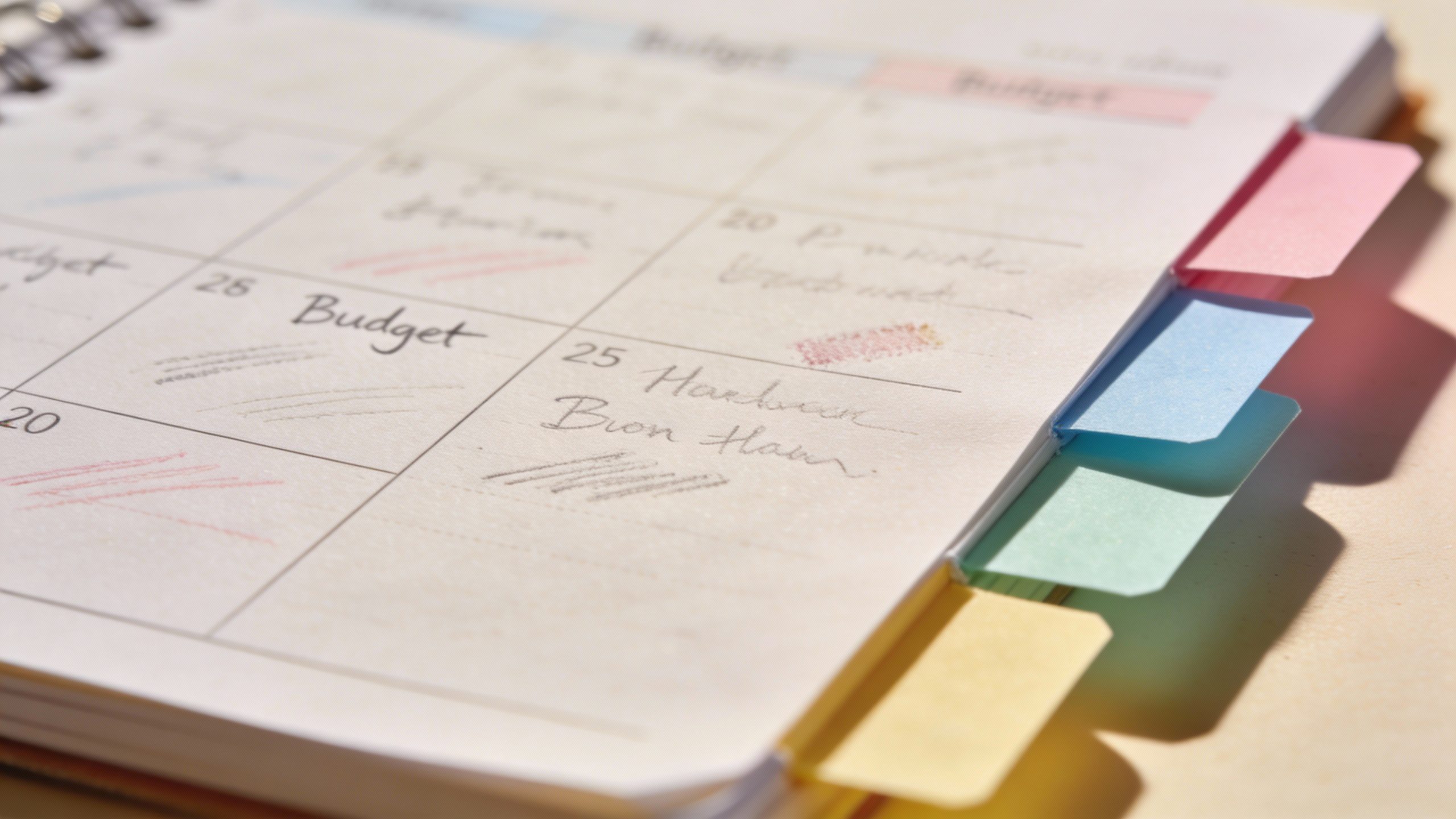
- Use sticky tabs: Mark the monthly page and transaction log so you flip to them fast.
- Keep it all in one spot: Pen, planner, calculator. Remove friction so you actually use it.
Map Your Money Before the Month Starts
A budget isn’t a jail cell. It’s a plan you tweak as you go. But first, you’ll set your starting point. You do this once per month—ideally a few days before the first.
Step 1: Forecast Income
Write down your expected income. Use the lowest realistic number if income varies. Underestimate income, overestimate expenses. That combo gives you wiggle room.
Step 2: List Fixed Bills
These don’t change much:
- Rent/Mortgage
- Utilities (average if they vary)
- Insurance, subscriptions
- Minimum debt payments
Total those. You’ll pay these first. Boring, but essential.
Step 3: Set Variable Categories
These shapeshift, so you give them limits. Examples:
- Groceries
- Dining out
- Gas/Transit
- Fun/Misc
- Personal care
- Pets
Look at last month’s habits to set realistic caps. If you spent $500 on groceries, don’t budget $250 and hope. Hope doesn’t pay the bill.
Step 4: Fund Your Goals
Decide your “why.” Want an emergency fund? A vacation? Debt freedom? Assign amounts now. Even $25 counts. Small contributions win long games.
Step 5: Choose a Money Method
You’ll need a rule of engagement so you don’t spend your fun money on a Tuesday and eat beans for dinner the rest of the month.
- Zero-based budget: Every dollar gets a job. Your total income minus allocations equals zero. IMO, this works best with a planner.
- 80/20 split: 80% for needs/wants, 20% for savings/debt. Simple and flexible.
- Category-first: Fund bills and savings first, then divide the leftovers among wants.
Weekly Check-ins: Where the Magic Happens
If you skip this, your budget melts. Block 10 minutes once a week. Sunday afternoons work great, or pick a day you usually chill. Put it in your planner like an appointment you never cancel.
What to Do During a Check-in
- Log transactions: Update your transaction log with the week’s spending. Be honest. The planner does not judge.
- Reconcile categories: Subtract what you spent from each category’s balance. Leftover money gets a happy face. Overages get a plan.
- Adjust in real time: Overspent dining out? Move $20 from “Fun” or “Clothes.” You control the dials.
- Note upcoming expenses: Birthdays, oil changes, annual fees. Prepare now so future-you doesn’t panic.
- Celebrate tiny wins: “Didn’t impulse-buy at Target.” That’s a gold star moment.
When You Overspend
It happens. You’re human. The fix:
- Acknowledge it without drama.
- Shift from a lower-priority category.
- Reduce next week’s discretionary spending.
- Write a quick note: “Ordered takeout twice—next week, prep lunches.”
The note isn’t shame. It’s data. Data helps you make better choices.
Use Sinking Funds Like a Pro
Sinking funds are mini-savings buckets for known-but-not-monthly costs. They prevent budget ambushes. If you’ve ever cried at car repair bills, you need sinking funds.
Common Sinking Funds
- Car maintenance
- Gifts/holidays
- Medical/dental
- Travel
- Home repairs
- Annual subscriptions
How to Calculate Contributions
- Estimate the annual cost (e.g., $600 for car maintenance).
- Divide by 12 (that’s $50/month).
- Add the monthly amounts to your budget.
- Track deposits and spending in your planner.
You can keep the money in a separate savings account or one account with a categorized tracker. The planner keeps your categories straight either way.
Cash, Cards, or Hybrid? Pick Your Fuel
You don’t need to turn into a cash-stuffing YouTuber to make a planner system work. But choosing your payment style helps you stick to limits.
All-Cash Envelopes
You withdraw cash and assign bills to envelopes by category. When an envelope runs out, you stop. It’s visual and effective, especially if swiping cards tempts you. Downside: ATM trips and the occasional “I forgot my envelope” drama.
Card + Planner Hybrid
Use one debit/credit card for variable spending, then log receipts in your planner. Set a weekly cap and check it during your weekly review. IMO, this method balances convenience with accountability.
Digital-First, Planner-Logged
If you love spreadsheets or apps, use them for the math and your planner for decisions and reminders. The tactile act of writing keeps you engaged, even if the totals live online.
Make It Fun (Yes, Fun)
You’ll stick with your budget if it feels rewarding. Your planner can help gamify everything.
Ideas to Keep You Motivated
- Turn goals into visuals: Draw 20 boxes for a $2,000 emergency fund. Color one box for each $100 saved.
- Use “no-spend” trackers: Mark X’s for days you spent nothing discretionary. Aim for streaks.
- Reward milestones: Every time you hit a savings target, plan a small treat that fits the budget.
- Theme months: “Pantry Challenge” in February, “Fuel-Efficient June,” “Subscription Audit September.”
- Financial affirmations: Corny? Maybe. Effective? Also yes. Write “I make smart money moves” at the top of your monthly page.
Handle Irregular Income Without Chaos
If your paycheck fluctuates, the planner becomes your stabilizer. You’ll create a “baseline budget” and a priority list.
Build a Baseline
List your non-negotiables:
- Housing and utilities
- Groceries and transport
- Minimum debt payments
That’s your survival budget. Fund that first every month.
Create a Priority Ladder
After the baseline, rank categories in order:
- Emergency fund
- Insurance and sinking funds
- Extra debt payments
- Wants and upgrades
When a “fat” month hits, climb higher on the ladder. When it’s lean, stick to the base. Write this ladder on a dedicated planner page so you never panic.
Common Pitfalls and How to Dodge Them
Let’s call out the usual suspects, because they love sneaking in.
Pretending Small Purchases Don’t Count
They do. Log the $4 coffee. Money leaks sink boats. Your planner catches leaks fast.
Budgeting for a Fantasy Version of You
Fantasy You cooks every night and never orders pizza. Real You, however, meets friends and gets tired. Budget for Real You. Add a small “cushion” category so unexpected things don’t nuke the plan.
Skipping Check-ins “Just This Once”
That turns into three weeks and a mystery credit card bill. Schedule a recurring planner reminder and treat it like brushing your teeth.
Going All or Nothing
Blew the grocery budget? Cool. Adjust, don’t quit. Consistency beats perfection.
Monthly Review: Close the Loop
At the end of the month, sit down with your planner and a drink of choice—tea, wine, sparkling water, whatever your vibe. This quick debrief locks in progress and preps the next month.
What to Review
- Totals: Income vs. spending vs. savings. Did you hit your zero-based goal or your 80/20 split?
- Category accuracy: Which categories felt tight or loose? Adjust next month’s numbers.
- Wins: List three. Seriously. Your brain needs them.
- Lessons: Write one sentence for what you’ll do differently. Keep it practical.
- Forward look: Note big dates next month—trips, birthdays, renewals.
FYI, this review will make you feel like a CFO in pajamas.
FAQ
Do I need a special budgeting planner, or will any notebook work?
Any notebook works. A lined or dotted journal gives you flexibility to create custom layouts. Pre-printed budgeting planners can help if you like structure, but don’t let buying the “perfect” planner delay you. Start now with what you have and upgrade later if you want.
How long until this feels natural?
Give it 2-3 months. The first month sets the baseline, the second improves your categories, and the third feels smoother. By month three, you’ll anticipate expenses and adjust without stress. The habit sticks because you baked it into your weekly routine.
What if my partner and I budget together?
Use one shared monthly page and two separate weekly check-in pages. Agree on bill priorities and savings goals together, then give each person a discretionary allowance. Meet once a week for 10 minutes to review the joint categories. Less friction, more teamwork.
How do I track cash spending without losing my mind?
Keep a mini index card or a sticky note tucked in your planner. Jot amounts as you spend, then transfer them to your transaction log during your weekly check-in. Or snap a photo of receipts and batch-log once a week. Simple beats perfect every time.
Can I use a digital planner instead?
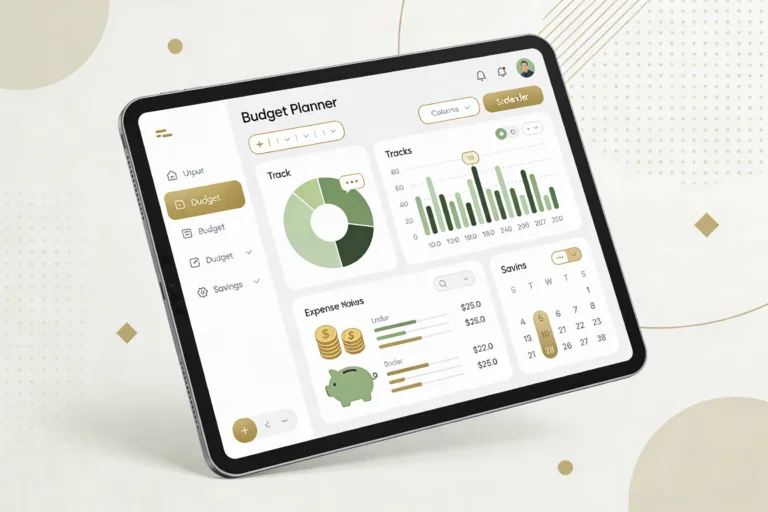
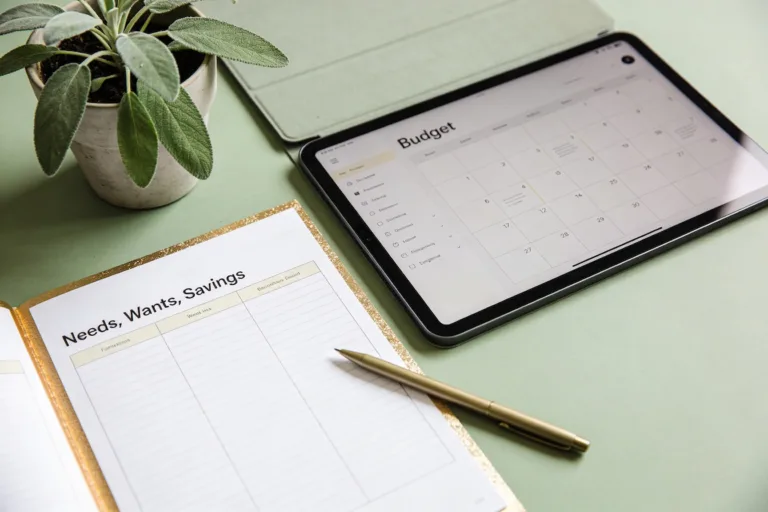
Absolutely. A tablet with a stylus gives you the handwriting benefits with the convenience of duplication and search. Create templates for monthly and weekly pages. Just keep notifications off during check-ins so you don’t wander into social media land.
What if I keep forgetting to update my planner?
Tie it to an existing habit. Example: after your Sunday coffee, you spend 10 minutes on money. Set a repeating calendar alert and put your planner somewhere obvious—kitchen counter, desk, or next to your coffee maker. If you miss a week, don’t spiral—pick it up again at the next check-in.
Conclusion
A planner turns budgeting from a vague intention into a visible, daily practice. You see your money, you touch it on paper, and you tweak it before it runs off. Start with a simple monthly map, do quick weekly check-ins, and use sinking funds to calm the chaos. With a few pages and a pen, you’ll steer your money like a pro—no spreadsheet PhD required, IMO.