Simple Budget Planner for Busy People With No Time to Track
You don’t need a six-figure salary or a finance degree to get your money under control. You need tools that respect your time, don’t confuse you, and actually make saving feel doable. That’s what budget planners do when they’re built right. Let’s skip the fluff and get you the best budget planner that fits your life, your brain, and your coffee-fueled schedule.
What Makes a Budget Planner “Busy-Person Approved”
You juggle meetings, chores, side quests, and the occasional attempt at sleep. Your budget planner should help, not nag. So what counts as busy-friendly?
- Fast setup: You get started in minutes, not a weekend.
- Automation where possible: Bank sync, auto-categorizing, reminders.
- Mobile-first: You track on the go, in line at the grocery store.
- Clear visuals: Charts that make sense at a glance.
- Simple rules: No 47-step systems. Keep it crisp.
- Low cognitive load: It should cheer you on, not exhaust you.
Sound obvious? You’d be surprised how many “planners” ignore all of this and invent a new language for your money. Hard pass.
Best Digital Budget Planners for People With No Time
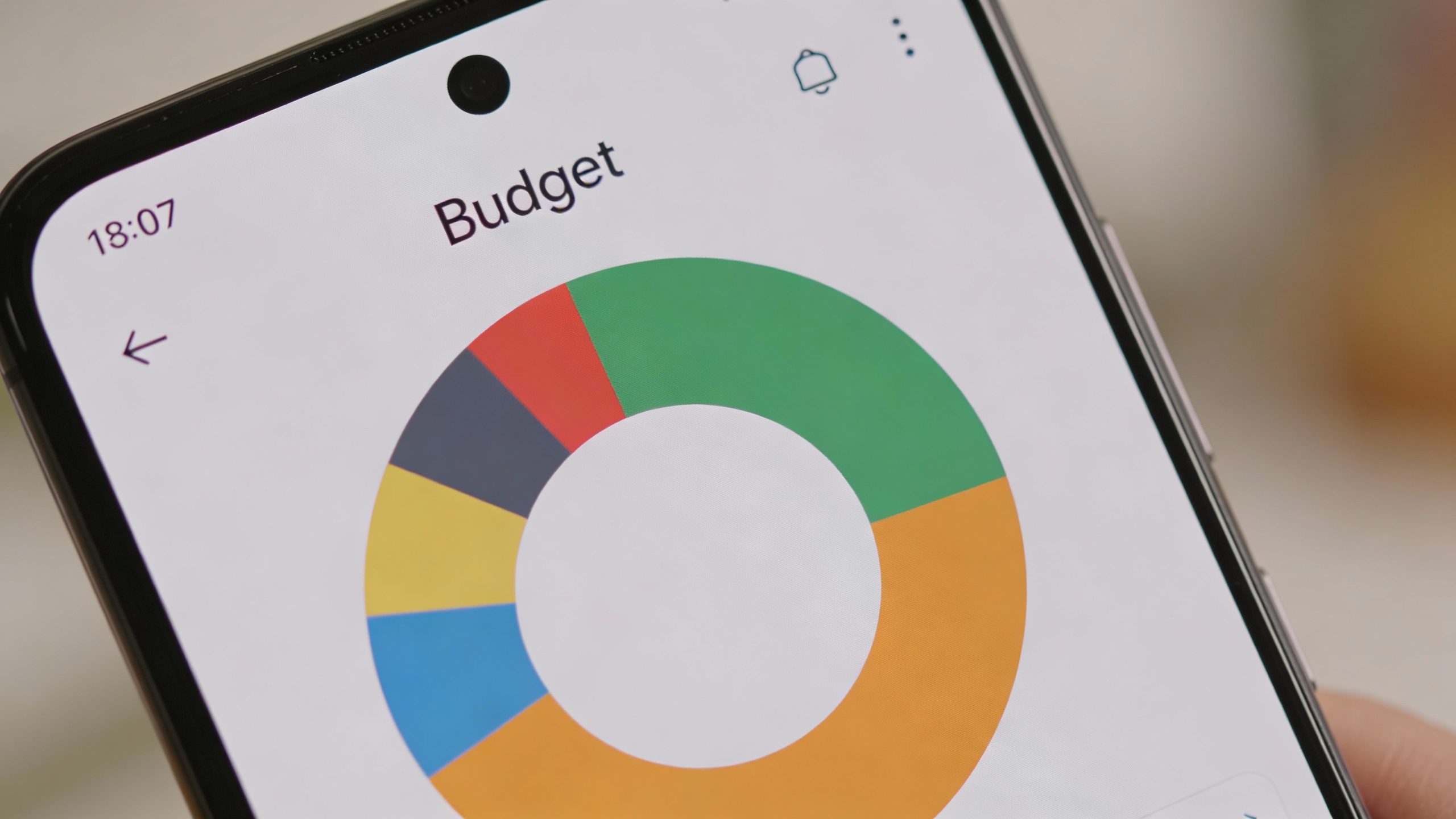
Digital planners win for busy folks because they handle the math, sync with your accounts, and nudge you before disaster strikes. Here are the heavy hitters and who they’re for.
YNAB (You Need A Budget) — For the “Tell Me What To Do” Crowd
YNAB gives every dollar a job. It forces you to plan ahead, and yes, it’s bossy—in a good way. You move money between categories as reality happens (because it always does).
- Best for: People who want structure and don’t mind a little tough love.
- Why it works: Real-time allocations, super clear goals, and it handles irregular expenses like a champ.
- Time cost: 10 minutes to set up, a few minutes a day to check in.
- Downside: Subscription cost and a short learning curve. But IMO, it pays for itself if you follow it.
Mint Alternatives (Since Mint Retired): Monarch Money and Rocket Money
If you loved Mint’s “pull in everything, show me the picture” approach, these are your go-tos.
- Monarch Money: Clean design, great cash flow views, shared budgets for partners. More automation, fewer headaches.
- Rocket Money: Subscription tracking and negotiated bill savings. It’s like a budget plus a bouncer for sneaky charges.
Best for: People who want a dashboard and minimal manual work.
Downside: Less hands-on planning than YNAB, so it can feel “summary-only” unless you set goals intentionally.
EveryDollar — For Simple, Zero-Based Budgeting Without the Tech Clutter
EveryDollar keeps it very straightforward. You plan where each dollar goes. The free version is manual; the paid version adds bank syncing.
- Best for: Beginners and folks who want minimal features.
- Why it works: Fast setup, simple month-by-month planning.
- Downside: Fewer analytics and automations; manual entry in the free tier can be a dealbreaker for the ultra-busy.
Spreadsheets That Don’t Make You Cry: Tiller
Tiller feeds your bank data into Google Sheets or Excel, then applies templates. You get control plus automation. If you like customizing but hate CSV drama, this is for you.
- Best for: Spreadsheet fans who want auto-feeds and flexible reports.
- Why it works: Customizable categories, smooth dashboards, great for couples or small businesses.
- Downside: You still need to tweak and maintain. If you hate sheets, skip it.
Paper Budget Planners That Actually Work
Digital isn’t your vibe? Paper planners still slap, especially for mindful spending. The trick is using a layout that removes friction.
Clever Fox Budget Planner
Goal-oriented pages, category breakdowns, debt and savings trackers, plus monthly reviews. It’s basically guided journaling for your money.
- Best for: Visual thinkers and pen-and-paper fans.
- Why it works: Structured prompts, monthly check-ins, and a compact size you’ll actually carry.
- Downside: Manual tracking takes time. Snap pics of receipts or you’ll fall behind.
Happy Planner Budget Edition
You get calendar spreads, sticker-friendly layouts, and customizable inserts. If you live and die by your planner, this integrates well.
- Best for: People who want money planning next to schedule planning.
- Why it works: You tie spending to real-life events—way more realistic than abstract budgets.
- Downside: Can get cutesy and cluttered if you don’t keep it tight.
Envelope Systems, Modernized
The classic envelope method still slashes overspending. Use a compact accordion folder or cash envelopes labeled by category.
- Best for: Overspenders who need a physical stop sign.
- Why it works: When the envelope’s empty, game over. You literally can’t overspend.
- Downside: Less practical for online purchases. You’ll need a digital hybrid.
How to Pick Your Budget Planner in 60 Seconds
You don’t need a personality quiz. Ask yourself these quick questions and pick your fighter.
- Do you want automation? Go YNAB, Monarch, Rocket Money, or Tiller.
- Hate subscriptions? EveryDollar free or a paper planner. Tiller and YNAB cost money but save time—trade-offs are real.
- Need strict guardrails? YNAB or cash envelopes.
- Like tweaking layouts? Tiller or a customizable paper system.
- Budget with a partner? Monarch or YNAB for shared visibility; Clever Fox for joint reviews.
FYI: The “best” tool is the one you’ll use when you’re tired and hungry. If it feels heavy, you won’t touch it. Keep it light.
Set It Up Once, Then Let It Run
The trick isn’t perfection. It’s consistency. Here’s a quick setup flow that works across apps and paper.
5-Step Fast Setup
- List fixed bills: Rent/mortgage, utilities, subscriptions, debt. Those are your non-negotiables.
- Pick 5–8 categories max: Groceries, eating out, transport, fun, savings, debt extra, miscellaneous. Keep it lean.
- Create a “True Expenses” bucket: Annual stuff like car insurance, gifts, travel. Divide by 12 and fund monthly.
- Set one savings target: Emergency, house, or debt payoff. Not five. One.
- Decide review cadence: Weekly 10-minute check-in. Monthly 20–30-minute reset. That’s it.
Automation Moves That Save You Hours
- Auto-transfer savings the day after payday. You won’t miss what you never see.
- Auto-pay fixed bills to avoid late fees. Then review once a month for surprises.
- Text reminders for your weekly check-in. Calendar it like any other meeting.
- Round-up savings if your bank offers it. Free drip-feed to the emergency fund.
Real-World Budget Templates You Can Steal
You don’t need creativity to budget. Steal a template and go.
The Ultra-Busy “Bare Bones” Budget
– Income
– Fixed Bills (rent, utilities, phone, internet, subscriptions)
– Essentials (groceries, gas/transport)
– Sinking Funds (car, gifts, travel)
– Fun Money
– Savings/Debt Extra
Why it works: Few categories, easy to scan, fast to adjust.
The Side-Hustle Budget
– Day Job Income
– Side Income (separate)
– Taxes (30% of side income—transfer immediately)
– Business Expenses (gear, software, fees)
– Reinvestment Fund
– Personal Budget (as above)
Pro tip: Keep side-hustle money in a separate account so you don’t blur business and burrito.
The Family Budget
– Household Income (shared)
– Joint Bills (mortgage, utilities, childcare)
– Groceries + Household
– Transportation
– Kids (activities, school, clothing)
– Sinking Funds (medical, car, gifts, home repairs)
– Individual Fun Money (yes, both of you)
Why it works: Shared clarity but personal freedom. Fewer arguments, more teamwork.
Common Mistakes That Torch Your Time
Let’s avoid the traps that make budgeting feel like a part-time job.
- Too many categories: If you need a legend, you’ve gone too far.
- “Catching up later”: You won’t. Do 2-minute updates while you remember.
- No buffer for surprises: Build a miscellaneous line and true expenses. Life happens; budget for it.
- Ignoring the calendar: Track irregular months (holidays, travel, annual renewals).
- Using last month’s money during this month: YNAB solves this by design; otherwise keep a one-month buffer goal.
How to Stay Motivated When You’d Rather Do Anything Else
– Gamify it: 10 no-spend days this month gets you a guilt-free treat.
– Micro-wins: Round up debt payments by $10–$25. It adds up faster than you think.
– Visual progress: Track a single graph: emergency fund growth or debt downtrend.
– Make it social: Share milestones with a friend. Peer pressure, but wholesome.
My Top Picks (IMO) by Situation
No hemming and hawing—here’s the short list.
- Best overall for busy people: YNAB. Structure + flexibility, superb for unpredictable expenses.
- Best “Mint-style” dashboard: Monarch Money. Beautiful overview, strong goals, easy for couples.
- Best bill-busting assistant: Rocket Money. Kills useless subscriptions and negotiates bills.
- Best for spreadsheet brains: Tiller. Automation meets customization.
- Best paper planner: Clever Fox. Guided layouts that keep you honest.
- Best free and simple: EveryDollar (manual). Add bank sync only if you need it.
FYI: If you can try a free trial, do it. A week with two different tools beats hours of reviews.
FAQ
How much time should budgeting take each week?
Plan for 10 minutes on a weekly check-in and 20–30 minutes at month-end. That’s it. If your system needs more than that, it’s either too complex or you’re over-categorizing. Trim it down.
Is it better to do zero-based budgeting or a 50/30/20 split?
Both can work. Zero-based (every dollar has a job) gives more control and usually faster progress. The 50/30/20 split is easier and great for beginners. If you feel overwhelmed, start with 50/30/20 and switch to zero-based when you want more precision.
What if my income is irregular?
Build a one-month buffer first. Budget based on your lowest expected income, then add extras only after you get paid. Tools like YNAB shine here because they handle variable income without drama.
Do I need separate accounts for sinking funds?
Nope. You can track sinking funds inside your planner and keep one savings account. Separate accounts can help psychologically, but they’re not required. Do whatever makes you stick with it.
How do I budget as a couple without fighting?
Create a joint budget for shared bills and goals, plus individual “no-questions-asked” fun money. Have a 15-minute weekly sync and a 30-minute monthly review. Use a shared tool like Monarch or YNAB so both of you see the same numbers.
What’s the fastest way to cut expenses without misery?
Attack the big three: housing, transportation, and food. Renegotiate internet and phone, cancel zombie subscriptions, and set a default meal plan for weekdays. Keep one or two treats so you don’t rebel—budgeting without joy doesn’t last.
Conclusion
The best budget planner for busy people isn’t the fanciest—it’s the one that gets out of your way and keeps you moving. Start simple, automate what you can, and pick a tool that matches your brain. You’ll make progress faster than you think, and hey, future you will be very smug about it. IMO, try one digital and one paper method for a week each. Whichever you still touch by Friday? That’s your winner.