Best Beginner Budget Planner: Step-by-Step Guide for Smart Money Planning
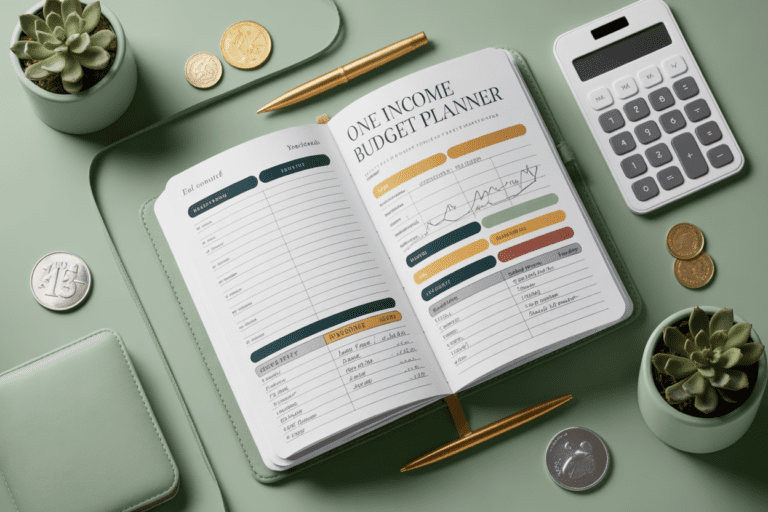
Money stress doesn’t magically fix itself—you need a plan. The good news? You don’t need a finance degree or a color-coded spreadsheet that looks like NASA telemetry. You just need a simple budget planner that you’ll actually use. Let’s cut the fluff and find the best beginner-friendly options this year—paper, digital, and hybrid—so you can get your money organized without losing your sanity.
How to Pick a Budget Planner That Won’t Collect Dust
You’ll stick with a planner if it fits your life, not someone else’s. You want something that matches your personality, your money style, and your patience level. FYI: perfection kills progress—choose “easy” over “ideal.”
- Ease of use: If it takes more than 10 minutes to set up, you’ll bail.
- Visibility: You need clear monthly and weekly views, plus a place for goals.
- Cash vs. digital: If you tap-to-pay all day, digital sync helps. If cash envelopes calm your chaos, go analog.
- Habit-building: Look for checklists, trackers, and small wins baked in.
- Portability: Will you actually carry it? Be honest.
Top Paper Budget Planners for Beginners
Paper works wonders for beginners because writing things down feels real. Also, no notifications popping off while you try to plan rent and ramen. IMO, these are the most beginner-friendly picks.
1) Clever Fox Budget Planner (Classic)
Why beginners love it: It guides you step-by-step with prompts for monthly goals, bills, expenses, debt, and savings. The layout forces clarity without nagging you.
- Best for: People who want structure and pretty pages
- Highlights: Monthly calendar, expense categories, debt trackers, review pages
- Heads-up: Limited space if your transactions look like a CVS receipt
2) The Budget Mom’s Budget by Paycheck Workbook
Why beginners love it: If you get paid weekly or biweekly, this plan splits your money by paycheck. It’s like training wheels for cash flow.
- Best for: People living paycheck to paycheck and getting organized
- Highlights: Paycheck breakdowns, sinking funds, cash envelopes
- Heads-up: It’s big—more desk companion than café notebook
3) Happy Planner Budget Edition
Why beginners love it: It’s customizable and fun, which keeps you coming back. Add or remove pages, stickers, and dashboards. Fun counts!
- Best for: Creative note-takers who love customization
- Highlights: Insert pages, monthly expense trackers, bill reminders
- Heads-up: You’ll be tempted to accessorize more than budget (ask me how I know)
Best Budgeting Apps for Absolute Beginners
If your wallet lives on your phone, start here. These apps help automate the boring parts—categorizing, tracking, and syncing—so you can focus on decisions.
1) Mint’s Successor: Credit Karma Money Tools
Why beginners love it: After Mint retired, Credit Karma filled part of the gap with spending insights and categorization. It’s free and shows trends at a glance.
- Best for: Basic tracking and “Where did my money go?” clarity
- Highlights: Automatic categorization, bill reminders, credit insights
- Heads-up: Not a full envelope system; ads exist
2) YNAB (You Need A Budget)
Why beginners love it: It teaches you to give every dollar a job. You learn to plan spending before it happens. It’s a habit-builder disguised as software.
- Best for: People ready to get serious and reduce money anxiety
- Highlights: Zero-based budgeting, goal targets, age-of-money metric
- Heads-up: Subscription fee; short learning curve but worth it IMO
3) EveryDollar
Why beginners love it: It’s clean, intuitive, and built for zero-based budgets. The free version works well; the paid one connects to your bank.
- Best for: People who want simple zero-based budgeting without tech overwhelm
- Highlights: Drag-and-drop categories, fast setup, clean visuals
- Heads-up: Bank sync sits behind a paywall
Hybrid Systems: The Best of Both Worlds
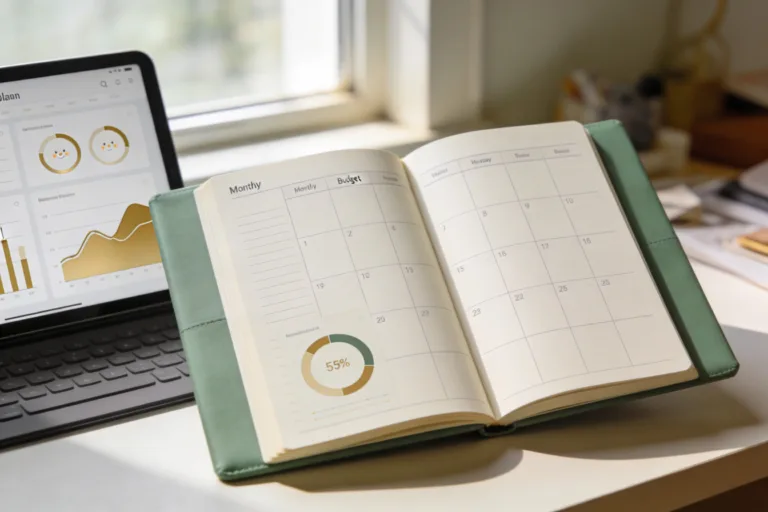
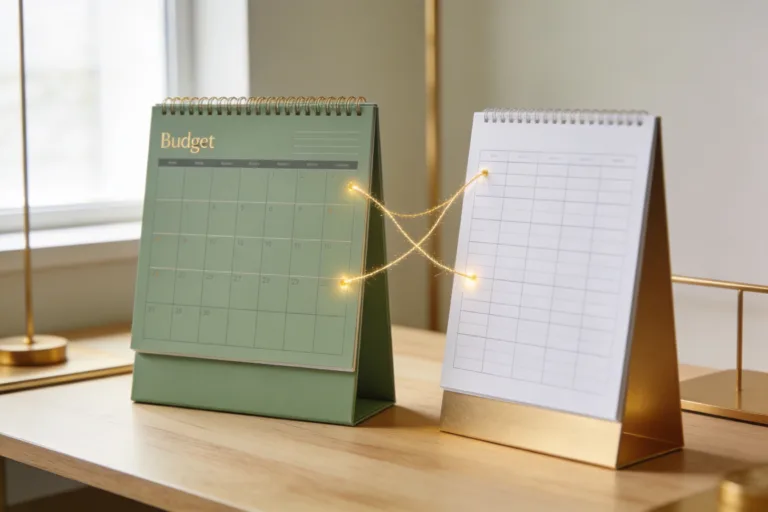
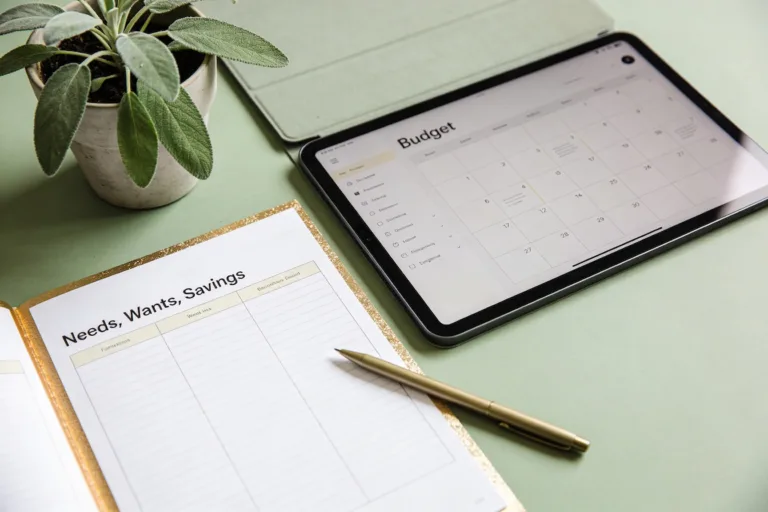
Some people think on paper but live on their phones. Hybrid systems let you plan monthly on paper and track transactions digitally. It’s oddly satisfying.
How to Set Up a Simple Hybrid Workflow
- Pick a paper planner for monthly goals, bills, and sinking funds.
- Use an app (YNAB or EveryDollar) for daily spending and categorization.
- Weekly check-in: Reconcile your app and adjust categories on paper.
- Monthly review: Celebrate wins, tweak problem categories, move on.
Must-Have Features for Beginner Budgeters
Don’t get dazzled by bells and whistles. You just need a few features that help you stick with it.
- All-in-one monthly view: Calendar + goals + bills in one spot
- Income planning: Especially if you have multiple paychecks or side gigs
- Category limits: So you can see “Fun money is gone” before DoorDash happens
- Debt and savings trackers: Progress bars make your brain happy
- Review prompts: What worked? What didn’t? What’s next?
Nice-to-Haves That Actually Help
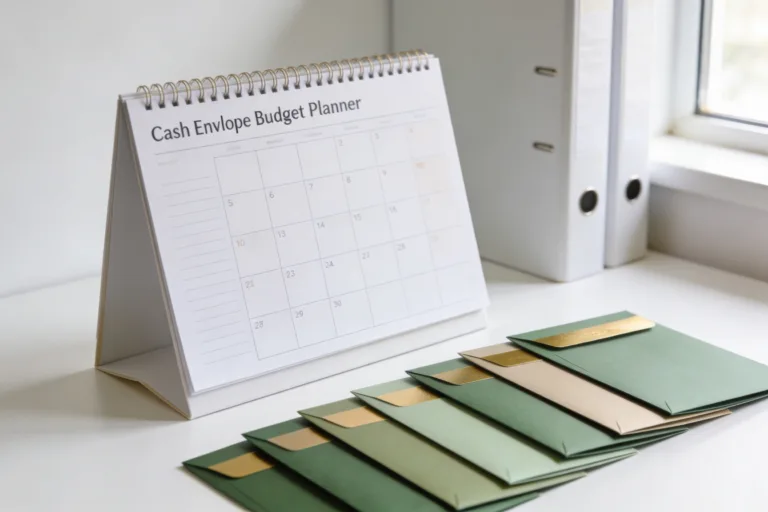
- Cash envelopes or digital equivalents for groceries, gas, and fun
- Receipts pocket or a quick photo-capture flow in your app
- Net worth snapshot once a quarter—you’ll see the needle move
Beginner Mistakes to Dodge (So You Don’t Quit)
You’ll make mistakes. Cool. Just avoid these classics so you don’t rage-delete your budget at 11 p.m.
- Going too strict: Leave buffer money. Life happens. So does pizza.
- Tracking fatigue: Automate what you can. Batch updates once a week.
- Skipping the review: The monthly recap is where the learning lives.
- Too many categories: Keep it simple: housing, food, transport, debt, fun, savings.
- No emergency fund: Even $500 reduces chaos. Start there.
Who Should Choose What? Quick Recommendations
- “I want hand-holding on paper”: Clever Fox Budget Planner
- “I budget by paycheck”: Budget by Paycheck Workbook
- “I want structure but make it cute”: Happy Planner Budget
- “I need automation and accountability”: YNAB
- “I want simple and fast”: EveryDollar (free version to start)
- “I just need basic tracking for free”: Credit Karma’s tools
FAQ
How much time should a beginner spend budgeting each week?
Aim for 20 minutes on Sunday. Do a quick category check, log a few transactions, and set one money goal for the week. You don’t need a financial retreat—just consistency.
Paper or app: which one helps you stick with it?
Whichever you’ll open without dread. Paper builds awareness fast; apps reduce friction. If you can’t decide, go hybrid for 30 days and keep whichever part you actually use.
Do I need cash envelopes to make this work?
Nope. Envelopes help if you overspend on variable stuff like food and fun. Digital “envelopes” in apps do the same job without carrying a stack of cash.
How many budgeting categories should I start with?
Keep it under 12 to avoid overwhelm. Core categories: housing, utilities, groceries, transport, debt, savings, personal, entertainment, health, subscriptions, giving, miscellaneous. You can add subcategories later.
What if my income changes every month?
Budget based on your lowest typical income and create a priority list: essentials first, then goals, then extras. When extra money hits, fund goals and sinking funds in order. Future you will be thrilled.
How do I make budgeting feel rewarding?
Track one quick win—paid off a card, hit a savings milestone, or stuck to groceries. Use progress bars, celebrate with low-cost rewards, and, IMO, rename categories to be fun. “Coffee Joy” beats “Cafes” any day.
Conclusion
You don’t need the “perfect” planner—you need the one you’ll use next week. Start simple, pick a tool that matches your brain, and commit to a weekly check-in. The best budget planner for beginners is the one that turns intentions into action—no guilt, just progress. Tiny steps, big difference. FYI: you’ve got this.